
AI Background Changer: New Backgrounds in Seconds
Use the AI background changer to upload a photo, choose a look, and download a clean cutout on a transparent, white, or custom background. Perfect for product shots, headshots, slides, and social posts—no design skills needed.

See How People Use Background Changer


Travel Blogger
Emma changes her hotel room selfie background to match the destination she's writing about, creating consistent content for her travel blog.


Restaurant Owner
Carlos replaces the busy kitchen background in his food photos with a clean, appetizing setting that makes dishes look more professional for his menu.


Freelance Designer
Maya changes her home office background to a modern studio look for client video calls and portfolio photos, projecting a more professional image.


Event Planner
Tom replaces the empty venue background in his setup photos with the actual event in progress, showing clients what their celebration will look like.





How to Change a Background in 3 Steps
Upload your image and let our AI automatically change the background. Add optional instructions if needed, or leave blank for our smart defaults.
Upload a Photo
Choose a clear image with a well‑defined subject. Our AI detects edges precisely—including hair and fine details—for clean separation.
Pick Background Option
Remove to transparent, choose a solid color, or replace with a custom scene. Adjust lighting to blend subjects naturally.
Export & Use Anywhere
Download your edited photo in seconds. Transparent PNGs and high‑resolution outputs are ready for design, e‑commerce, or social media.
AI Tools & Effects
Transform your images with powerful AI tools and creative effects
 new
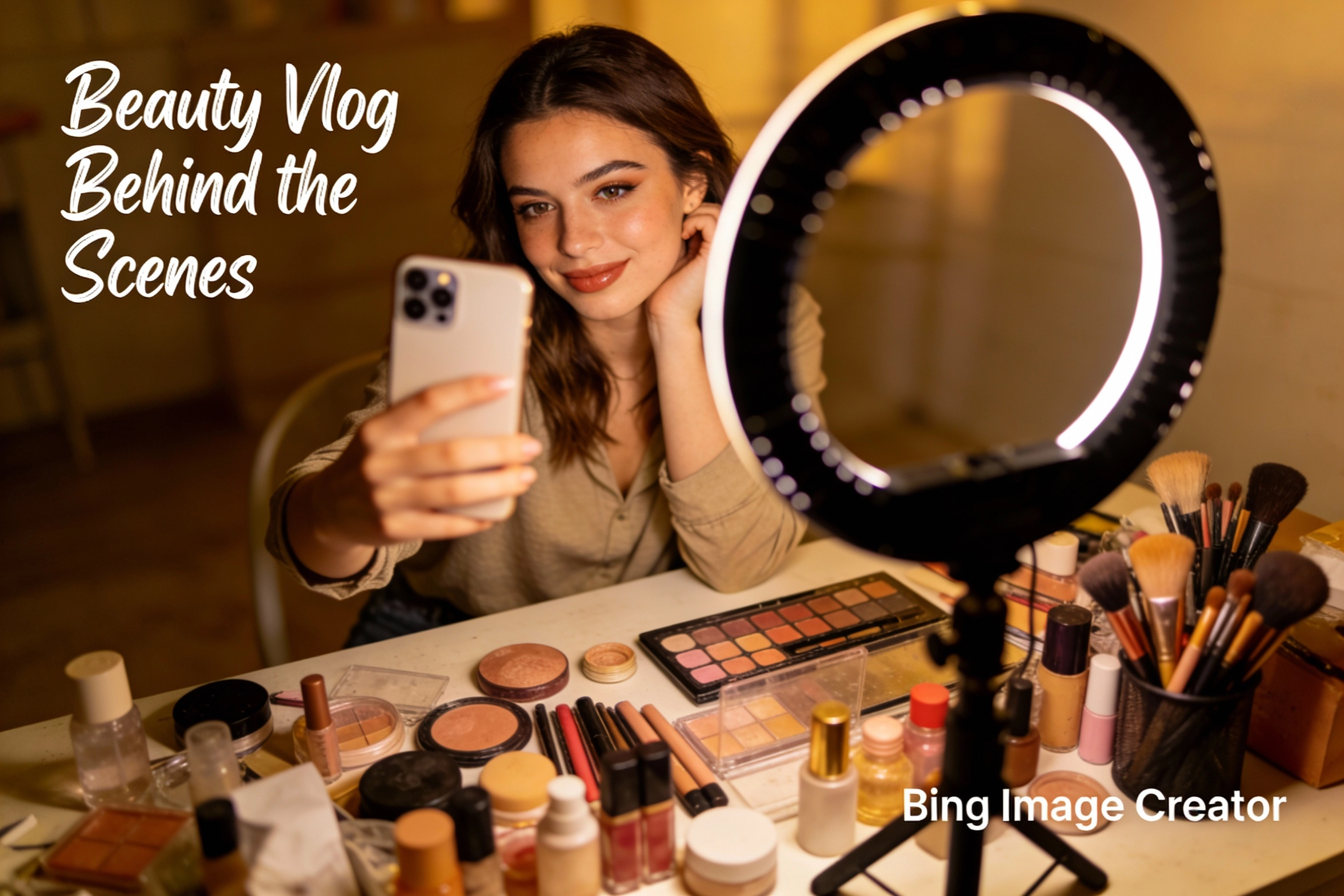
newBing Image Creator
Microsoft Designer-like image creation for ads, posts, and mockups.
Gender Swap
Swap gender presentation while preserving identity and details.
 new
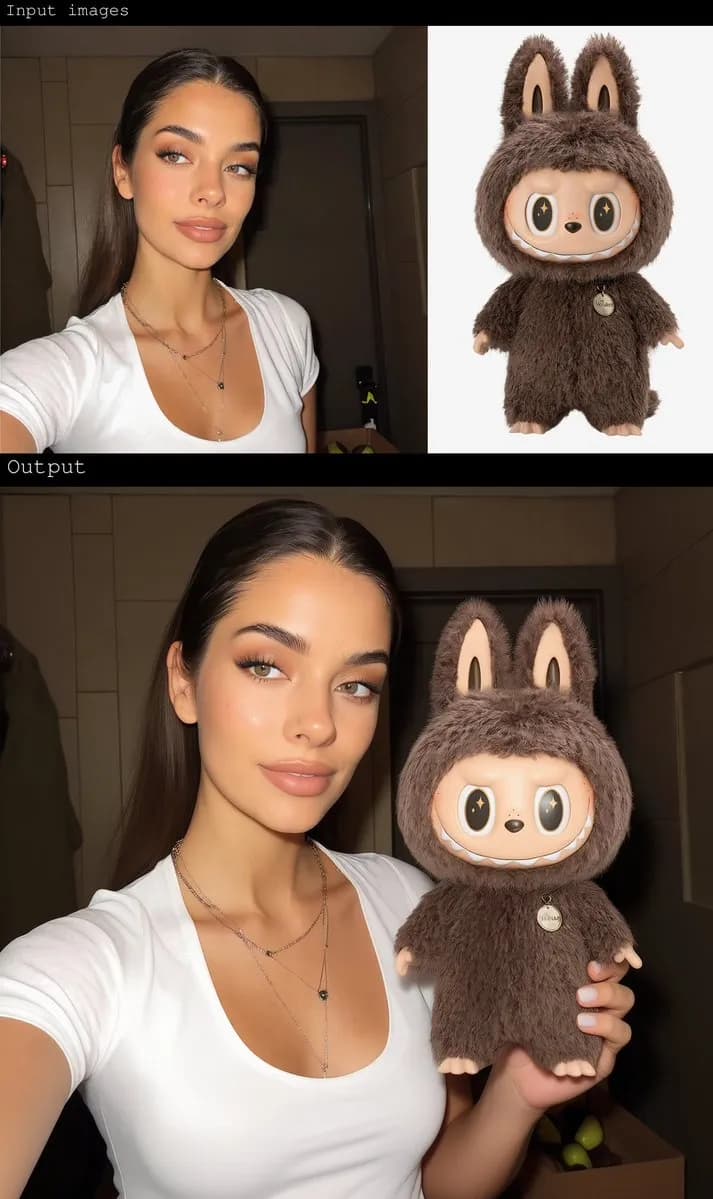
newAI Image Combiner
Blend people, objects, and backgrounds from multiple photos into one shot.
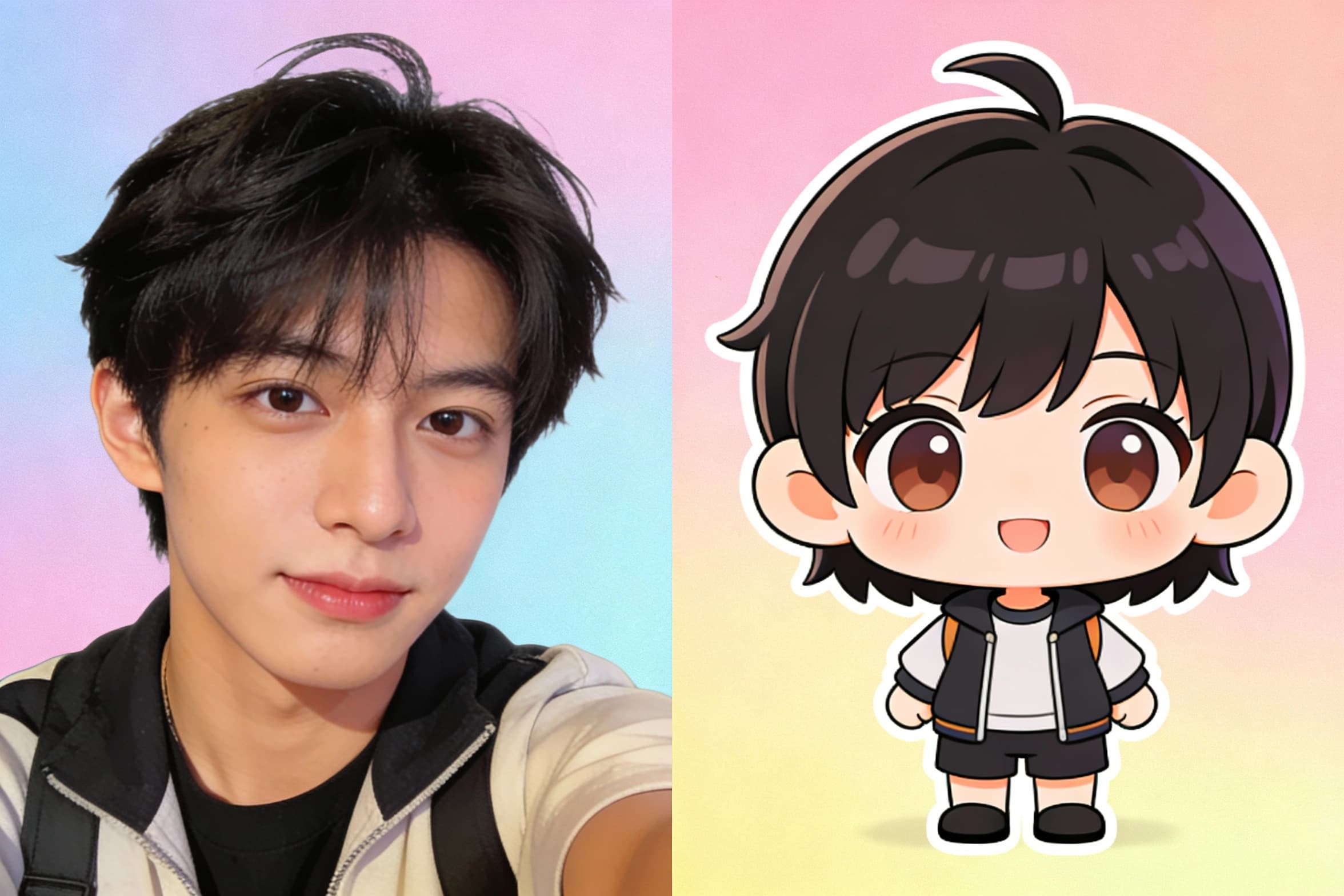
Chibi Art Maker
Turn portraits into cute chibi stickers and avatars.
AI Background Changer: FAQs
Quick answers to help you get clean results fast with the AI background changer.