
AI Face Morph for Effortless Face Blends and Social Posts
Use AI face morph to instantly blend two faces into one share‑worthy image, perfect for TikTok, Instagram, and every fun moment you want to post.
Upload Two Face Photos to Morph
max 2
Max 10 MB

What Is AI Face Morph?
AI face morph is an online tool that blends two faces into one smooth, realistic image with almost no manual editing required.
Blend Two Faces into One New Look
AI face morph takes two different face photos and intelligently merges them into a single new face that keeps key traits from both images. Instead of placing one face on top of another like basic face swap apps, AI face morph gradually mixes features such as eyes, nose, and jawline so the final result feels like a real person. This makes your blended portraits look natural enough to use in profile photos, thumbnails, and creative storytelling without feeling obviously edited.

Online Tool for Social Media‑Ready Visuals
Because AI face morph runs inside your browser, you can create blended faces from almost any device in a few seconds. There is no need to download heavy software or study complex tutorials. You simply upload two images, adjust a few basic settings if you like, and let the AI face morph engine do the work. The output is instantly ready to post on TikTok, Instagram, YouTube thumbnails, or short‑form stories where fast, eye‑catching visuals matter more than technical detail.

Safe, Consent‑First Fun with Faces
AI face morph is designed for fun and creativity, but it also encourages responsible use. The best way to use any AI face morph tool is with faces you own or have clear permission to use, such as friends, family, or your own content. This keeps your posts enjoyable and respectful while still leaving plenty of room for jokes, reaction images, and creative mashups. ImagenX makes it easy to keep experiments playful, safe, and aligned with platform guidelines.





How to Use AI Face Morph in Minutes
You only need two clear face photos and a few clicks to create a smooth AI face morph image ready to download and share.
Step 1: Upload Two Clear Face Photos
Upload the two faces you want to blend, such as you and a partner, a friend, or a celebrity. For the best AI face morph results, pick front‑facing photos with good lighting where the full face is visible. ImagenX automatically detects and aligns the faces, so you do not have to crop or edit anything yourself.
Step 2: Adjust Morph Settings and Preview
Use the simple sliders to control how strong the AI face morph effect should be and which face it should lean toward. Preview the blended result in real time until you find a look that fits your story, meme, or campaign. You can try several versions in a row without losing your original uploads.
Step 3: Generate, Download, and Share
Click generate and let ImagenX finish the AI face morph in a few seconds. Then download the high‑quality blended image and post it directly to TikTok, Instagram, or any other platform. Because the output is already clean and high resolution, you can usually share it without any extra editing.
AI Tools & Effects
Transform your images with powerful AI tools and creative effects
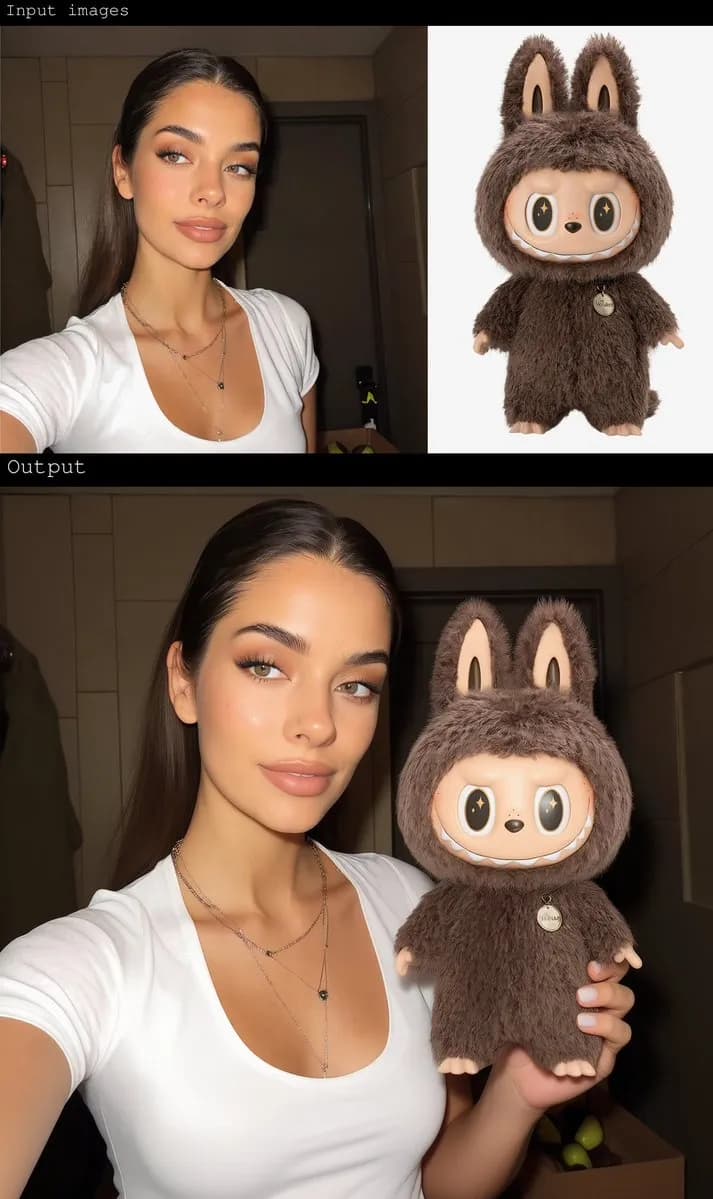
Gender Swap
Swap gender presentation while preserving identity and details.
 new
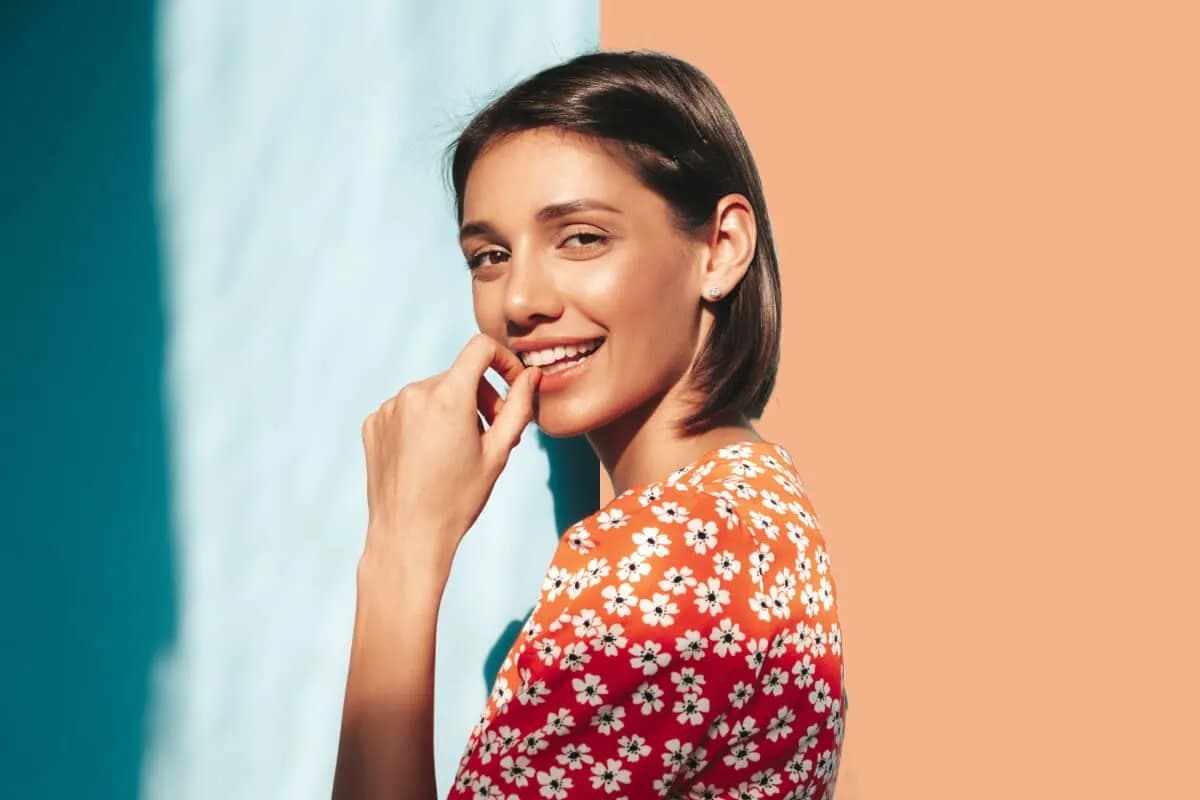
newAI Background Changer
Replace backgrounds with creative scenes in seconds.

AI Face Morph
Merge two faces smoothly while keeping lighting and skin tone natural.
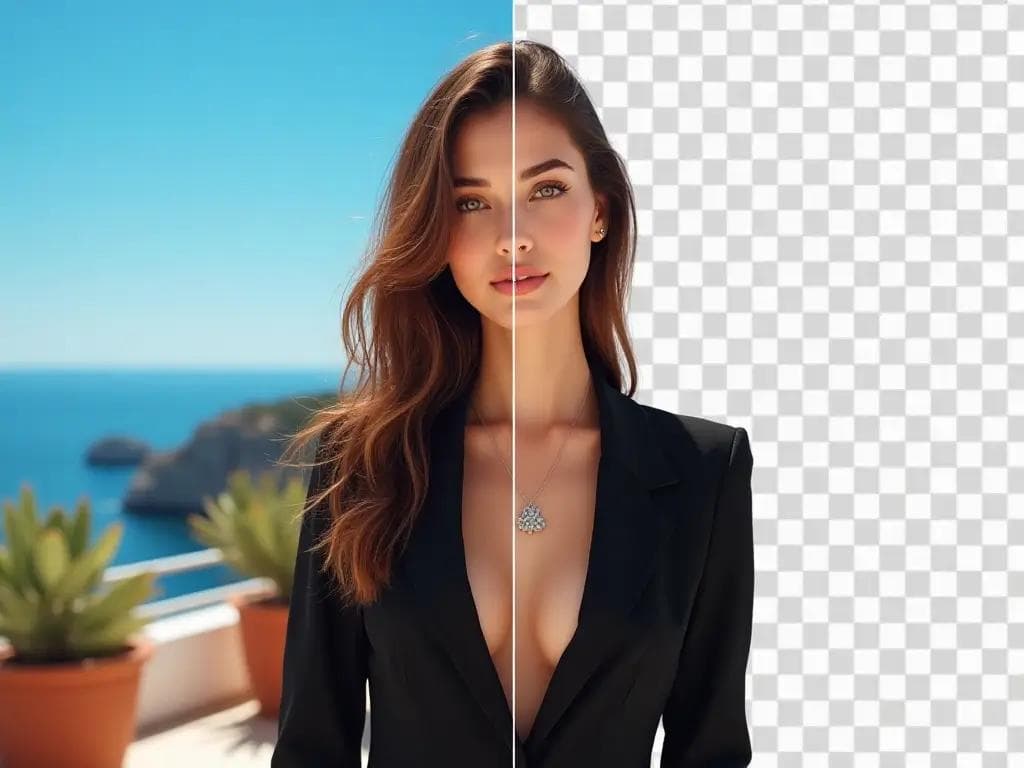
AI Background Remover
Remove backgrounds in one click for product photos and portraits.
AI Face Morph FAQ
Find clear answers about how AI face morph works, what you can use it for, and how to get the best, safest results.