
AI Image Combiner for Effortless Double Exposure & Social Media Collages
Use AI Image Combiner by ImagenX to blend two or more photos into one seamless image, perfect for social media posts, profile pictures, ads and creative edits.
Upload 2–3 photos to combine
max 4
Max 10 MB






What Is AI Image Combiner?
AI Image Combiner is an online tool that uses artificial intelligence to merge multiple photos into one polished image, without complex editing skills or design software.
Turn Simple Photos into Double Exposure Art
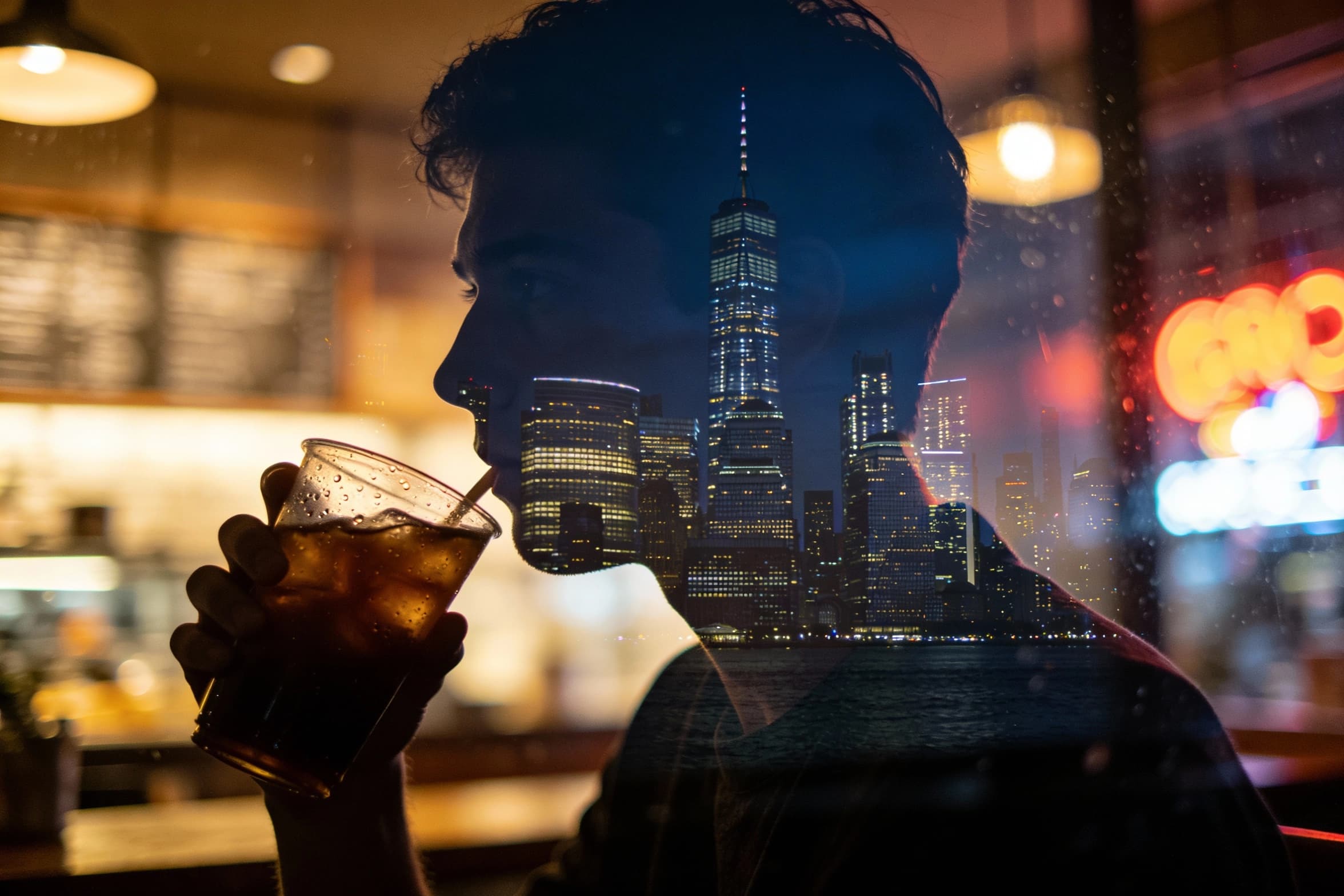
AI Image Combiner helps you turn a basic selfie and a background photo into a cinematic double exposure in just a few clicks, so your content instantly looks more artistic and professional. Instead of learning complex Photoshop blending modes, you simply upload two images, describe the mood you want, and let the AI handle lighting, contrast and transparency. This is ideal for dramatic profile pictures, music cover art, story covers, or emotional posts where you want your portrait to blend with a city skyline, forest, or abstract shapes in a visually striking way.

Blend Products with On‑Brand Backgrounds
If you sell products online or promote services on social media, AI Image Combiner lets you quickly place your item onto clean, on‑brand backgrounds without hiring a designer. Upload a product shot and a lifestyle or color backdrop, then guide the AI with a short prompt so it matches shadows, perspective and color tone. You can create multiple versions for different campaigns, A/B test thumbnails, and repurpose the same product photo across Instagram, TikTok, Pinterest and ad creatives, all while keeping your brand visuals consistent and scroll‑stopping.

Create Scroll‑Stopping Social Media Collages
AI Image Combiner also works as a fast collage maker for stories, reels covers and carousels when you do not want to fight with manual layout tools. You can merge selfies, screenshots, quotes and product shots into a single cohesive frame that already feels designed for social feeds. The AI adjusts size, crop and composition so everything looks balanced on mobile screens. This is especially useful for creators who need to push out daily content, recap events, showcase before‑and‑after transformations, or highlight multiple scenes from one vlog without spending hours editing.
How to Use AI Image Combiner
You can start with any two photos—such as a portrait and a background—then follow three simple steps to get a ready‑to‑share combined image.
Upload Your Source Photos
Upload the photos you want to merge, like a selfie plus a background scene or a product shot plus a texture. Choose clear, well‑lit images so the AI can see edges and details, which helps avoid strange artifacts. Once your files are uploaded, you are ready to tell AI Image Combiner how you want everything to blend together.
Describe the Blend Style You Want
In a short prompt, describe the result you want, for example “soft double exposure portrait with city lights” or “clean product on pastel background”. AI Image Combiner uses your description to decide how strongly to mix the photos and how to handle colors and contrast. You can try a few variations, then pick the style that best fits your brand or personal taste.
Generate, Refine and Download
Click generate and let AI Image Combiner create your merged photo in seconds. If the first version is not perfect, tweak your prompt slightly and run it again until it feels right. When you are happy, download the high‑resolution combined image and post it straight to Instagram, TikTok, YouTube covers or your ad manager.
AI Tools & Effects
Transform your images with powerful AI tools and creative effects
 new
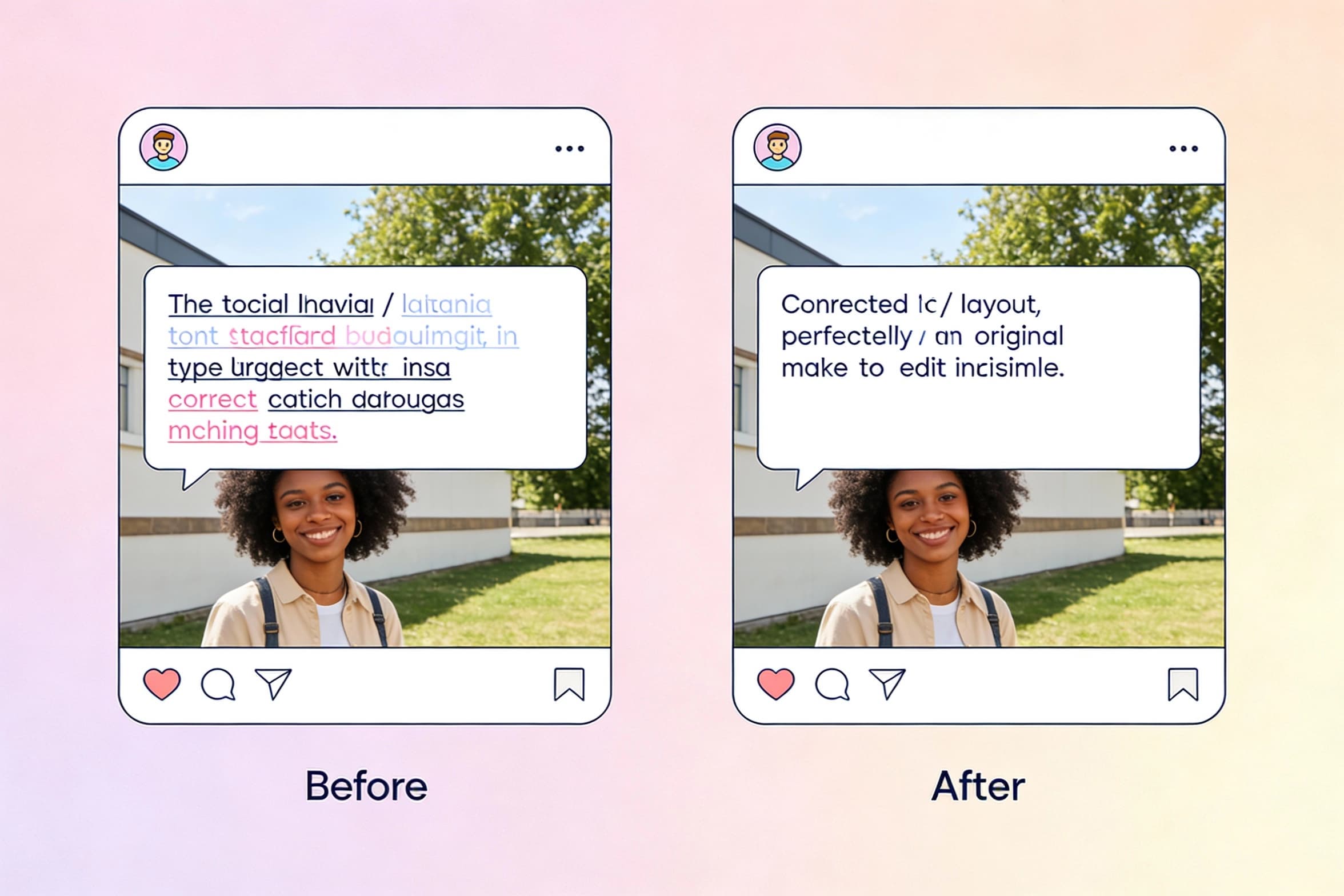
newEdit Text in Image
Select text inside a photo and replace it seamlessly with new wording.

AI Font Generator
Generate stylish lettering and logo text with AI typography.
 new
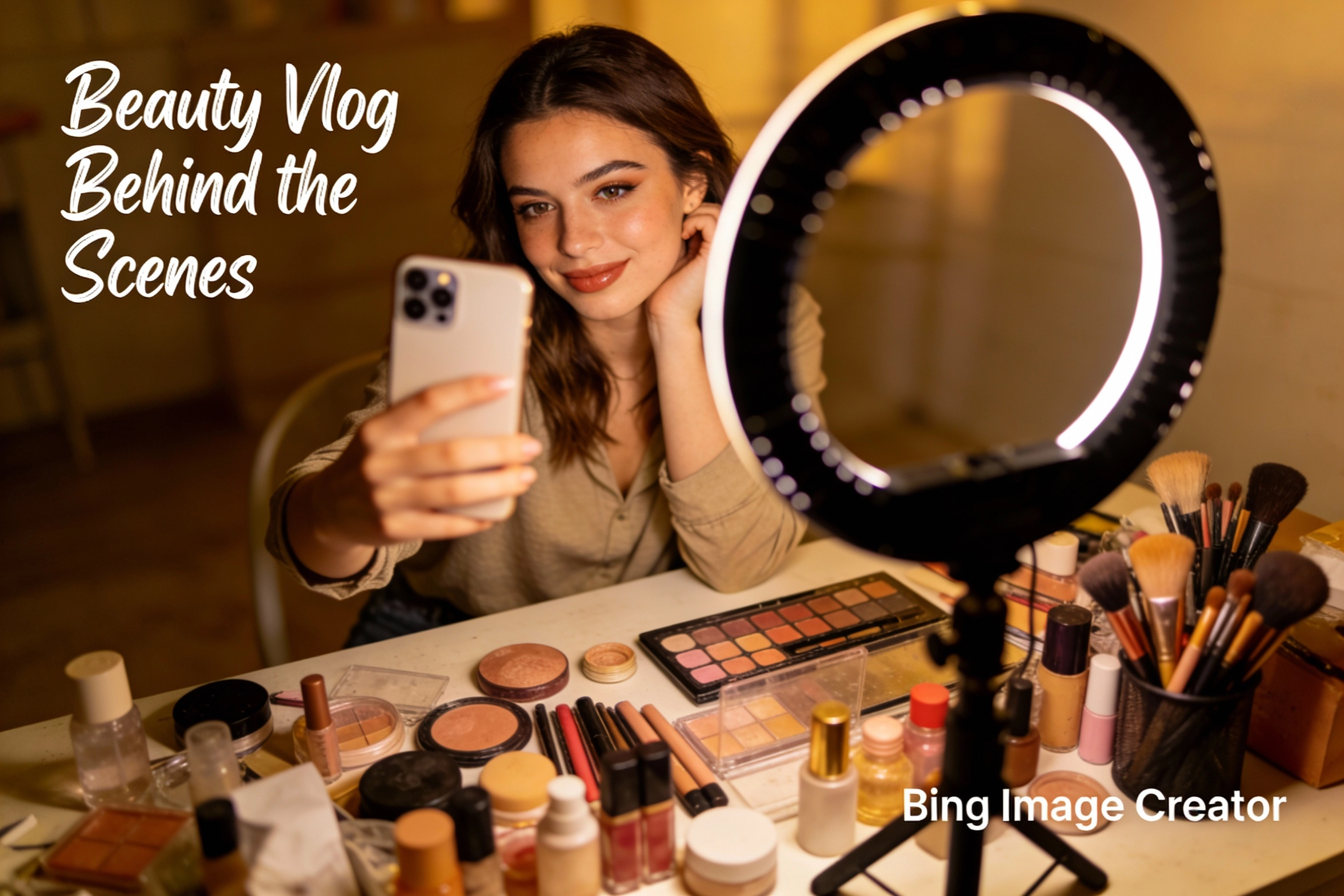
newBing Image Creator
Microsoft Designer-like image creation for ads, posts, and mockups.
 new
newAI Image Combiner
Blend people, objects, and backgrounds from multiple photos into one shot.
AI Image Combiner FAQs
Find answers to common questions about using AI Image Combiner for double exposure, product shots and social media visuals.