Free Z image Generator
Create a z image from your photo and a short prompt—make photoreal visuals, posters, and bilingual (EN/ZH) creatives faster.
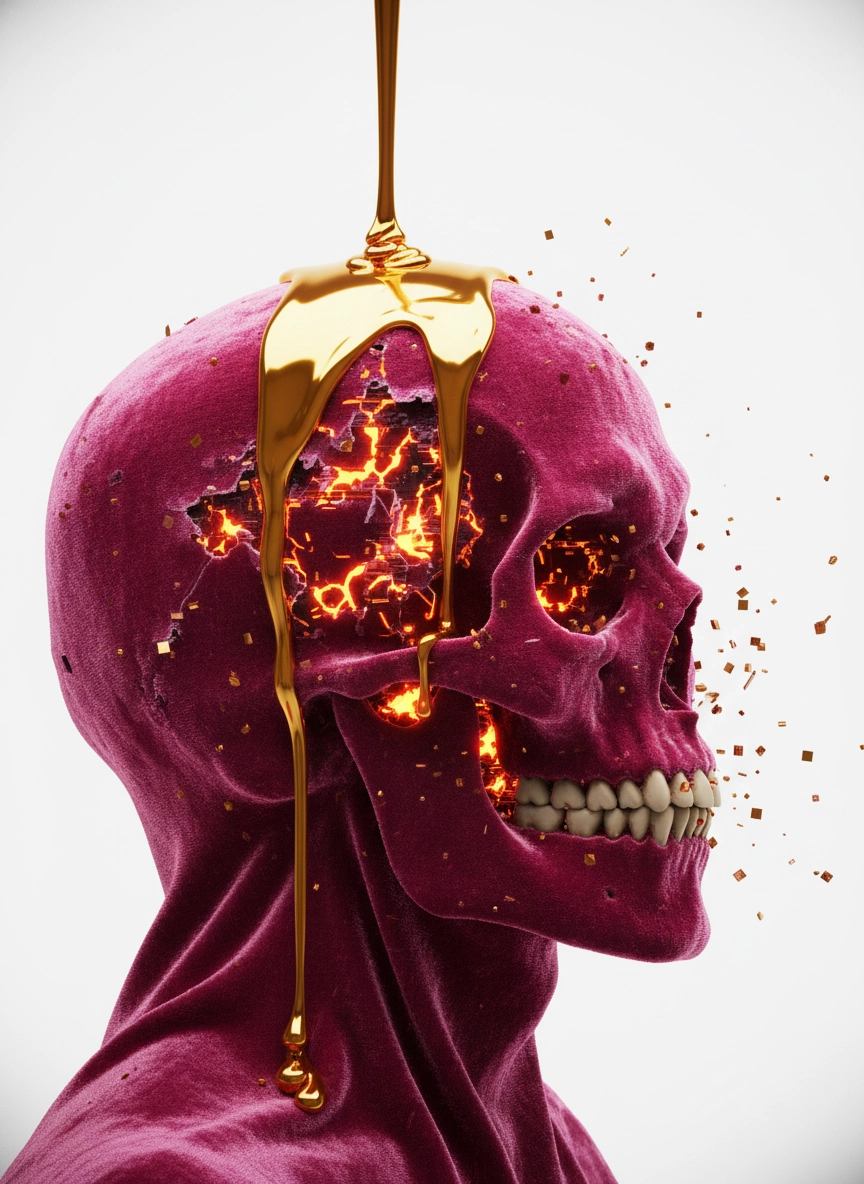
z image examples
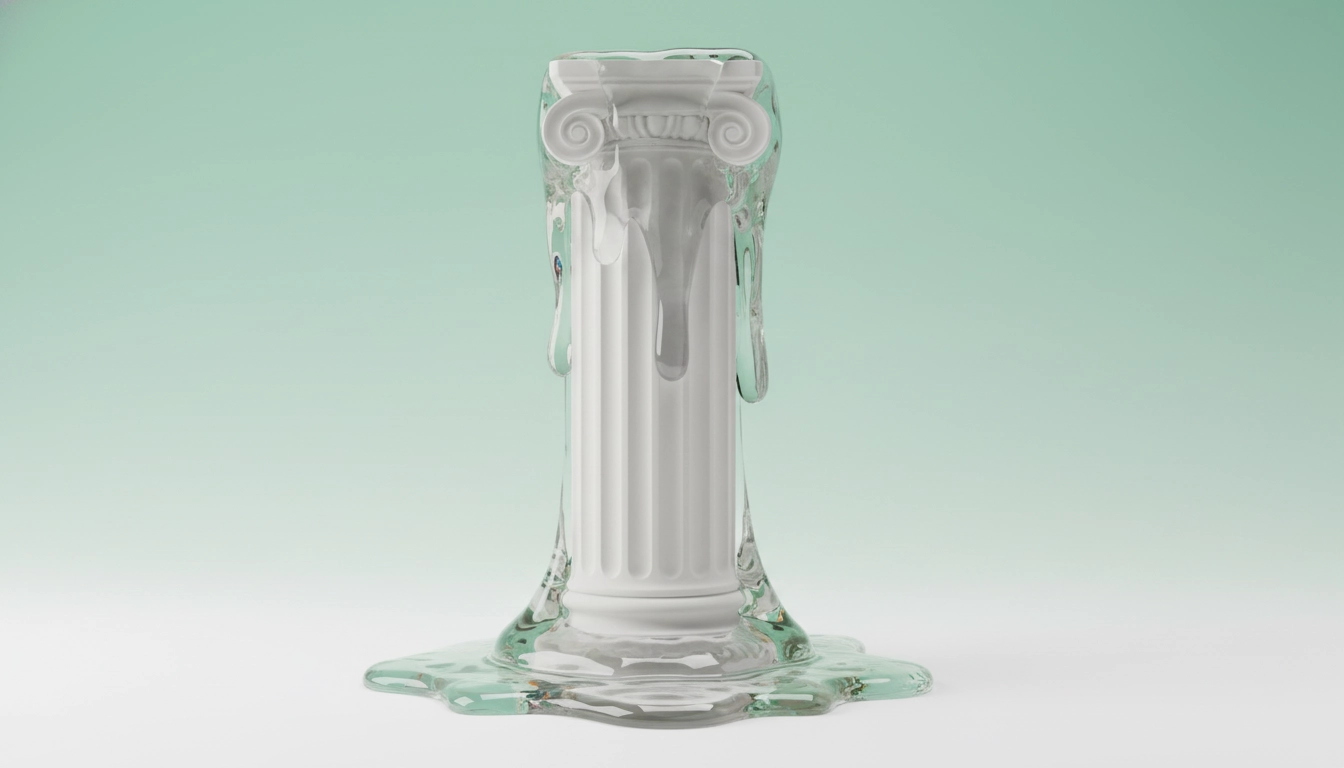
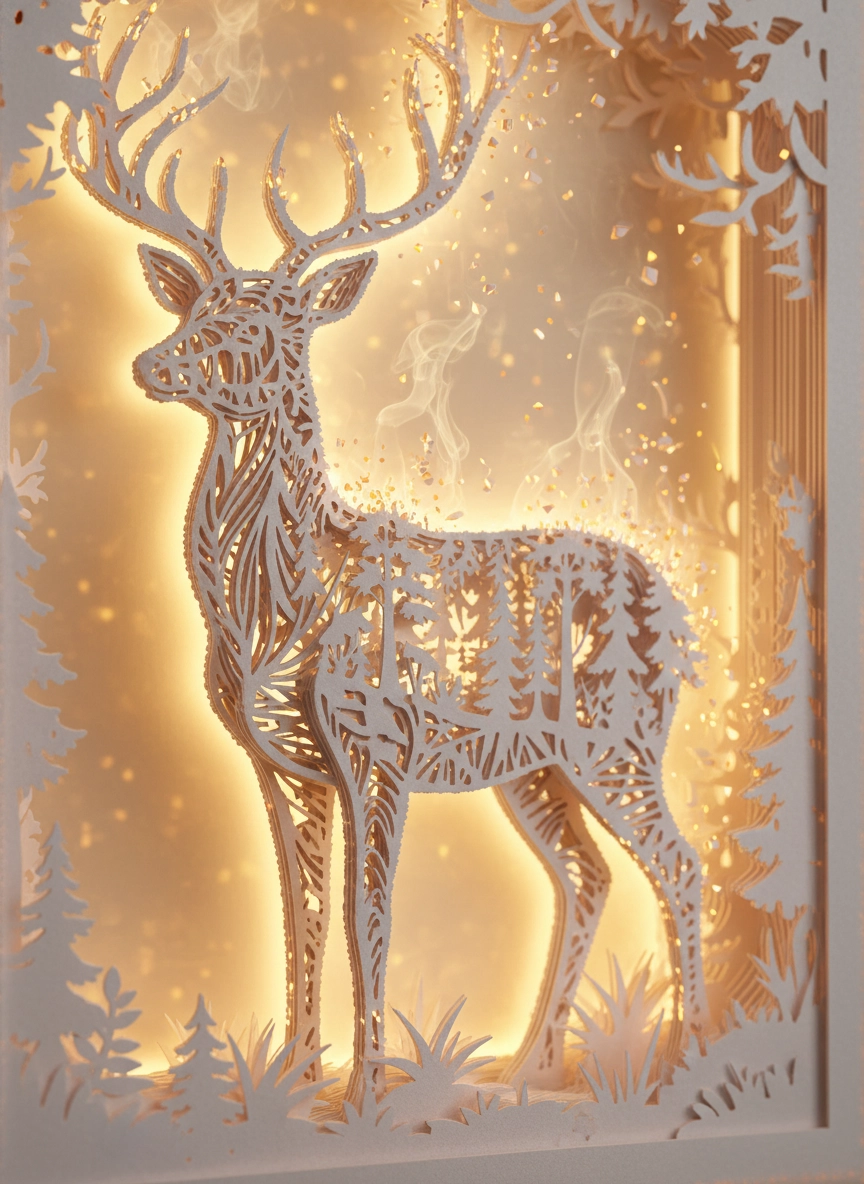
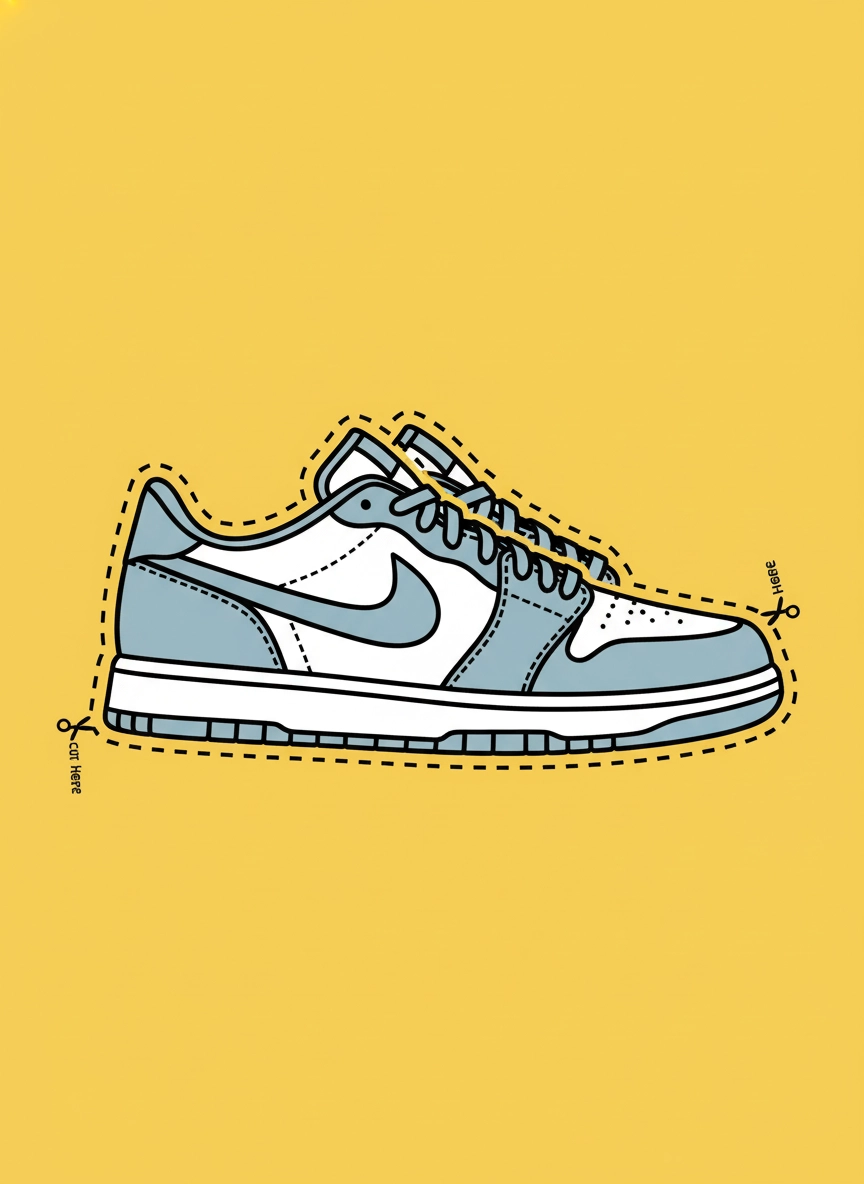
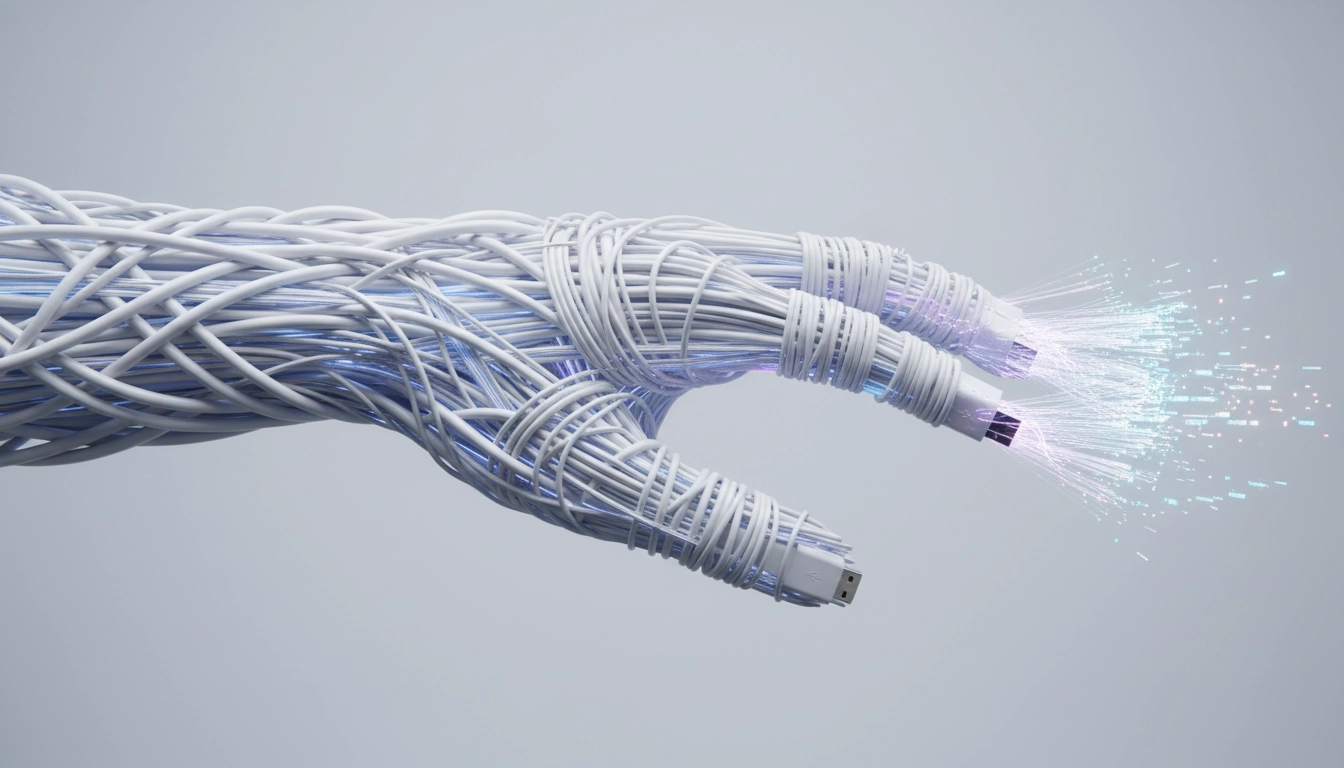
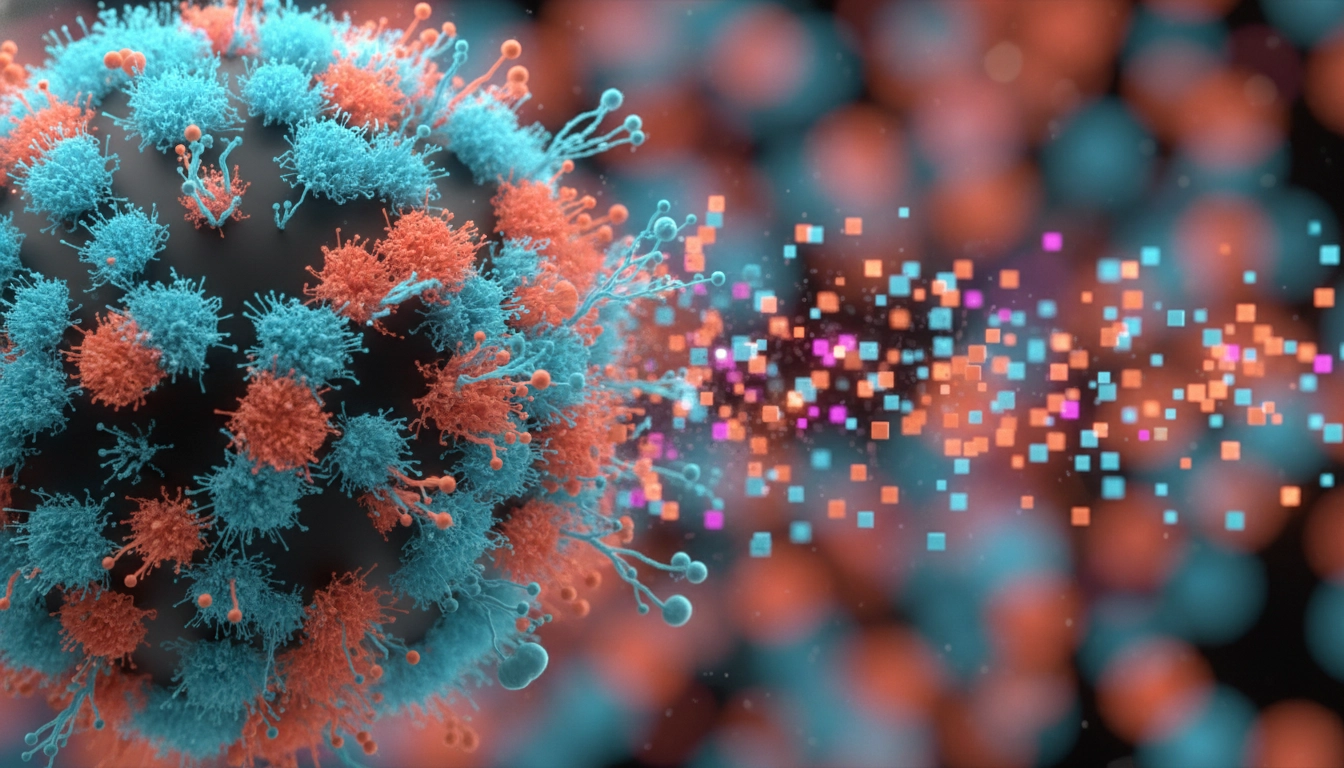
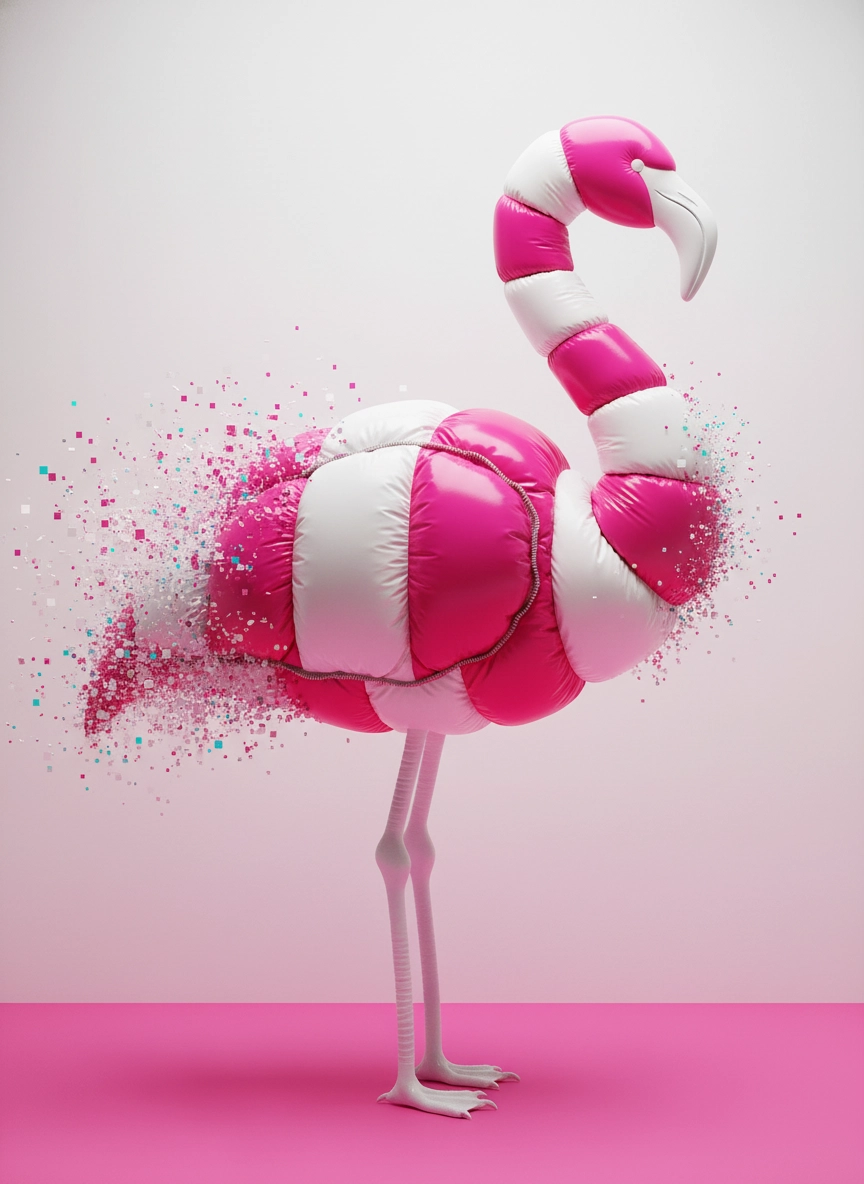





What is z image?
Use z image to turn one photo into many campaign-ready visuals: product scenes, ads, posters, and creator covers.
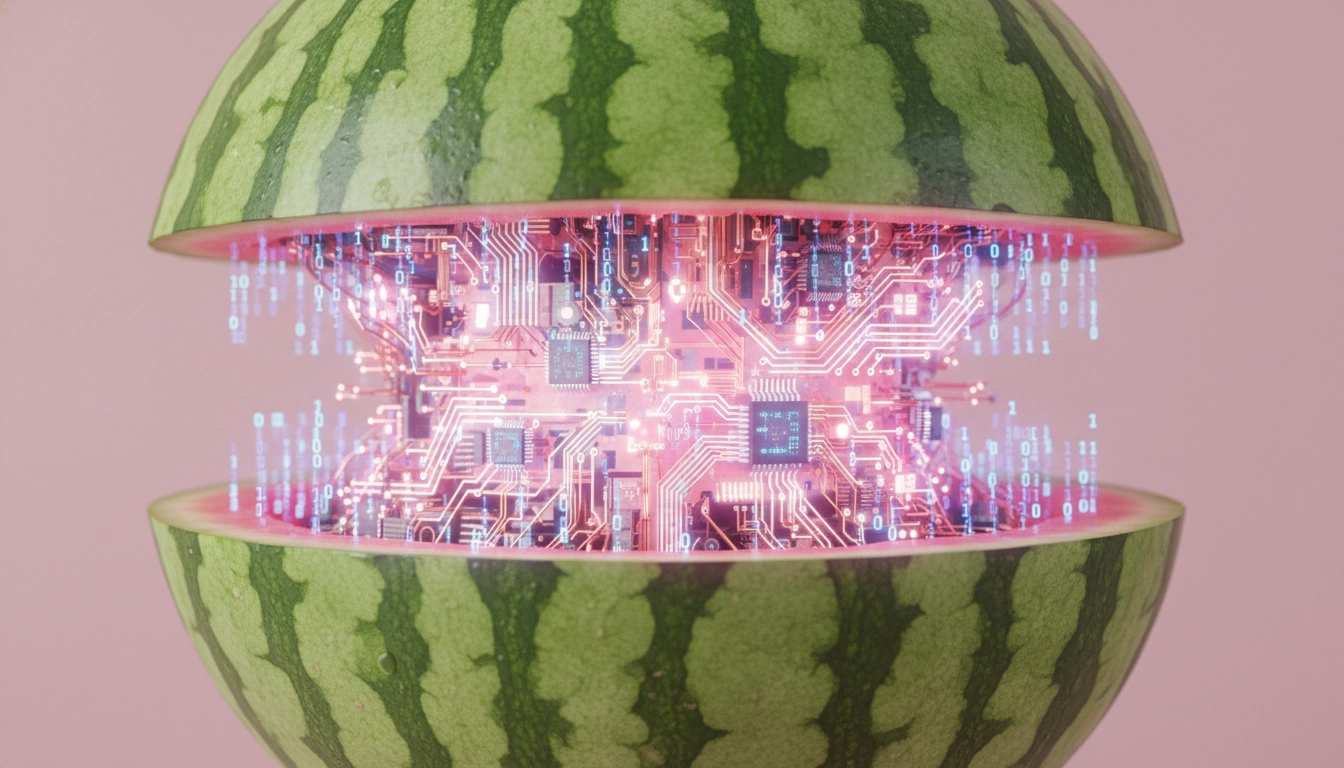
Made for real marketing outputs
z image is used to create visuals people actually publish: ad banners, landing-page hero images, product scenes, and social thumbnails. Start from a real photo (your product shot, portrait, or screenshot), then ask for a cleaner background, a different mood, or a new layout that fits a specific channel. For e-commerce, you can generate “studio white background,” “lifestyle table scene,” and “holiday promo” versions from the same base image. For creators, you can turn one portrait into consistent profile pictures, YouTube covers, podcast thumbnails, and announcement posters—so your brand looks coherent without re-designing everything every week.
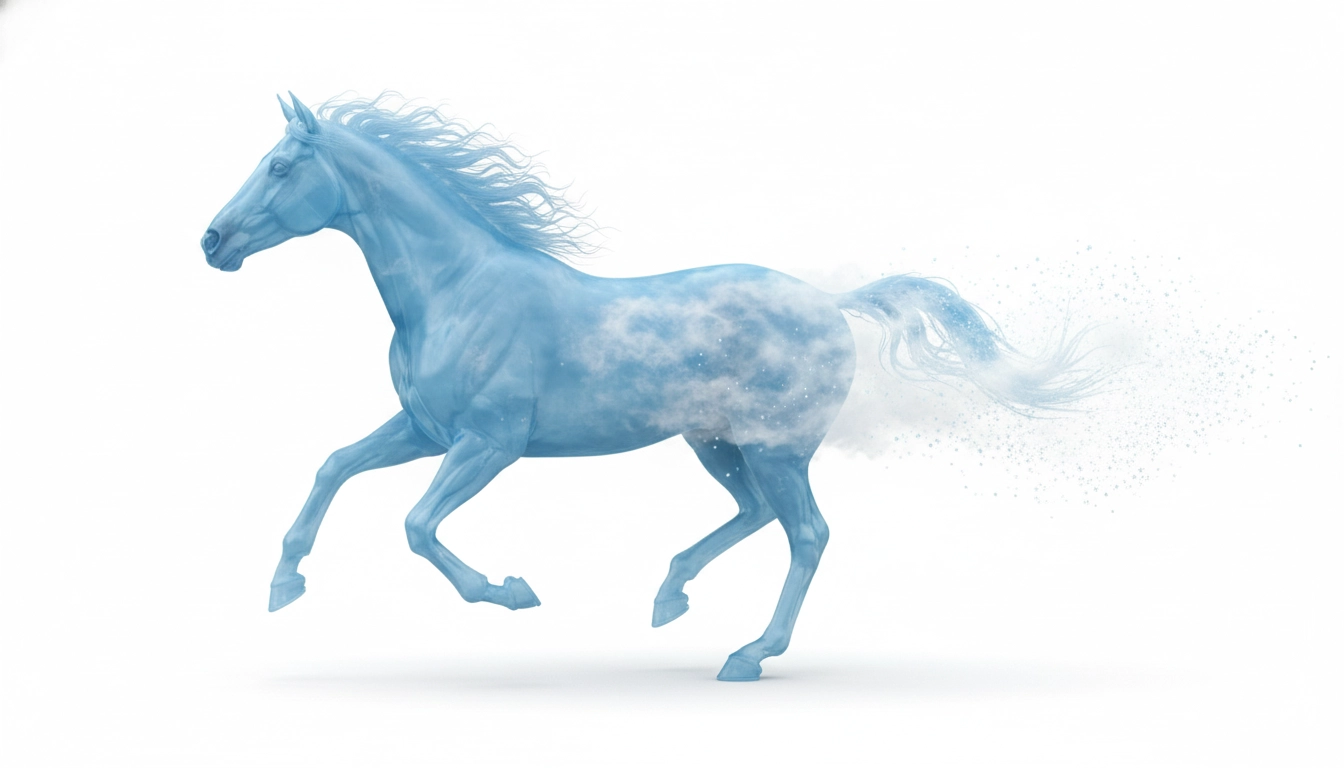
Turbo = faster creative iteration
z image Turbo (Z-Image-Turbo) is used when speed matters. In real content work, you often need multiple options to choose from—different compositions, backgrounds, and headline placements. A Turbo-style workflow helps you generate several directions quickly, pick the strongest one, and then refine. This is ideal for weekly social posting, rapid ad testing, and seasonal promotions where “good enough today” beats “perfect next week.”
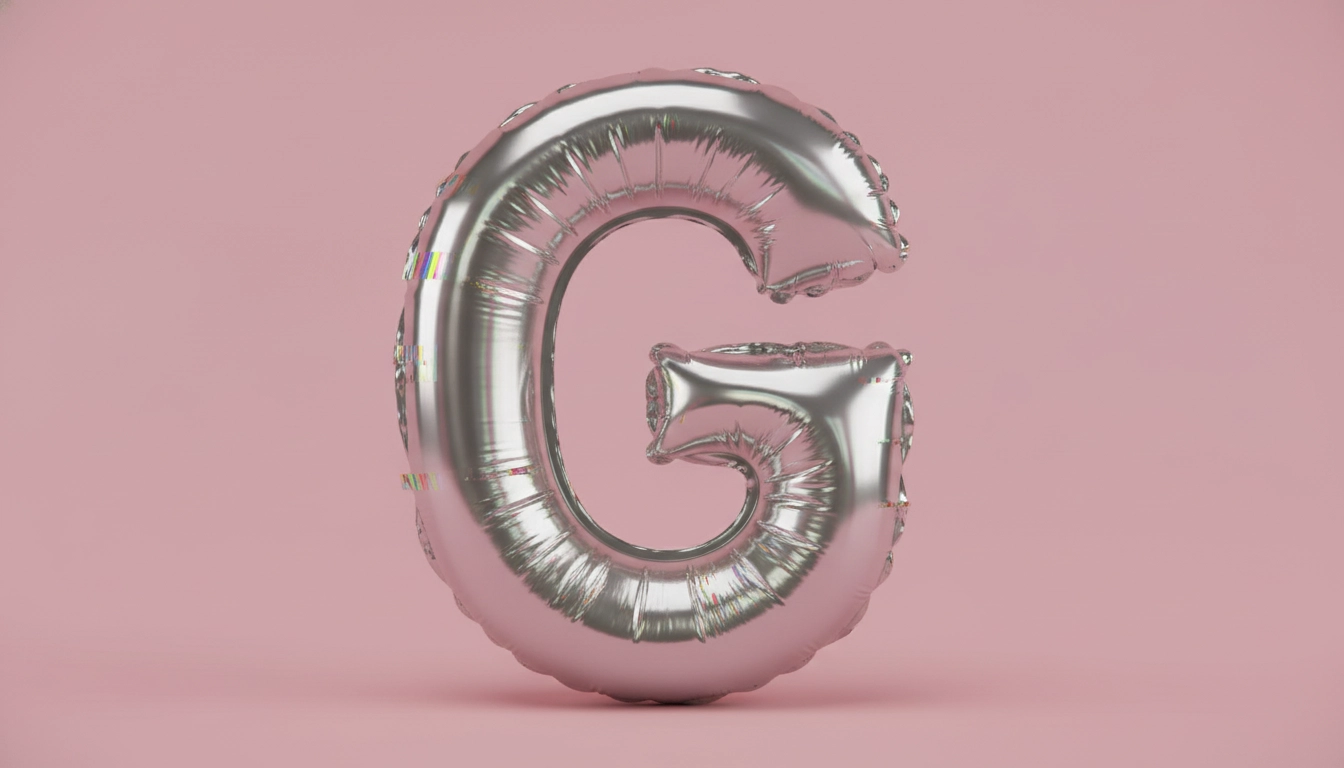
Edit = prompt-based image changes
z image Edit (Z-Image-Edit) is used when you want controlled changes from an existing image. You can request edits in plain language: switch background, adjust lighting, change the vibe, add poster text, or create a cleaner composition for a new platform. It’s especially useful for “same subject, new story” workflows—keeping your product or face recognizable while adapting the visual to different audiences, formats, and campaign angles.
How to use z image
Upload a base image, write a clear prompt, then iterate until your z image matches your channel and brand.
1) Upload a clean base photo
Upload a sharp image with one clear subject. A clean base helps z image keep identity and product details stable.
2) Write a “KEEP / CHANGE” prompt
Tell z image what must stay, then describe the new background, mood, lighting, and any EN/ZH text with placement.
3) Generate versions and download
Generate several z image results, keep the best layout, refine one change at a time, then download for posting.
AI Tools & Effects
Transform your images with powerful AI tools and creative effects
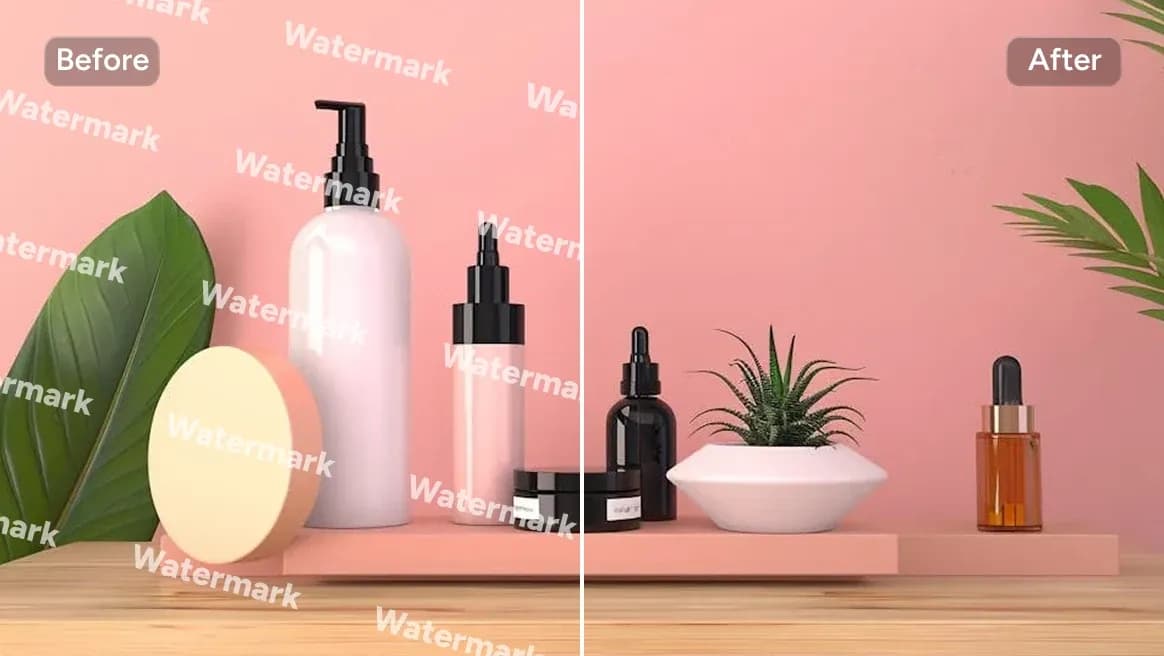
AI Watermark Remover
Clean watermarks or text from images responsibly.
 new
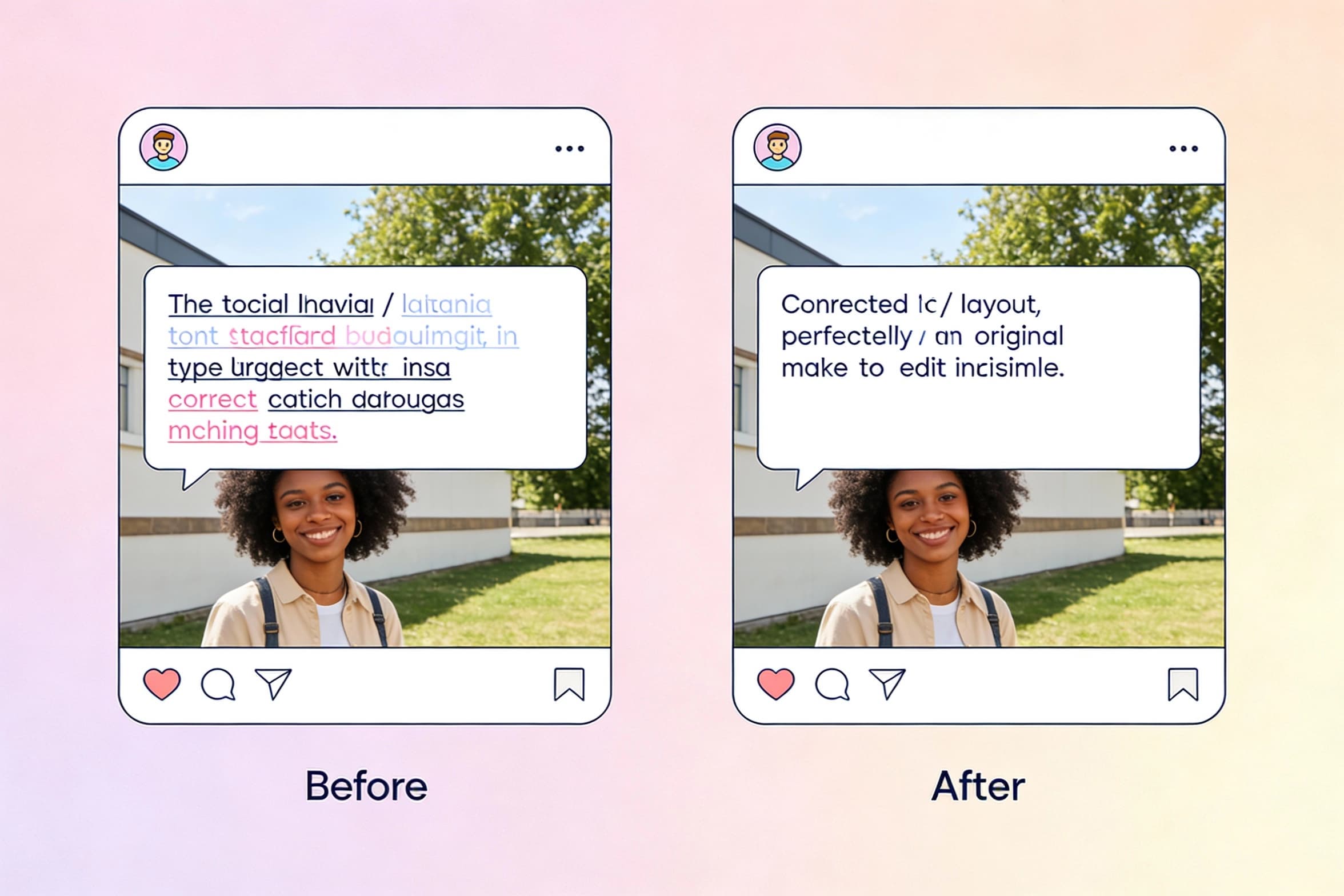
newEdit Text in Image
Select text inside a photo and replace it seamlessly with new wording.
 new
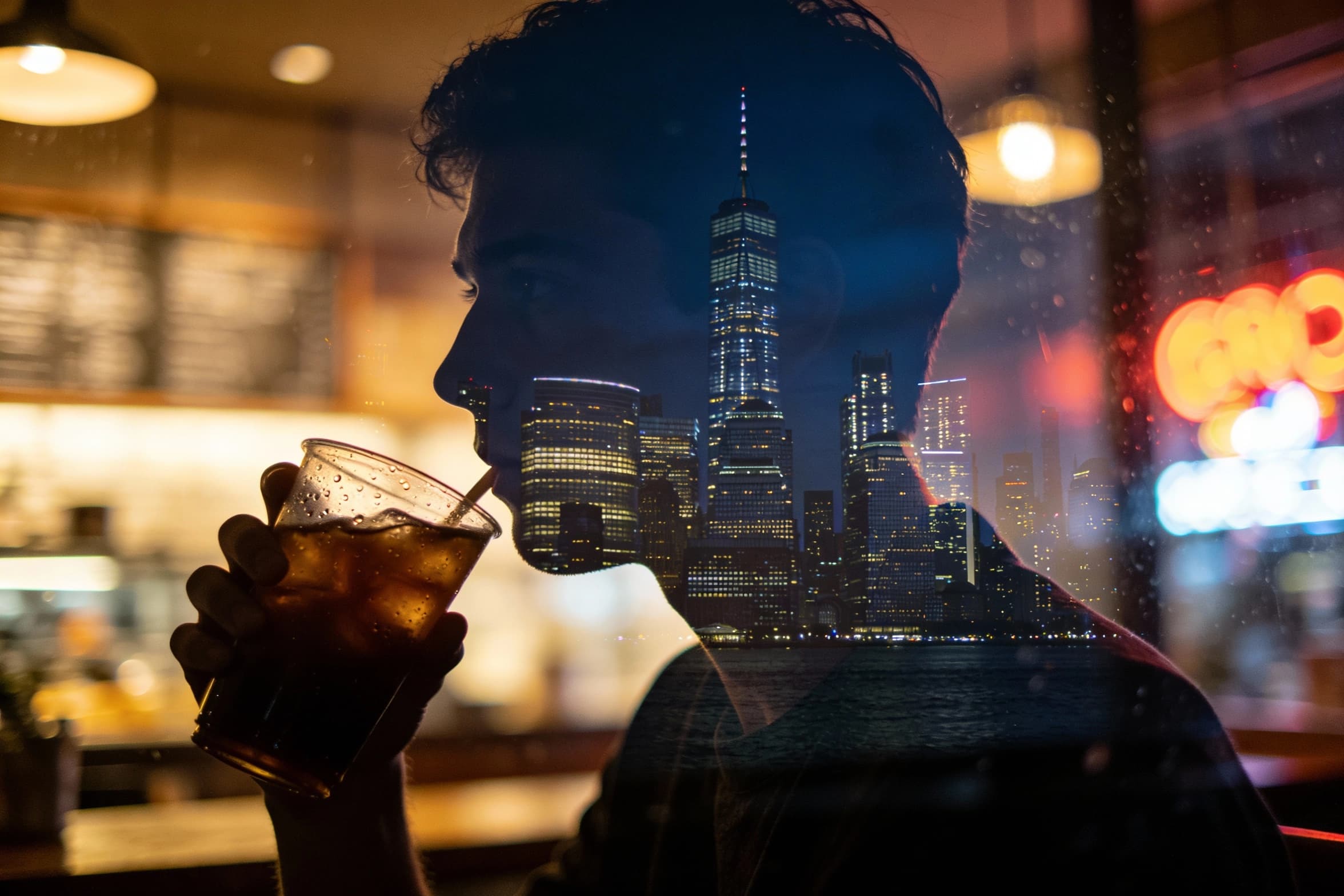
newAI Image Combiner
Blend people, objects, and backgrounds from multiple photos into one shot.
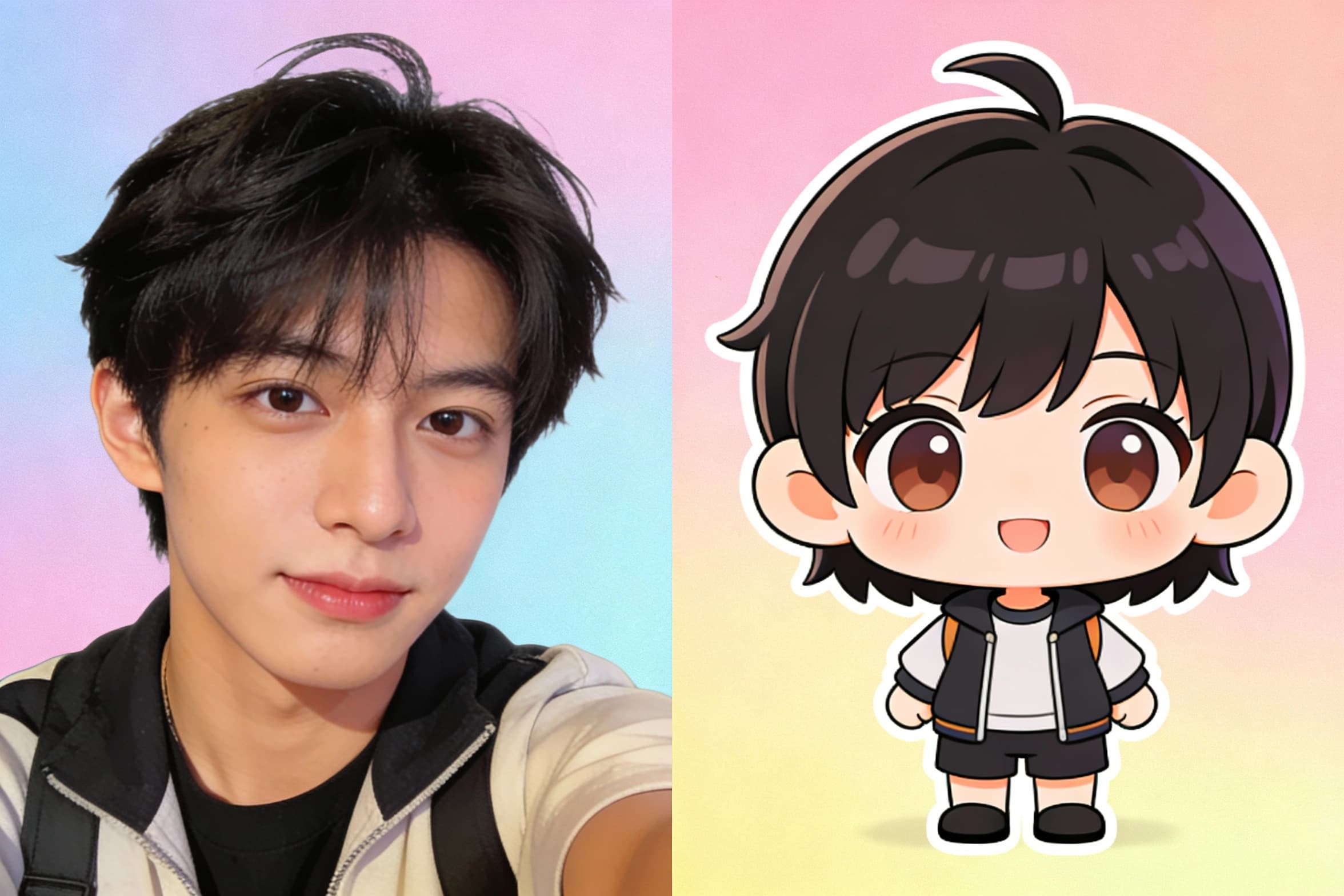
Chibi Art Maker
Turn portraits into cute chibi stickers and avatars.
Why people choose z image
Photoreal-friendly results
z image is built to produce photoreal-looking visuals that fit ads, product scenes, and creator profile images—useful when “looks real” boosts trust.
Bilingual (EN/ZH) poster workflows
z image supports bilingual prompts and is known for bilingual text rendering, which helps when you need posters, banners, and thumbnails for mixed audiences.
Two clear modes: Turbo + Edit
Use z image Turbo when you need many options fast, and z image Edit when you want prompt-based changes to an existing image for controlled updates.
Marketing-ready variations
Turn one base photo into multiple z image versions: holiday theme, new background, new headline, new mood—so campaigns ship faster.
Creator content packs
z image helps creators generate covers, thumbnails, and profile banners in a consistent look—so one idea becomes a full week of posts.
Simple inputs, fast outputs
A practical z image flow is just upload + prompt + generate + download, which is easier to maintain than complex design pipelines.
z image FAQ
Practical answers for using z image (Z-Image) in content, ads, and product visuals.