
seedream 4.5: High-Consistency Image Editing
Seedream 4.5 is a ByteDance Seed (SEED) official release for consistent, poster-ready image generation and editing.
Upload a reference image
max 14
Max 10 MB

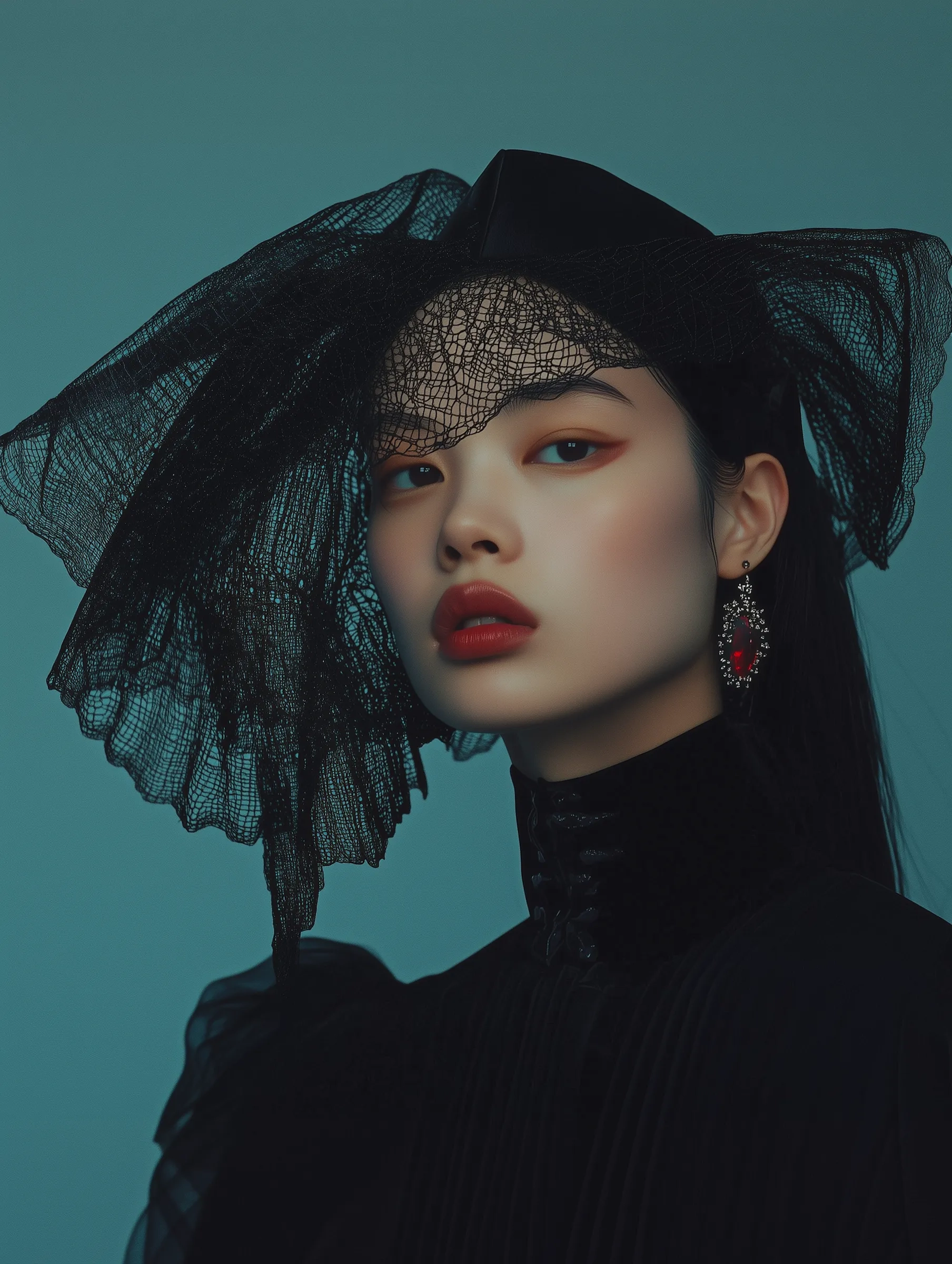
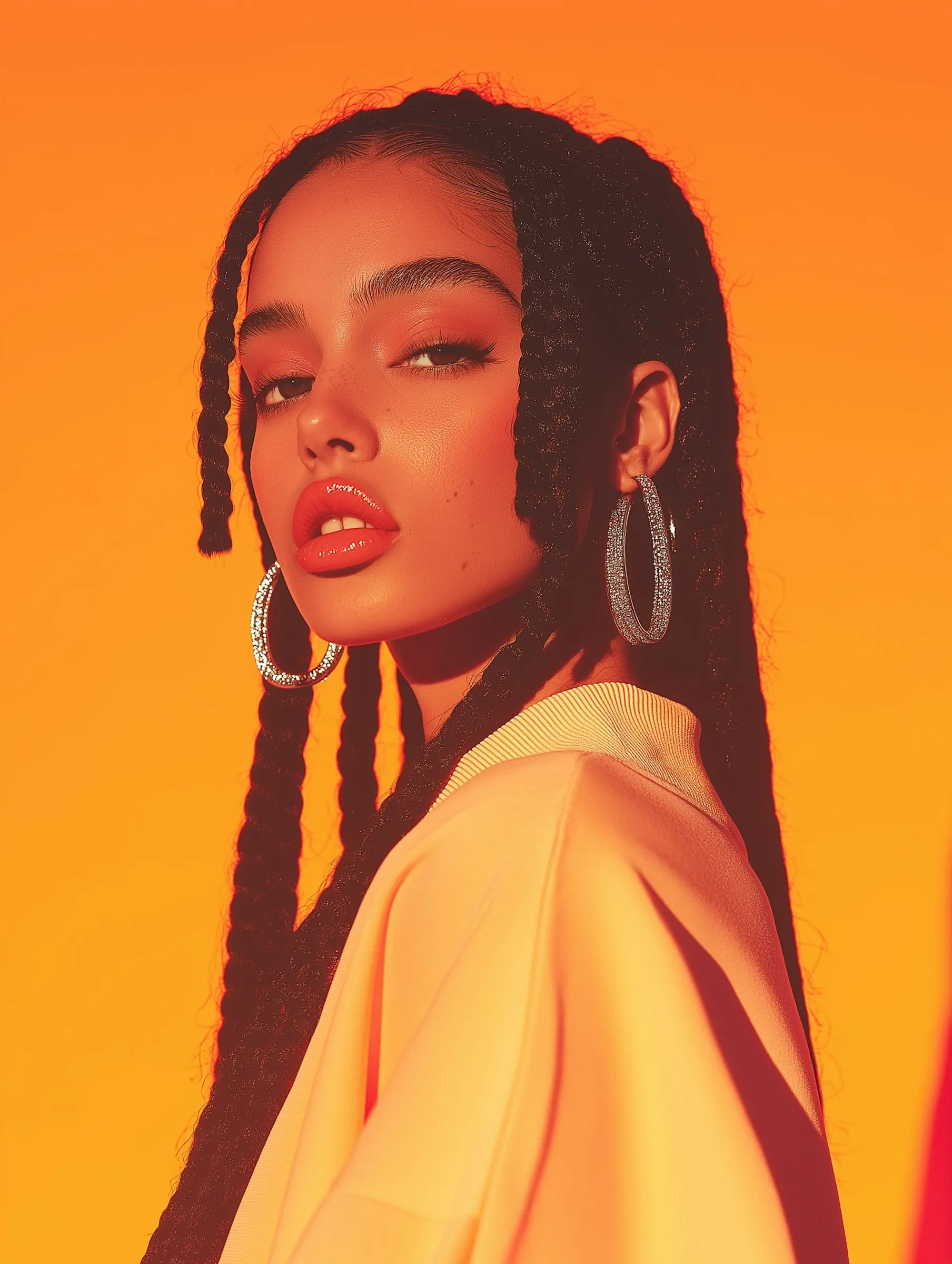
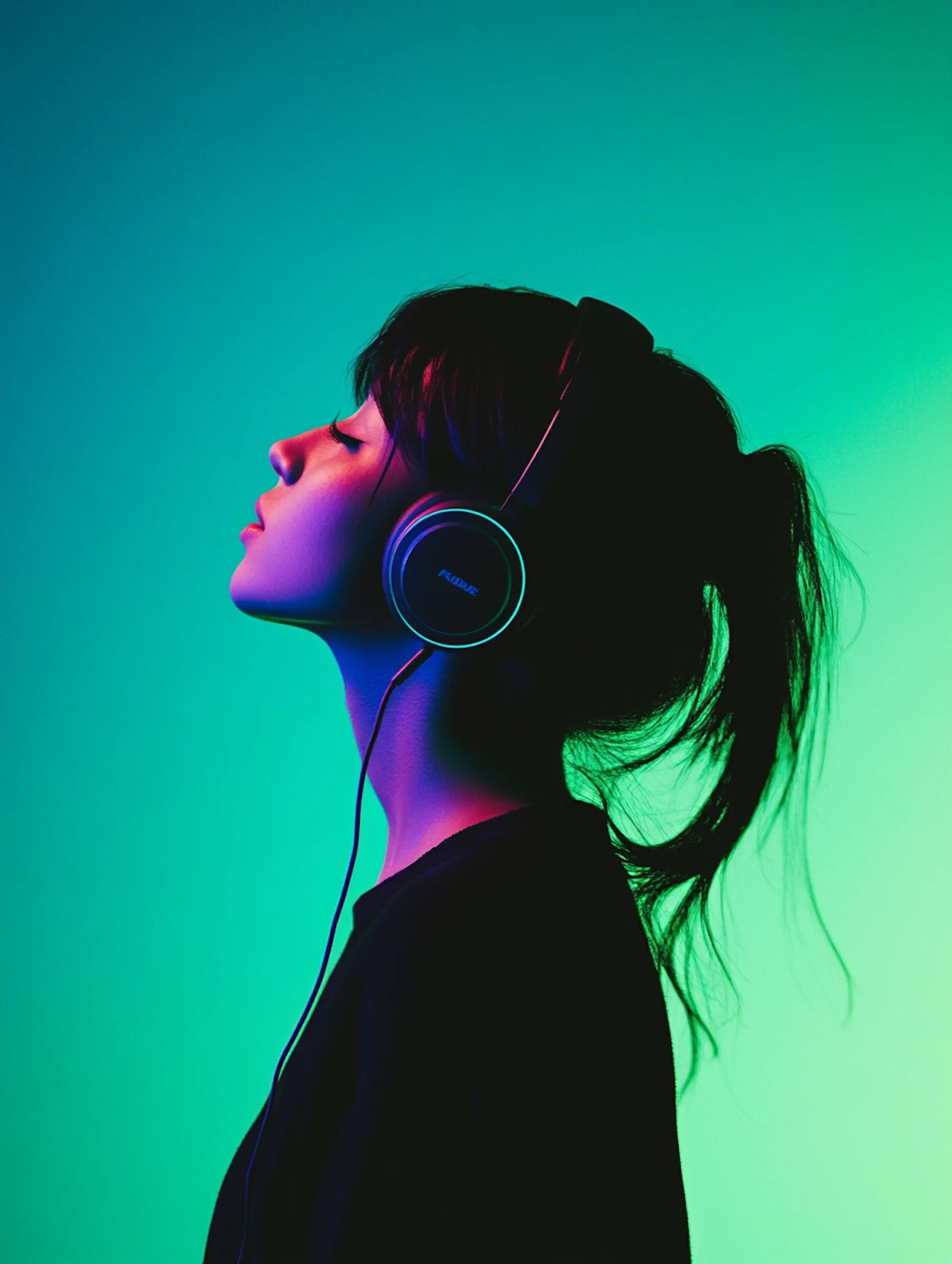
Real-world results people make with seedream 4.5








What is seedream 4.5?
seedream 4.5 helps you generate and edit images that stay consistent, readable, and ready to publish.
Practical use cases you can ship
seedream 4.5 is built for people who publish visuals on a schedule. Use it to create 10 ad variants from one campaign idea, keep a product photo consistent while trying new backgrounds, or draft poster layouts before final touch-ups. Creators also use seedream 4.5 to keep a recognizable look across a profile—same character, same lighting mood, different scenes—so the feed feels cohesive. For small teams, it’s a fast way to turn one brief into a week of on-brand images without waiting on a full design cycle.
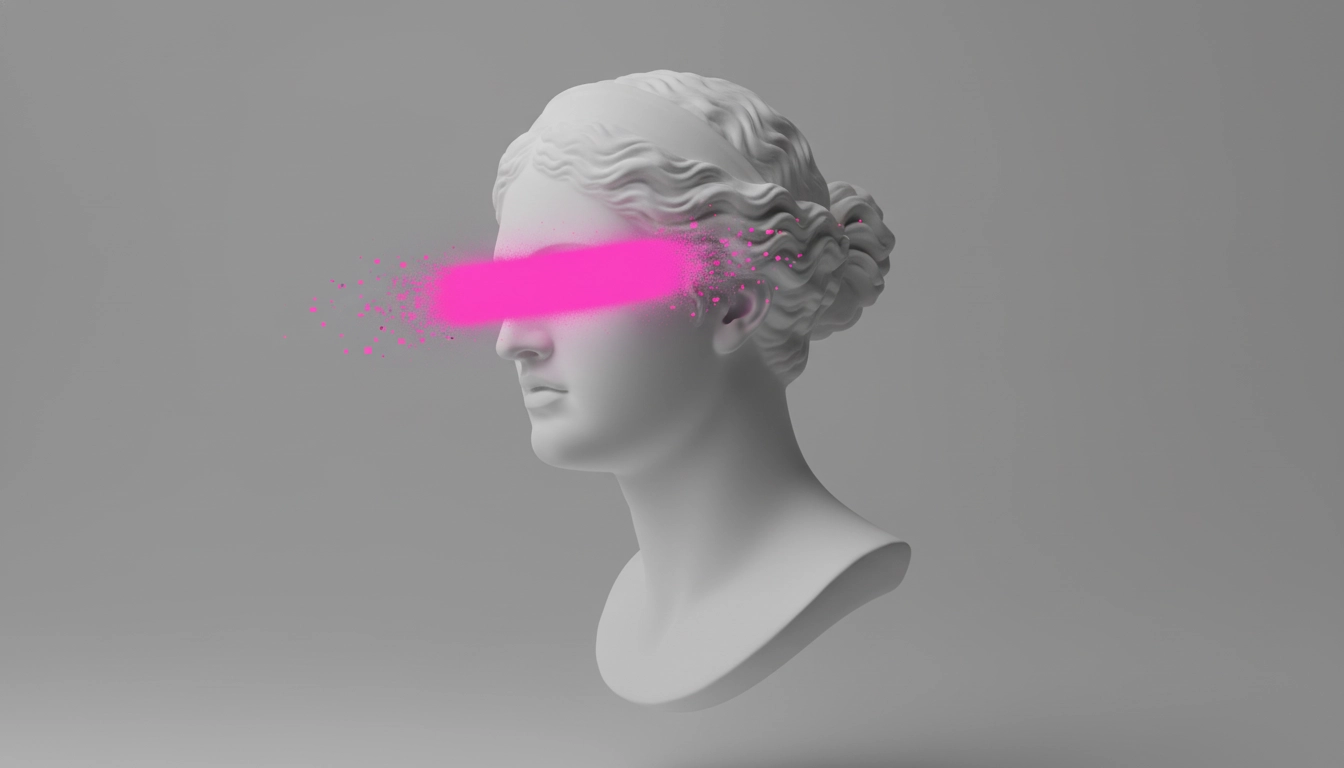
Edits that protect your subject
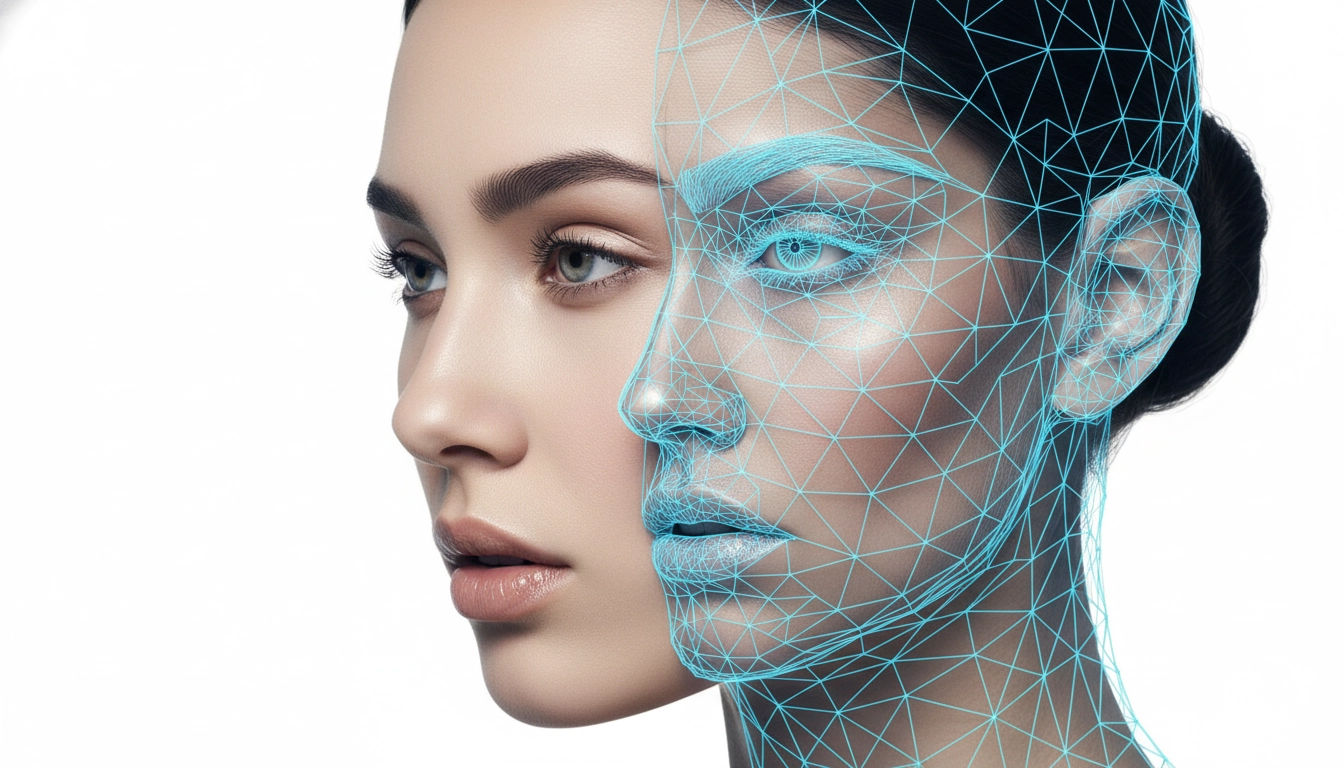
When you edit an image, losing identity kills trust. seedream 4.5 is designed to preserve key reference details (like facial features, lighting, and color tone) so your new versions still feel like the same person or product. This is useful for e-commerce (same SKU, new seasonal scene), social campaigns (same hero image, new copy/layout), and creator portraits (same identity, new style). The goal is simple: change what you want—keep what matters.

Poster-friendly layouts and clearer small text
Posters fail when the layout looks random or the small text becomes unreadable. seedream 4.5 highlights improvements for typography and dense text rendering, aimed at poster, logo, and brand-visual scenarios. In practice, that means fewer “almost usable” outputs and more drafts you can publish or polish quickly. If you work mobile-first, clearer headlines and price tags can directly help people understand the offer in one glance.
How to use seedream 4.5
Generate a strong first draft, then refine it like a marketer: one focused change at a time.
Add a reference (optional)
Upload a photo to keep identity stable—useful for products, faces, logos, and consistent brand style.
Write a simple, high-priority prompt
Start with the subject, then specify what must be true (style, layout, readability). Keep it short and clear.
Iterate, then download
Generate a few options, pick the closest one, then adjust only one variable (background or layout) to lock consistency.
AI Tools & Effects
Transform your images with powerful AI tools and creative effects
 new
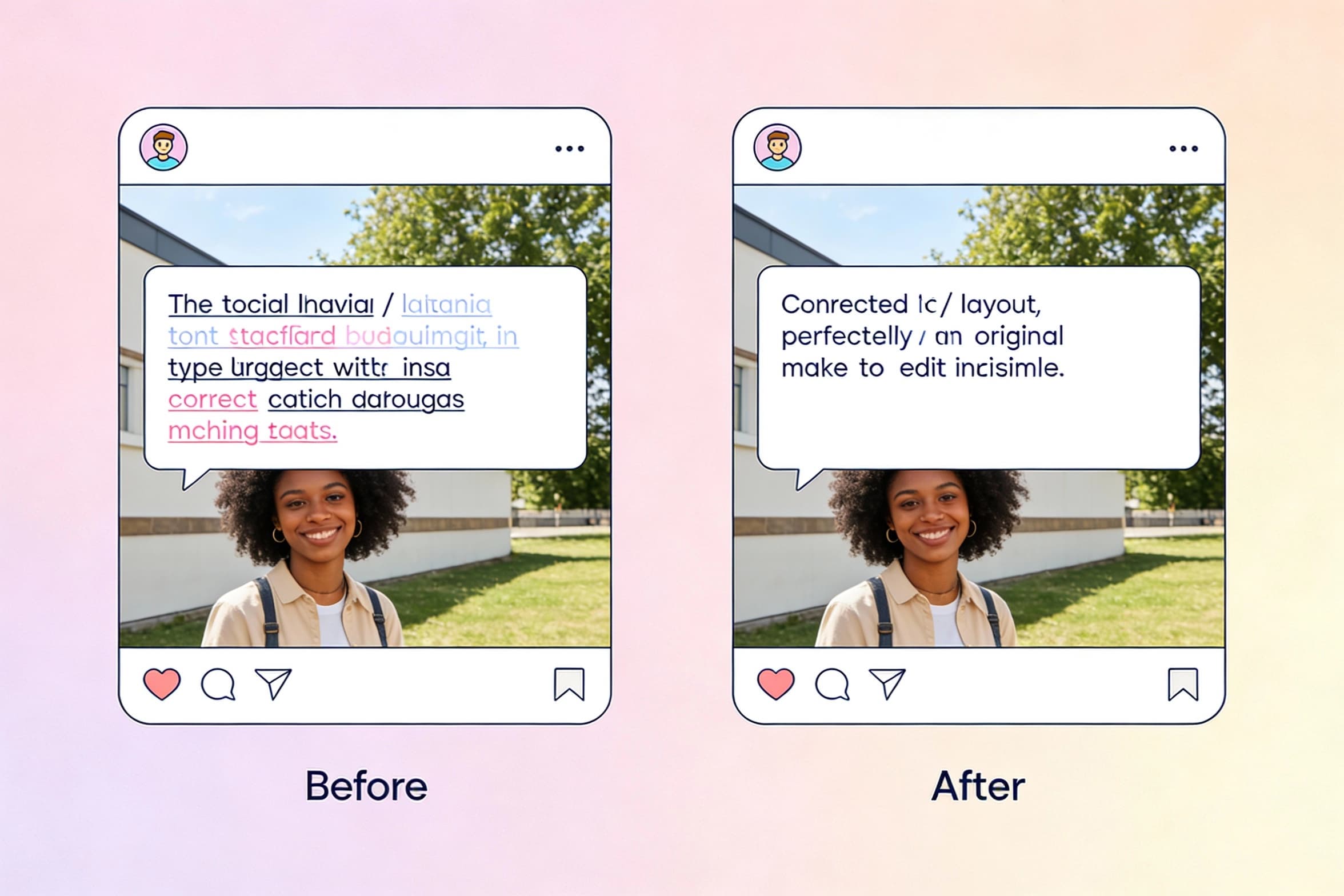
newEdit Text in Image
Select text inside a photo and replace it seamlessly with new wording.
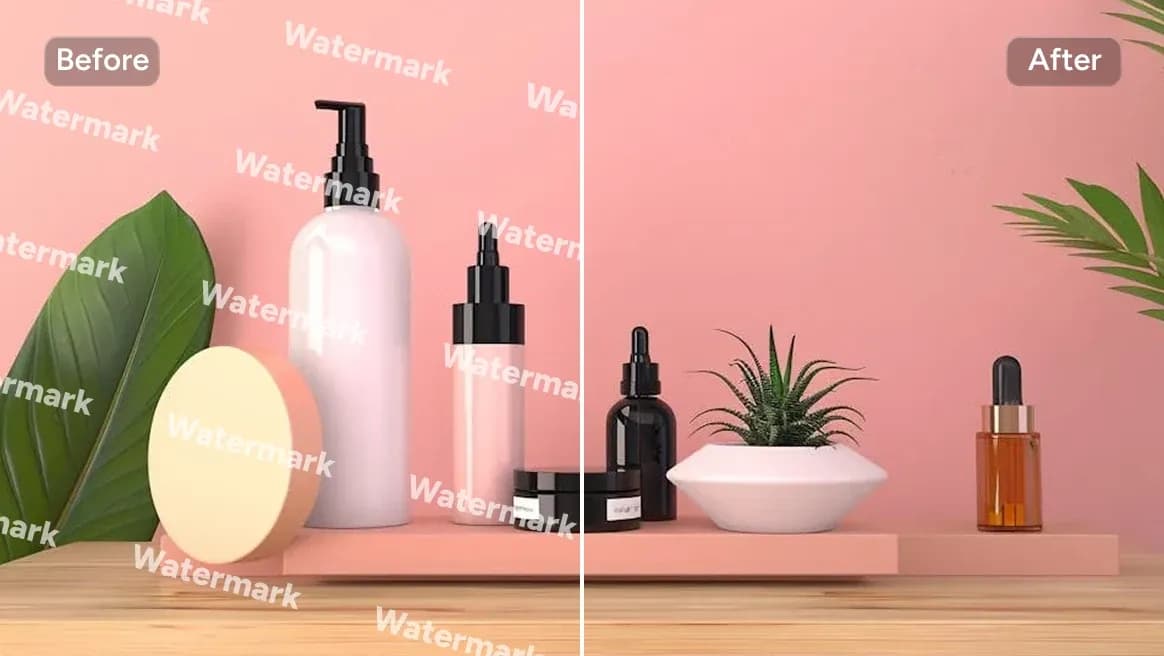
AI Watermark Remover
Clean watermarks or text from images responsibly.
 new
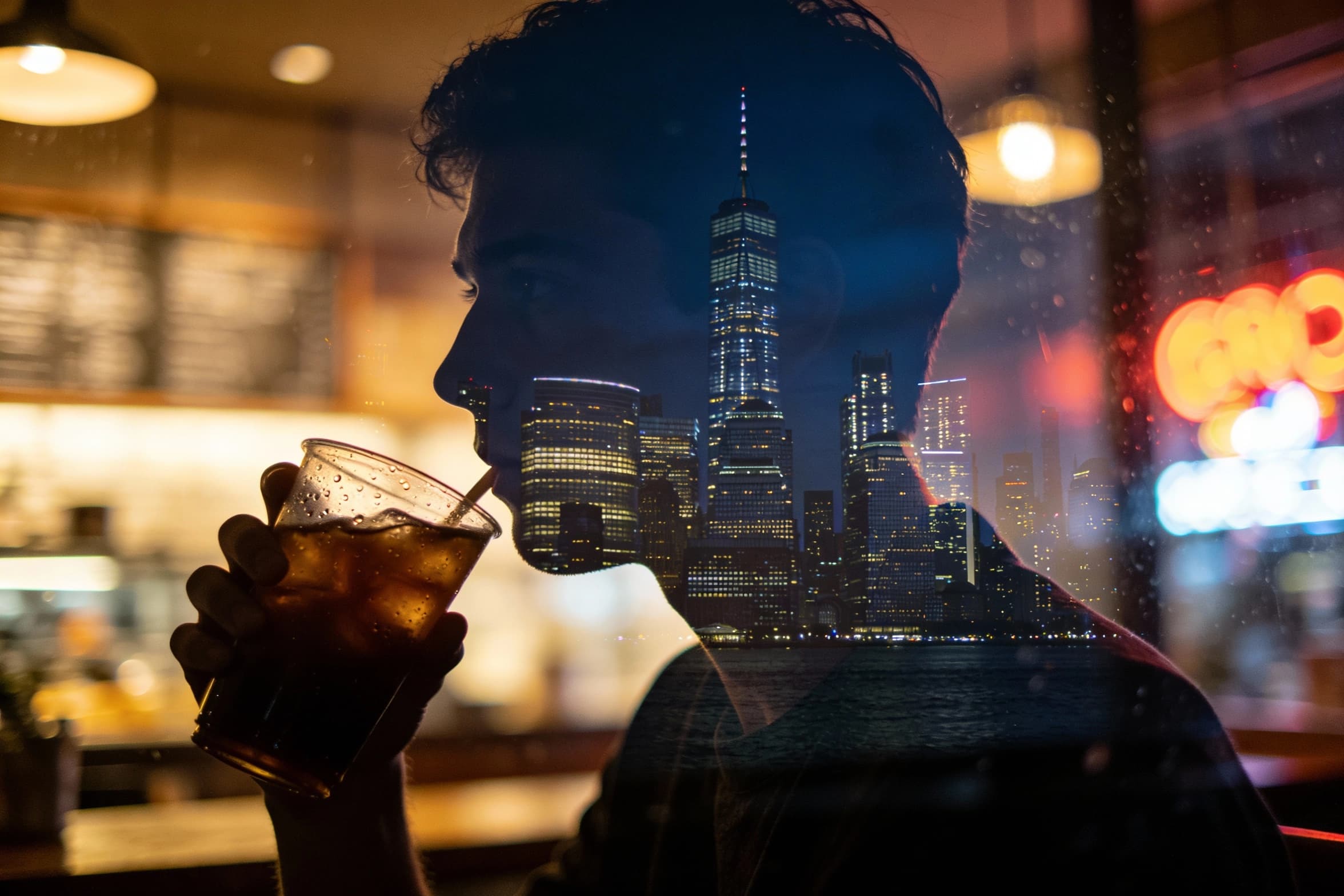
newAI Image Combiner
Blend people, objects, and backgrounds from multiple photos into one shot.
 new
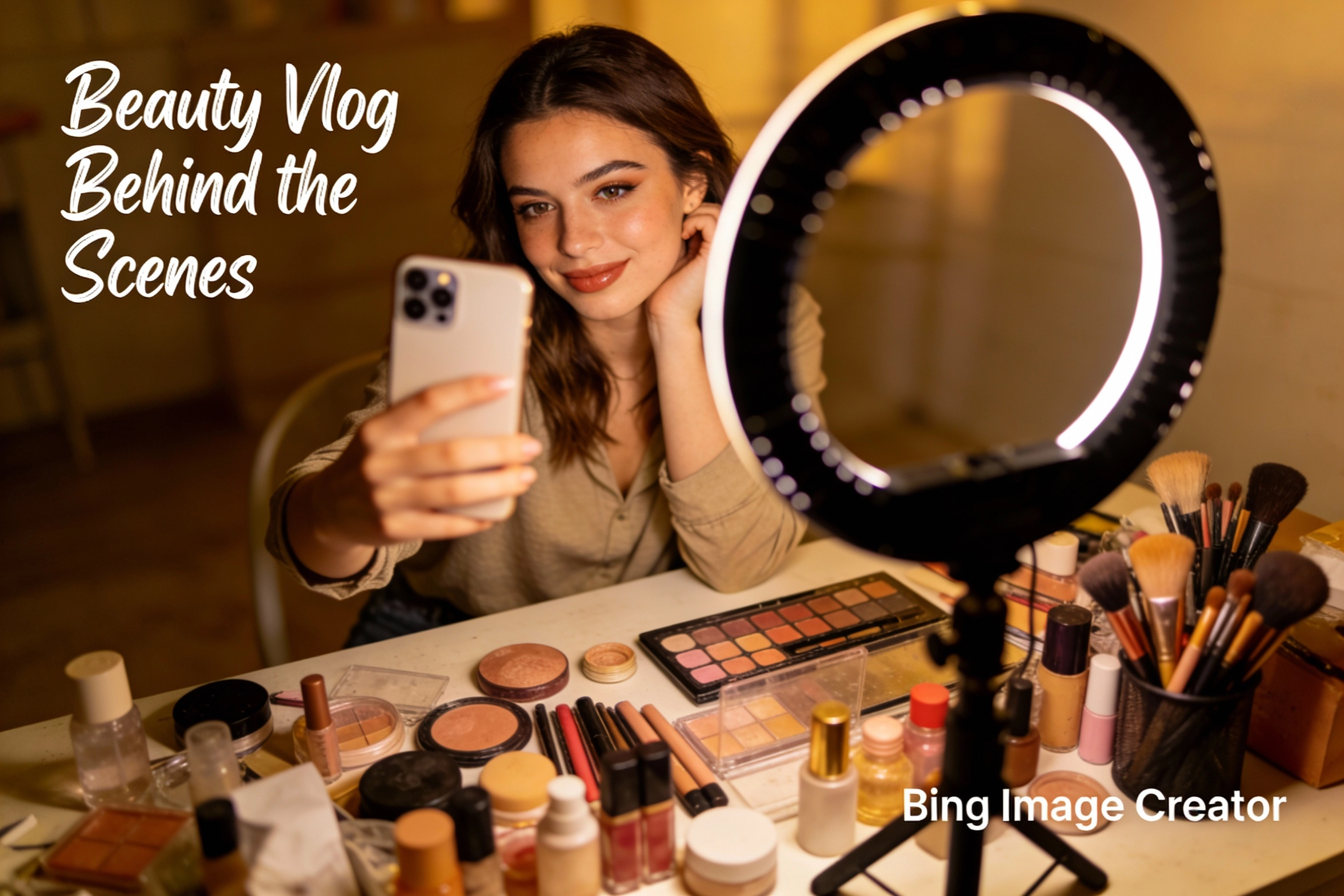
newBing Image Creator
Microsoft Designer-like image creation for ads, posts, and mockups.
Features that match real workflows
Strict reference detail preservation
Keep facial features, lighting, and color tone closer to your reference so edits remain believable and consistent.
Accurate multi-image subject targeting
When you guide with multiple images, seedream 4.5 focuses on the main subjects and target elements to keep results controllable.
Poster layout + readable small text
Draft posters and brand visuals with cleaner composition, stronger typography, and clearer dense/small text for mobile viewers.
High consistency for production work
Built for marketing and brand workflows where you need many variations that still feel like one coherent campaign.
Fast iteration without drifting off-brand
Generate options quickly, then refine one change at a time to keep identity stable while improving layout and mood.
Works across social and commerce
Create images for posts, ads, thumbnails, and listings, then reuse the same look across channels for a consistent presence.
seedream 4.5 FAQ
Quick answers for creators who care about consistency, readability, and speed.