
AI Font Generator for Instant Custom Text Styles
Use AI Font Generator to turn simple words into scroll-stopping lettering for your posts, logos and thumbnails without any design skills.

Why Creators Love This AI Font Generator

Instant Social-Ready Fonts
Type your text once and AI Font Generator instantly gives you multiple font styles that already feel at home on Instagram, TikTok, YouTube and more. Instead of scrolling endless font lists, you simply pick from ready-to-use looks that match reels covers, carousels, stories or shorts. This saves you minutes on every post and keeps your feed visually consistent, even if you are not a designer.

Brand-Like Consistency
With AI Font Generator you can keep your fonts consistent across profile picture, bio, posts, highlights and ad creatives, so your brand looks more professional and memorable. You decide the vibe once, like bold gamer style, clean startup look or soft lifestyle mood, and reuse those AI fonts every time you publish. This makes your content instantly recognizable when people scroll past your posts.

Logo-Ready Lettering
AI Font Generator can also help you explore logo-style lettering for side projects, personal brands or small shops just by describing the mood you want. Instead of paying for endless revisions, you quickly test multiple directions, such as handwritten, futuristic or minimalist wordmarks, then export the best options for further polishing. It is an easy way to move from idea to usable logo text in one session.

No Design Skills Needed
The interface is built for busy creators, so you do not need to understand typography terms to get strong results from this AI Font Generator. You simply enter your text, choose a style and tweak a few plain-language options like bold, playful or minimal until it looks right. Every change updates live, so you learn by seeing, not by reading complicated guides or learning design software.





How to Use AI Font Generator
Follow these quick steps to turn your text into polished AI fonts you can download and share in minutes.
Add Your Text and Pick a Use Case
Type the text you want to style, like a brand name, short hook or post title, directly into AI Font Generator. Then choose where you will use it, such as Instagram posts, TikTok thumbnails, YouTube channel art or a simple logo draft, so the tool can suggest suitable sizes and layouts.
Describe the Style and Adjust Options
Describe the mood you want in plain language, for example bold startup style, cozy handwritten vibe or retro arcade look. Combine this with a few simple controls for weight, spacing and curve to quickly refine the lettering until it matches your content style or brand identity.
Generate, Download and Post
Once you like the preview, let AI Font Generator create a clean version of your chosen style and download it in the format you need. Drop it into Canva, your video editor or website, then reuse the same AI font generator settings whenever you post to keep your visuals consistent.
AI Tools & Effects
Transform your images with powerful AI tools and creative effects
 new
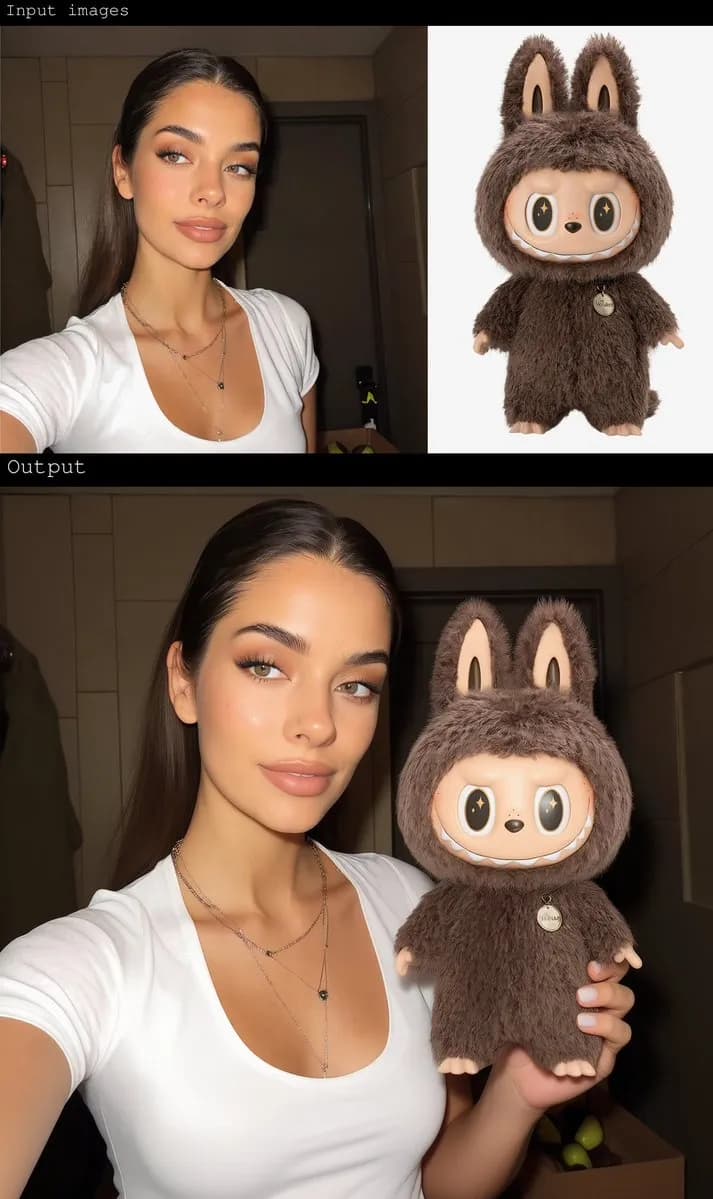
newAI Image Combiner
Blend people, objects, and backgrounds from multiple photos into one shot.
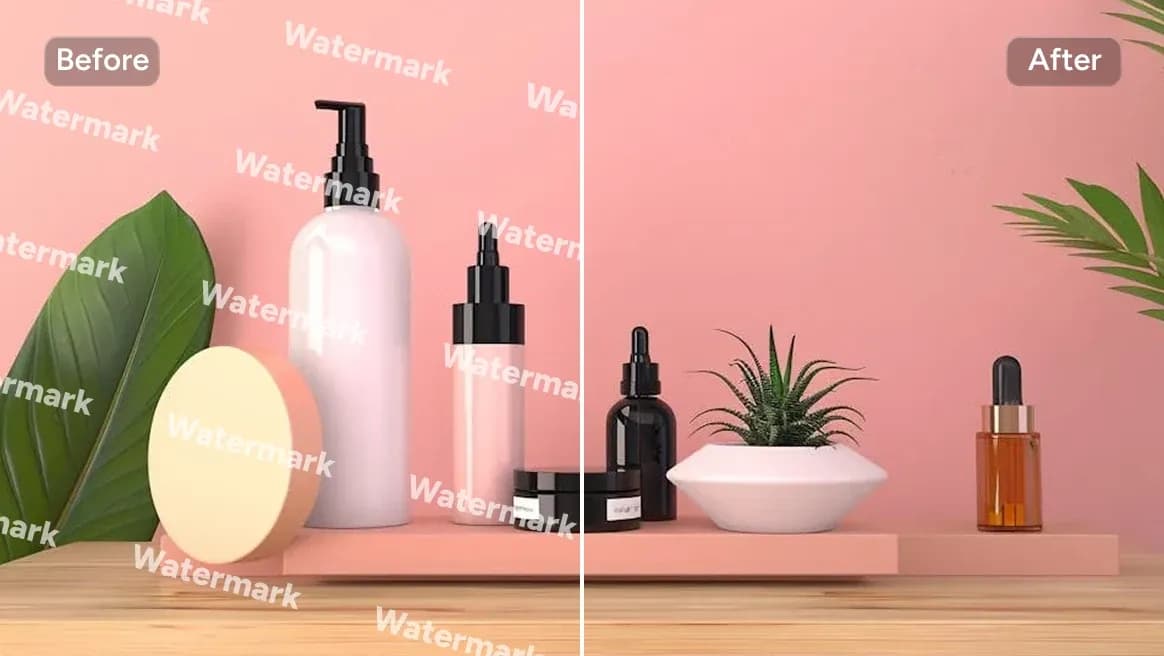
AI Watermark Remover
Clean watermarks or text from images responsibly.
Gender Swap
Swap gender presentation while preserving identity and details.
 new
newBing Image Generator
Copilot-style text-to-image with quick prompts and trendy looks.
AI Font Generator FAQs
Answers to common questions about using AI Font Generator for social media, branding and everyday content creation.