
AI Image Upscaler for Clear, Bigger Photos in Seconds
Use the AI image upscaler to make small or fuzzy photos look crisp and ready to use. Perfect for product listings, social posts, slides, and prints—upload, choose 2× or 4×, and download.
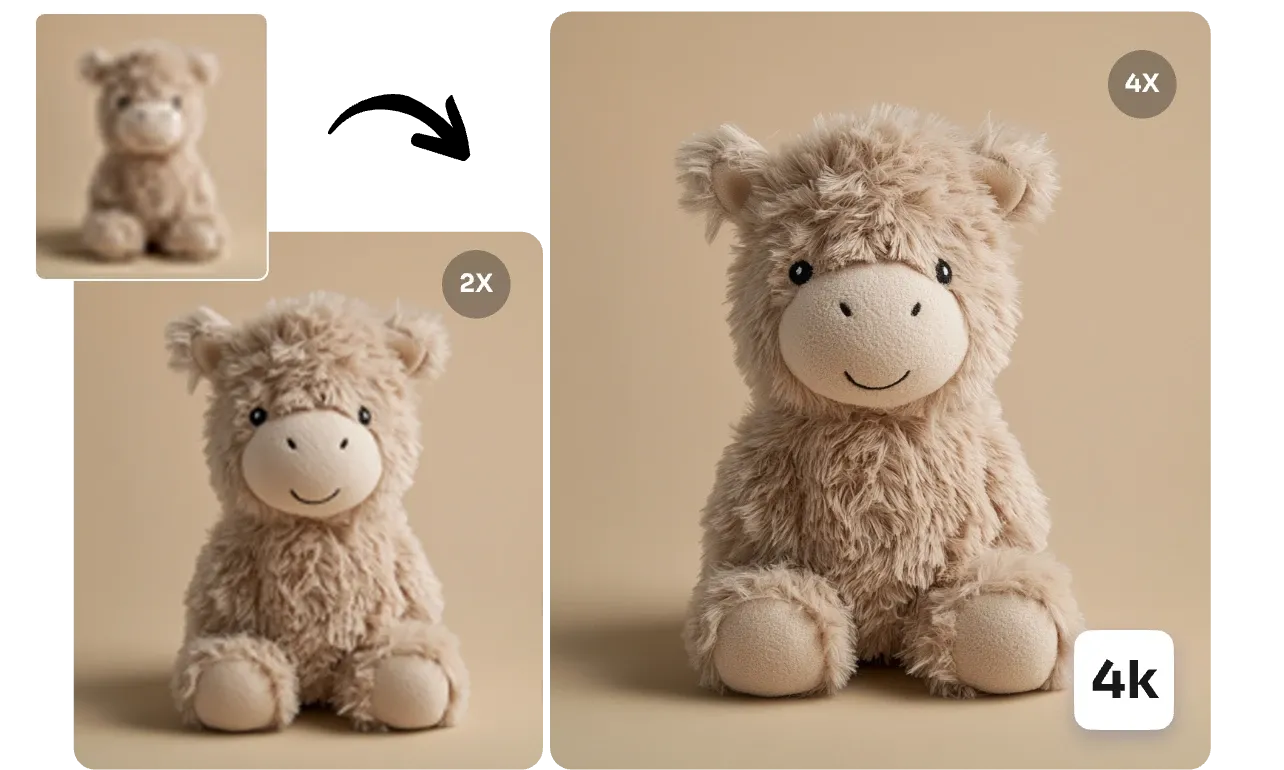
See the Difference: Before & After AI Enhancement
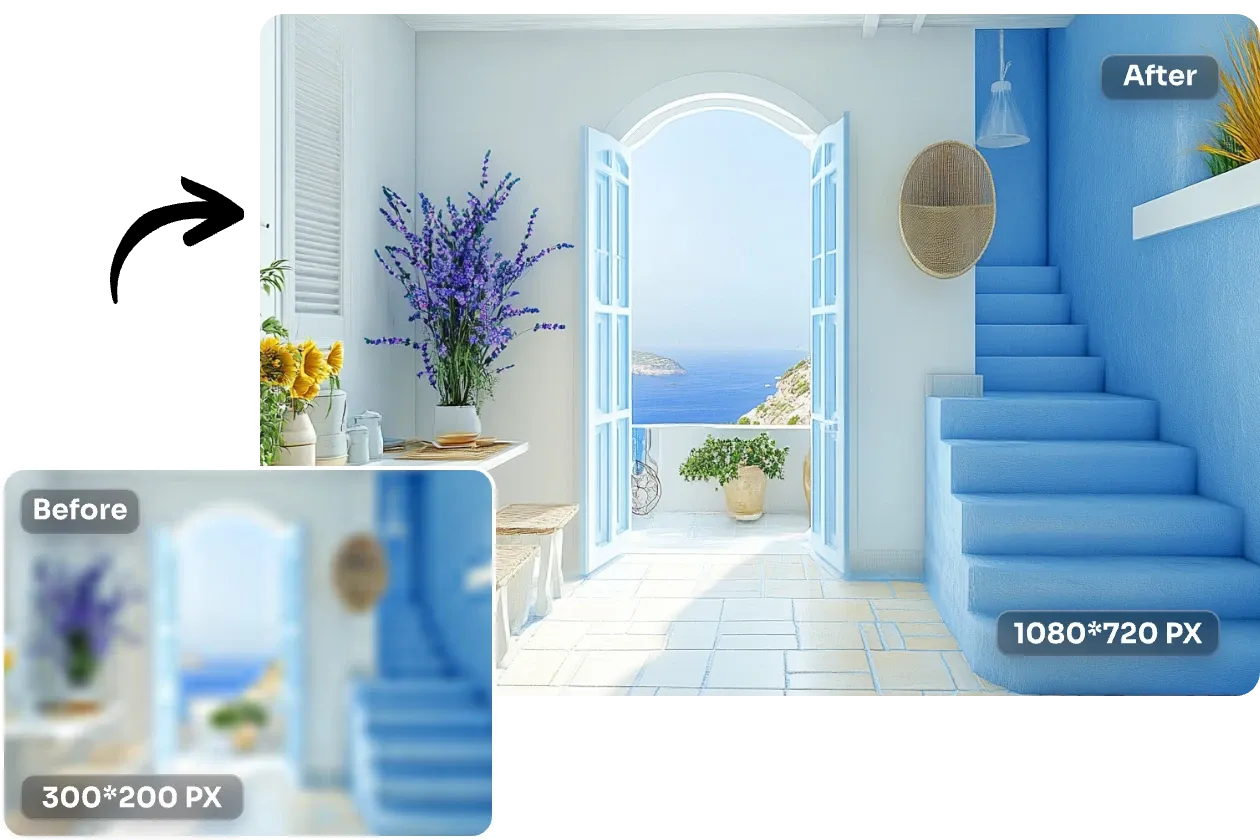
Home Decoration
Transform small interior design photos into stunning high-resolution images for home decor inspiration. Upscale room layouts and decoration ideas to see every detail clearly for your next renovation project.
Product Photography
Turn tiny product photos into crisp, professional images. Upscale small teddy bears, toys, or any product shots to look stunning on your online store without any blurriness or pixelation.
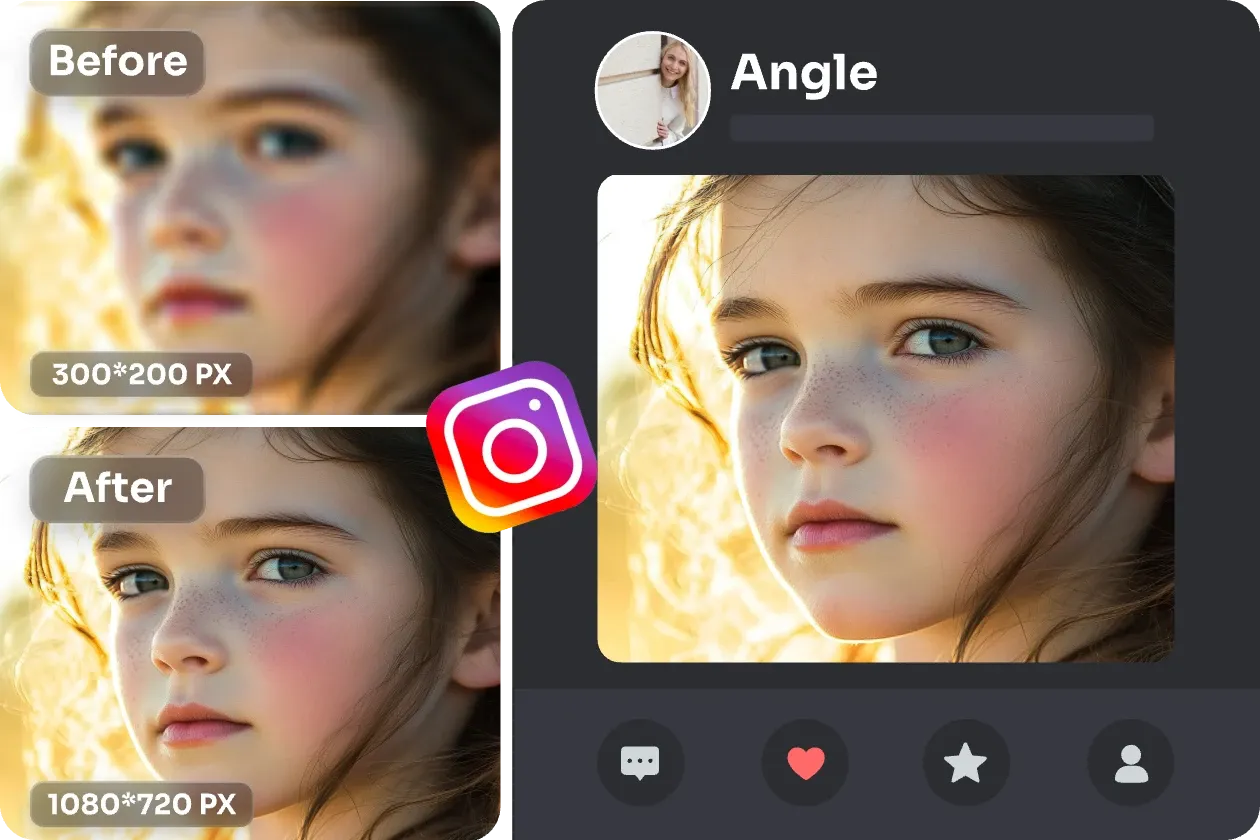
Social Media Posts
Make your selfies and portraits Instagram-ready. Enlarge low-resolution photos to meet platform requirements for profile pictures, stories, and posts that look sharp on all devices.
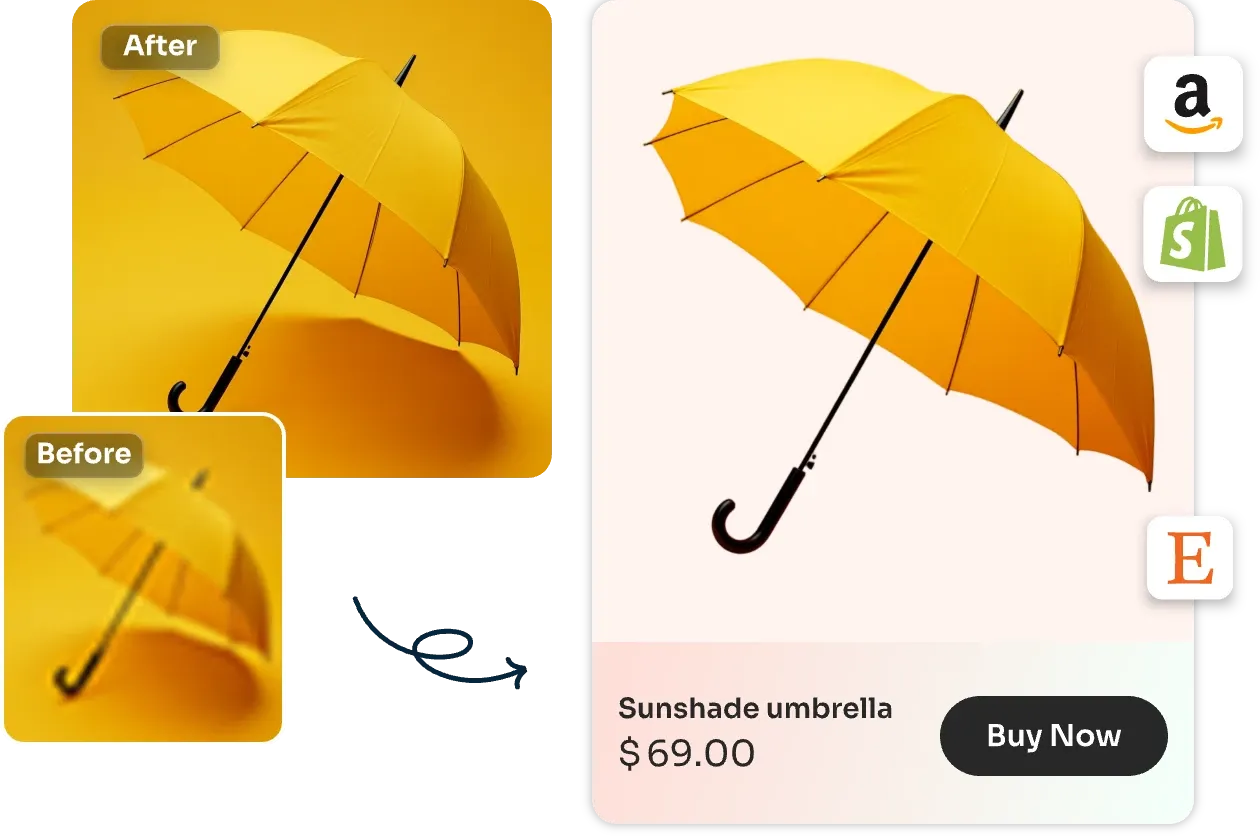
E-commerce Products
Scale up product catalog images for online shopping platforms. Turn small reference photos into clear, professional product displays that showcase every detail and attract more customers.





How to Upscale an Image in 3 Steps with the AI Image Upscaler
Upload your image and let our AI automatically enhance it. Add optional instructions if needed, or leave blank for our smart defaults.
Upload Image
Upload your JPG, PNG, or WebP image file.
Upscale with AI
Our AI automatically processes and upscales your image. Optionally add specific instructions for custom results.
Download Result
Download your enhanced, high-resolution image instantly.
AI Tools & Effects
Transform your images with powerful AI tools and creative effects
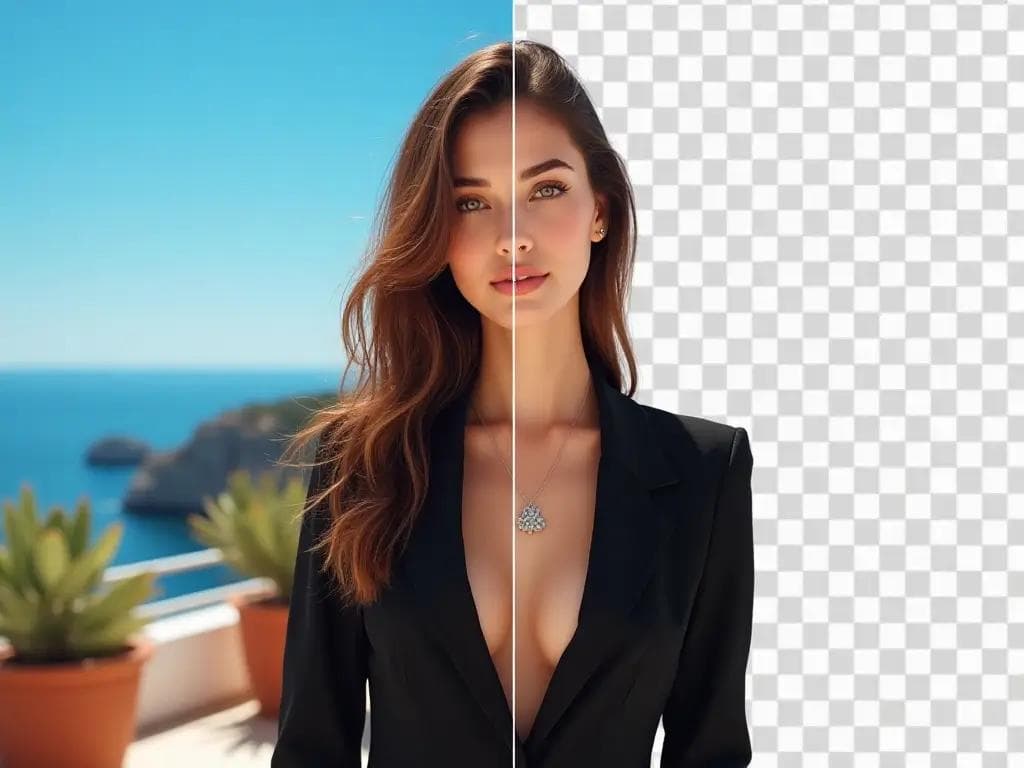
AI Background Remover
Remove backgrounds in one click for product photos and portraits.
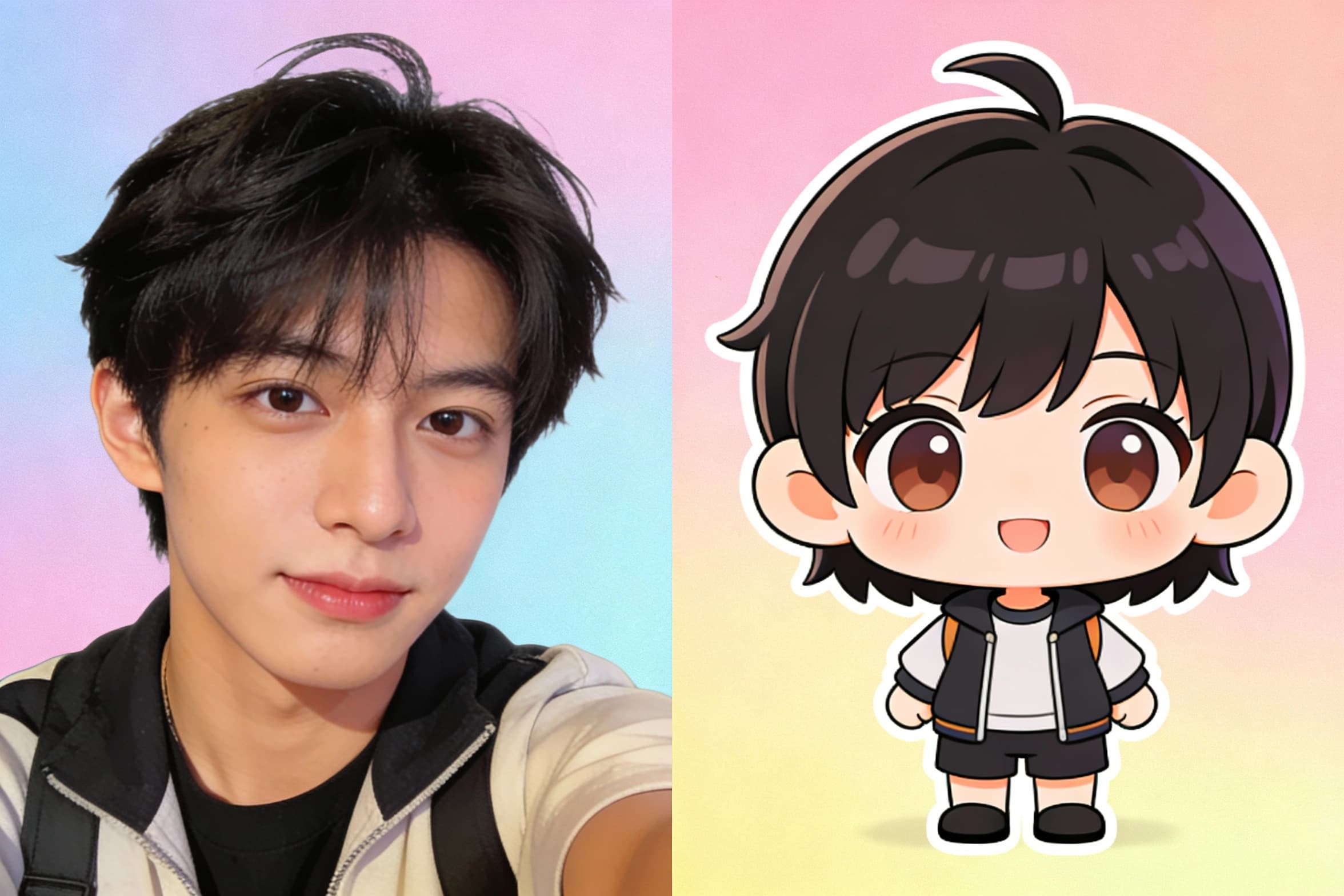
Chibi Art Maker
Turn portraits into cute chibi stickers and avatars.
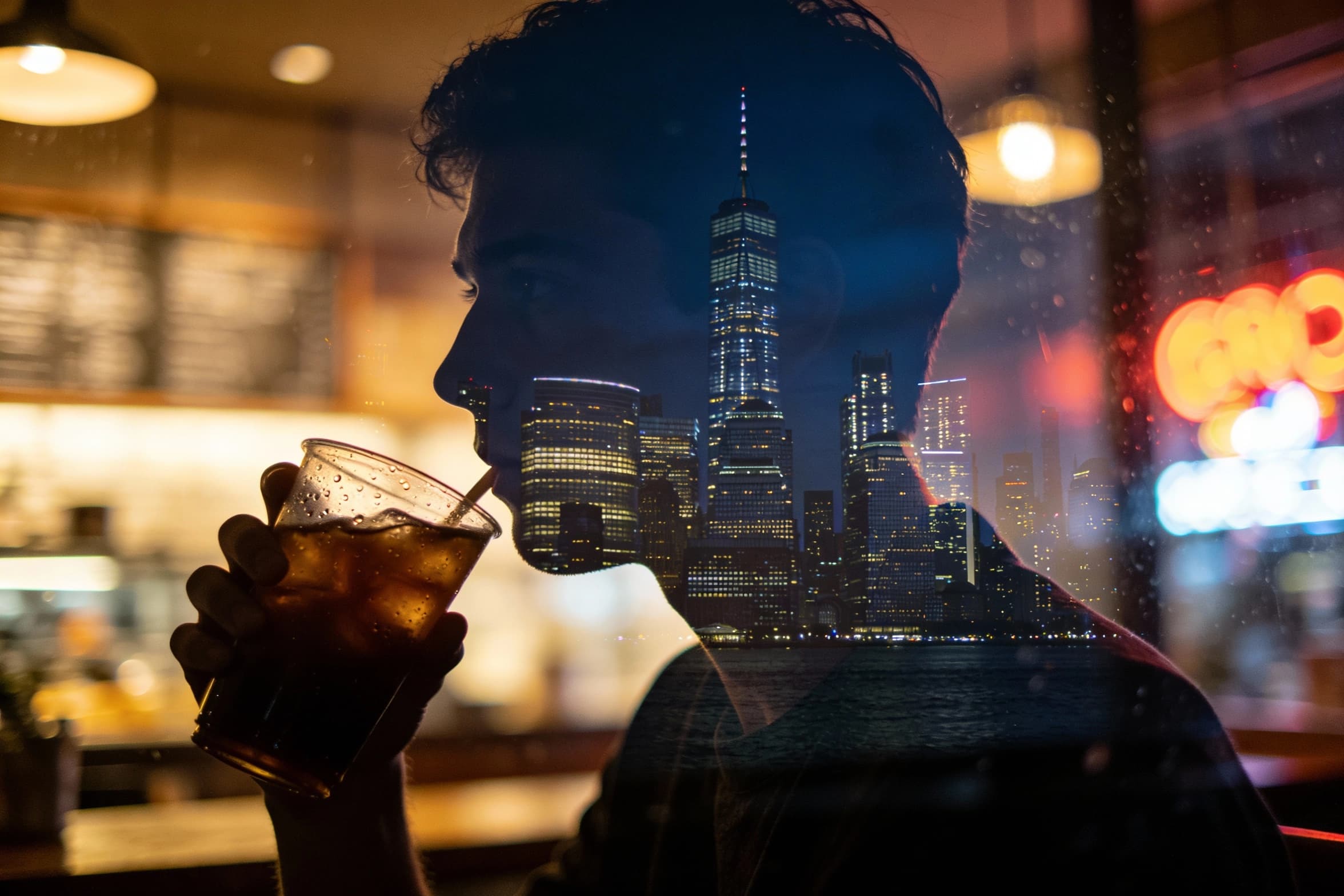 new
newAI Image Combiner
Blend people, objects, and backgrounds from multiple photos into one shot.
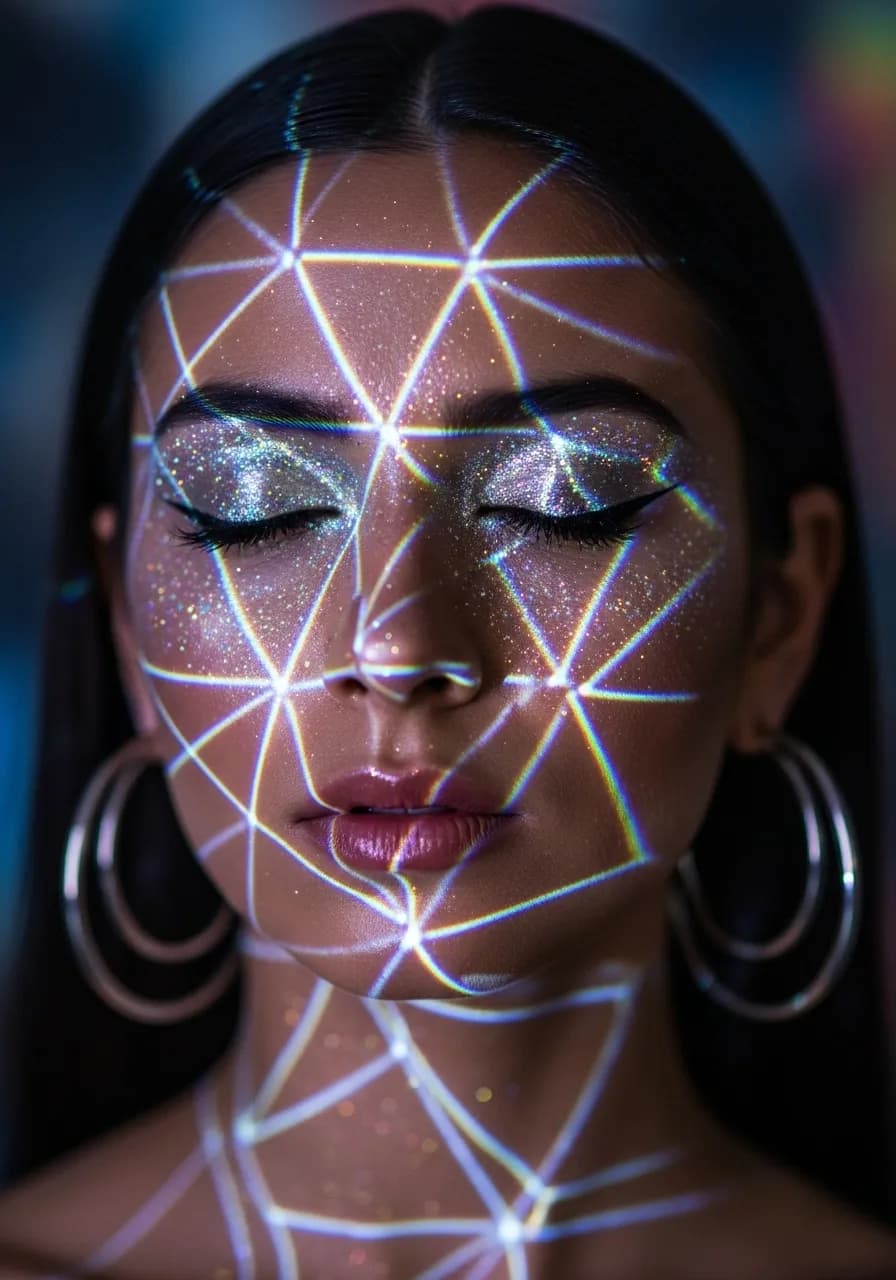
Y2K Style Filter
Apply nostalgic Y2K aesthetics to your photos.
AI Image Upscaler: FAQs
Quick answers to help you get the best results from the AI image upscaler.