Bing Image Creator for fast, scroll-stopping visuals
Use Bing Image Creator to transform short ideas into polished images for TikTok, Instagram, YouTube and more, without any design skills.
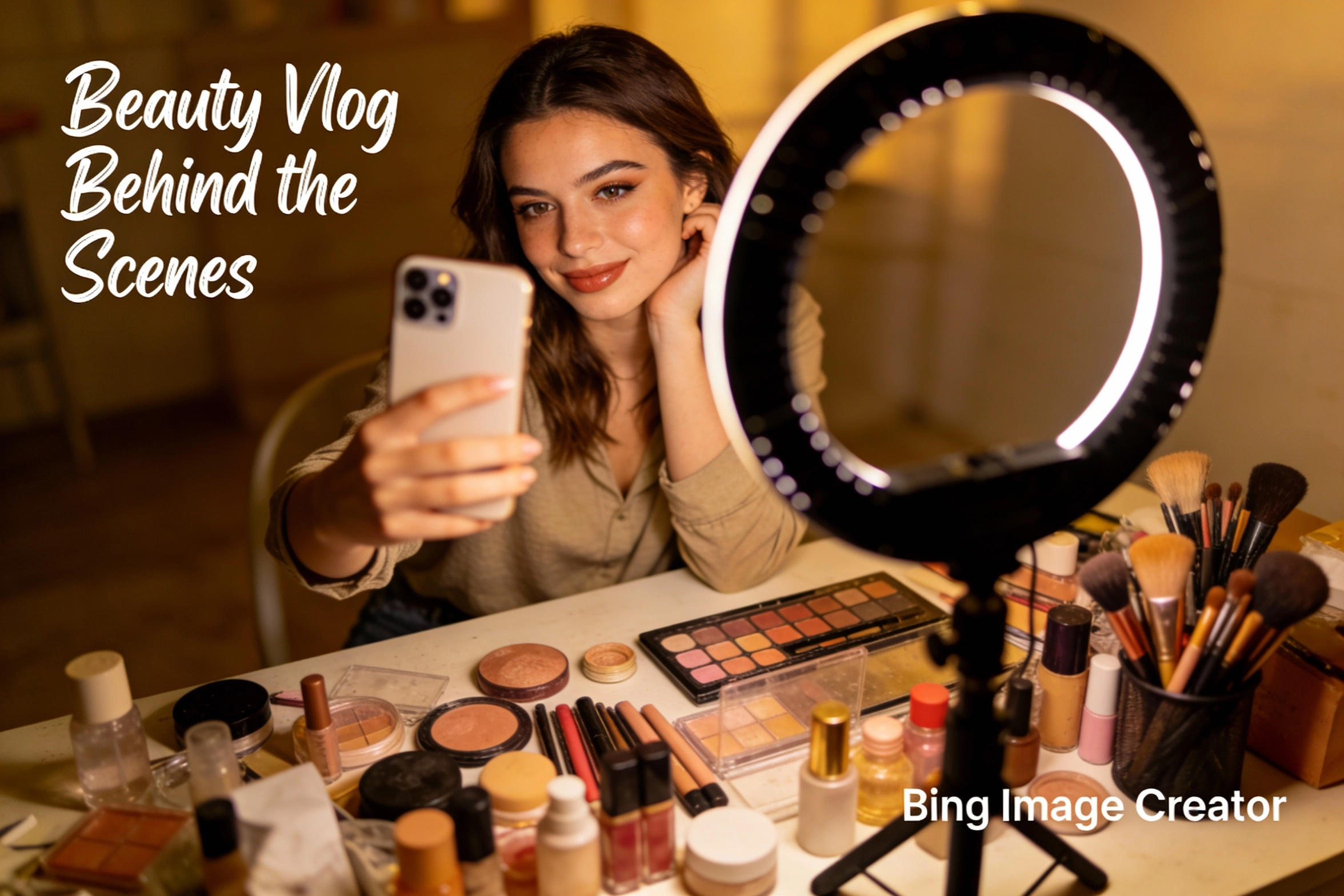
Bing Image Creator examples for real creators

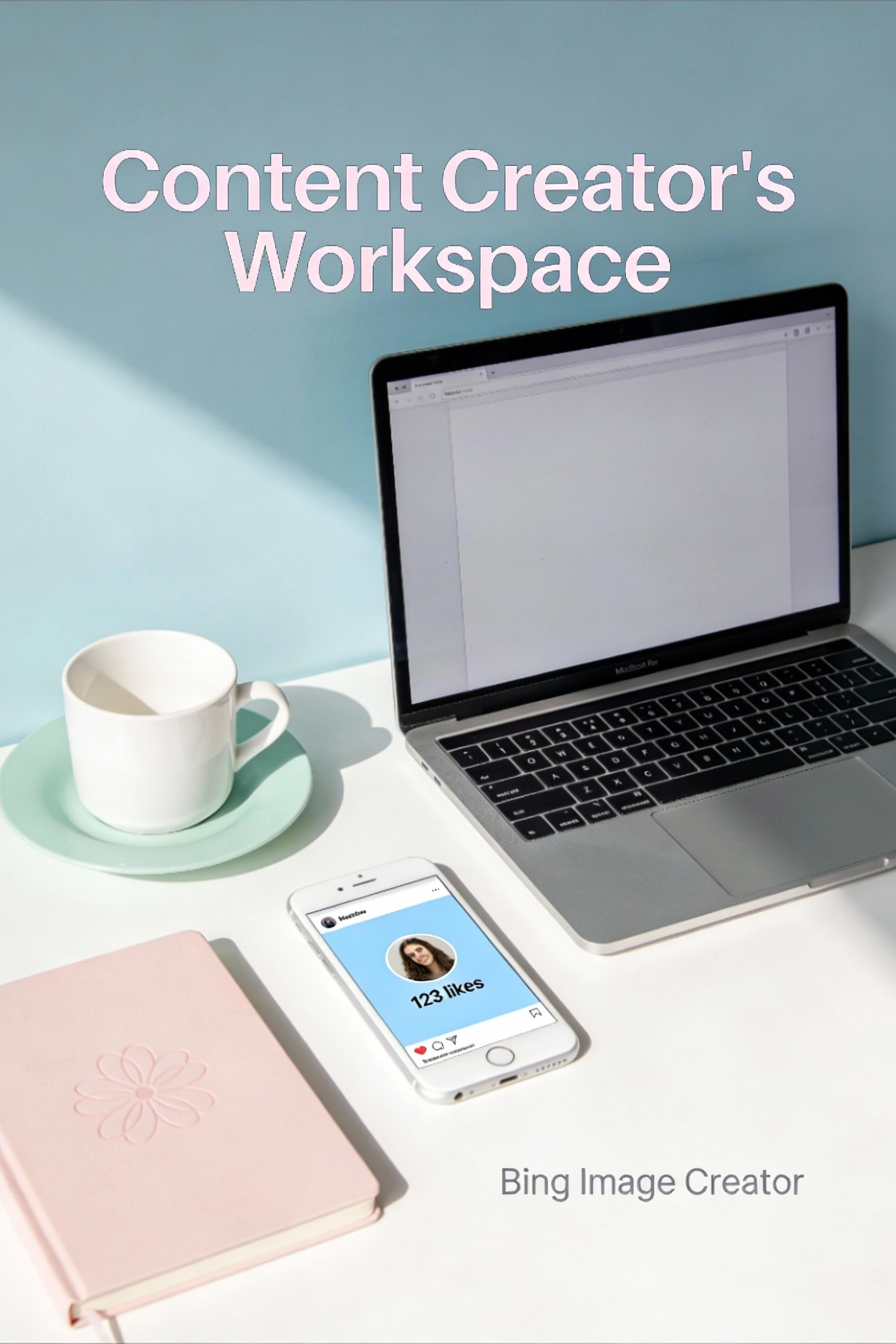

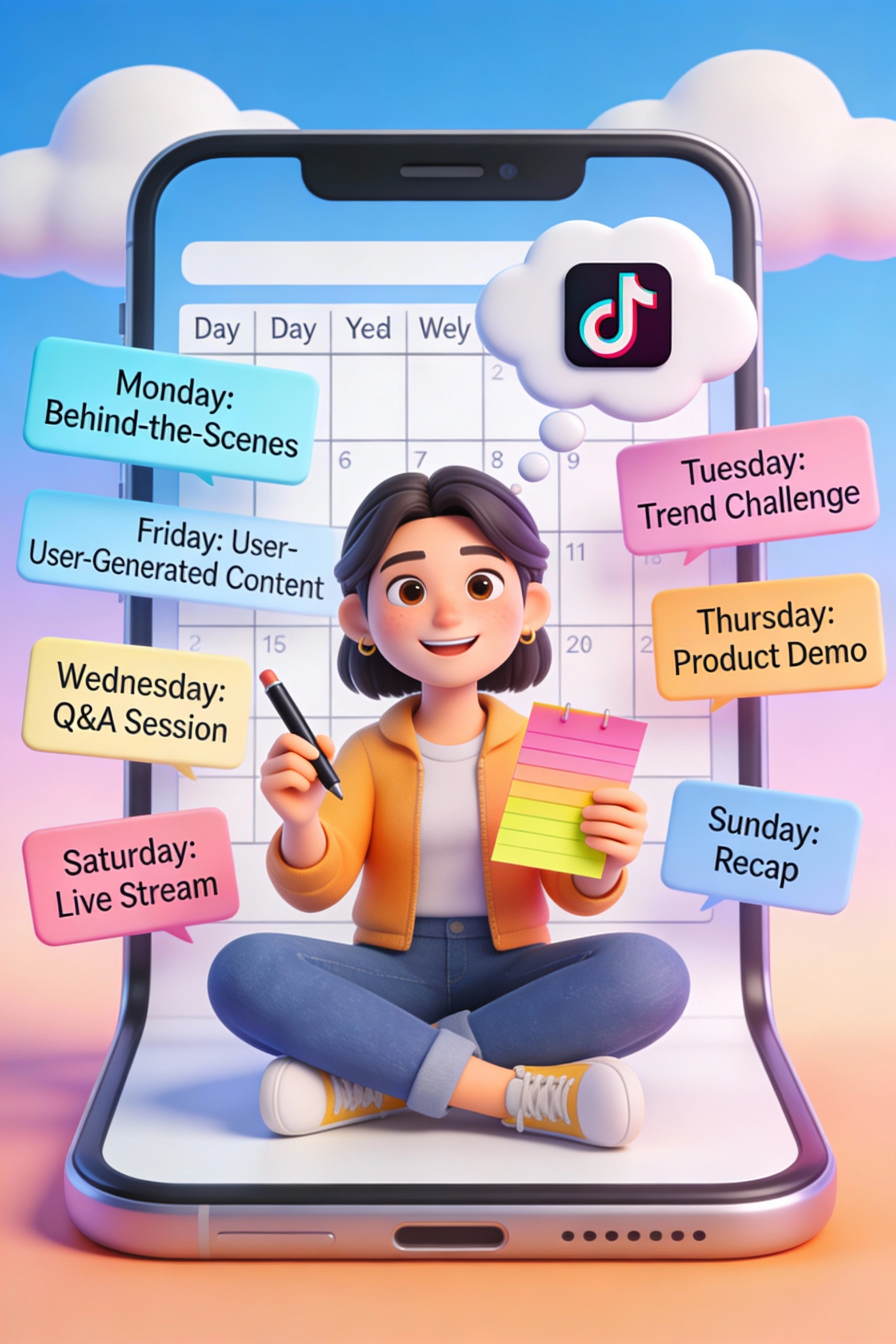





What is Bing Image Creator?
Understand how Bing Image Creator turns quick prompts into ready-to-publish visuals for every social platform.
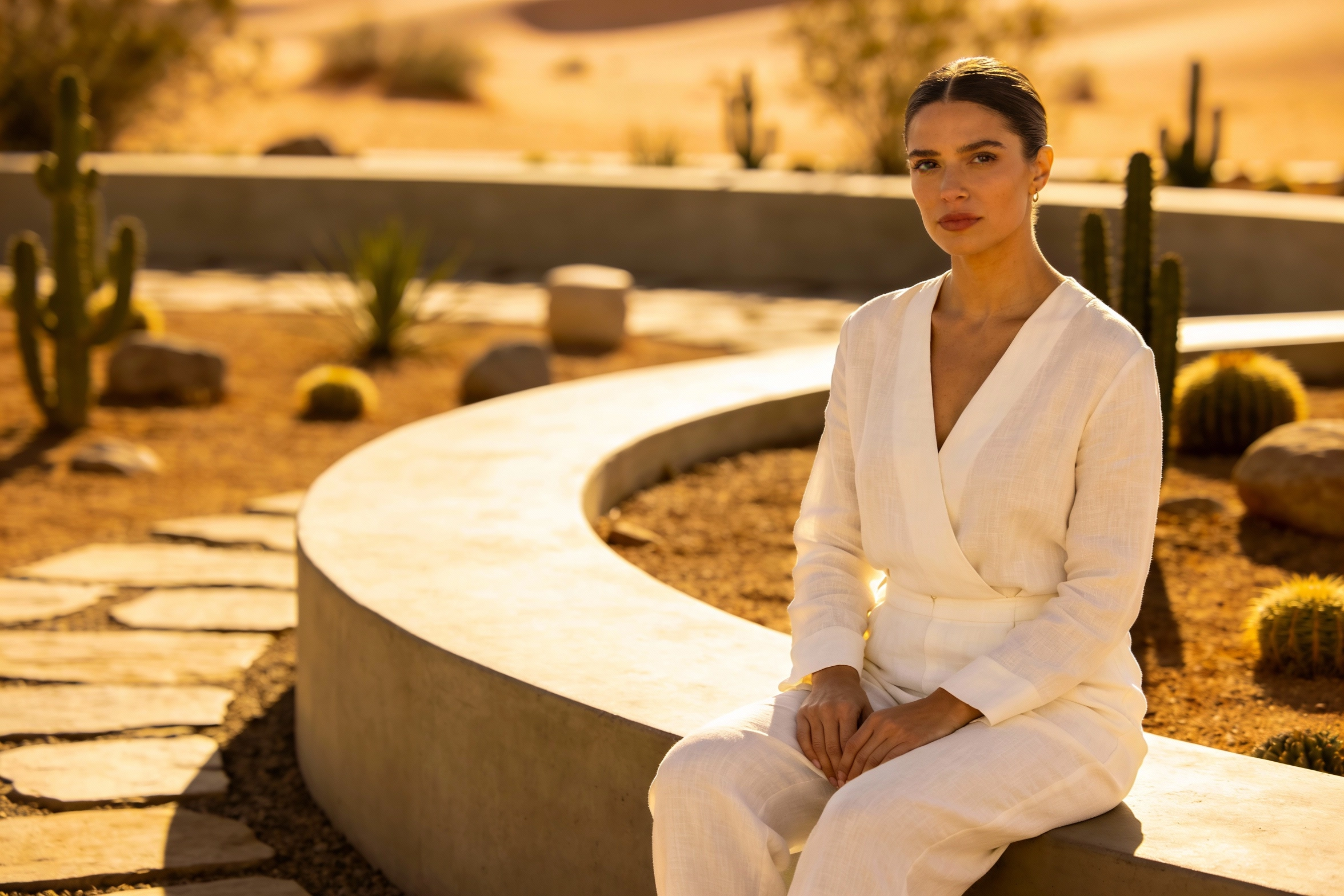
AI image creator powered by Bing
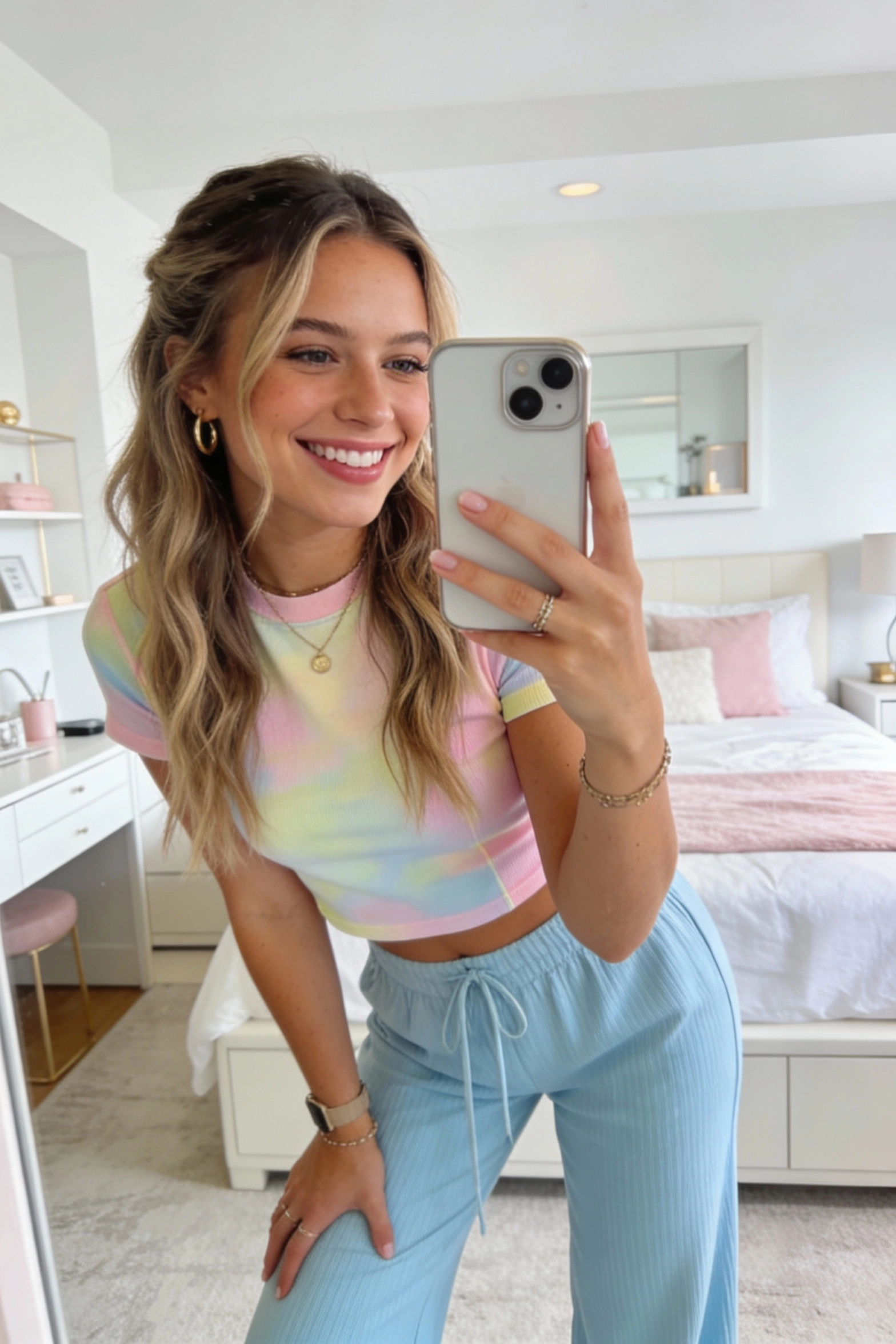
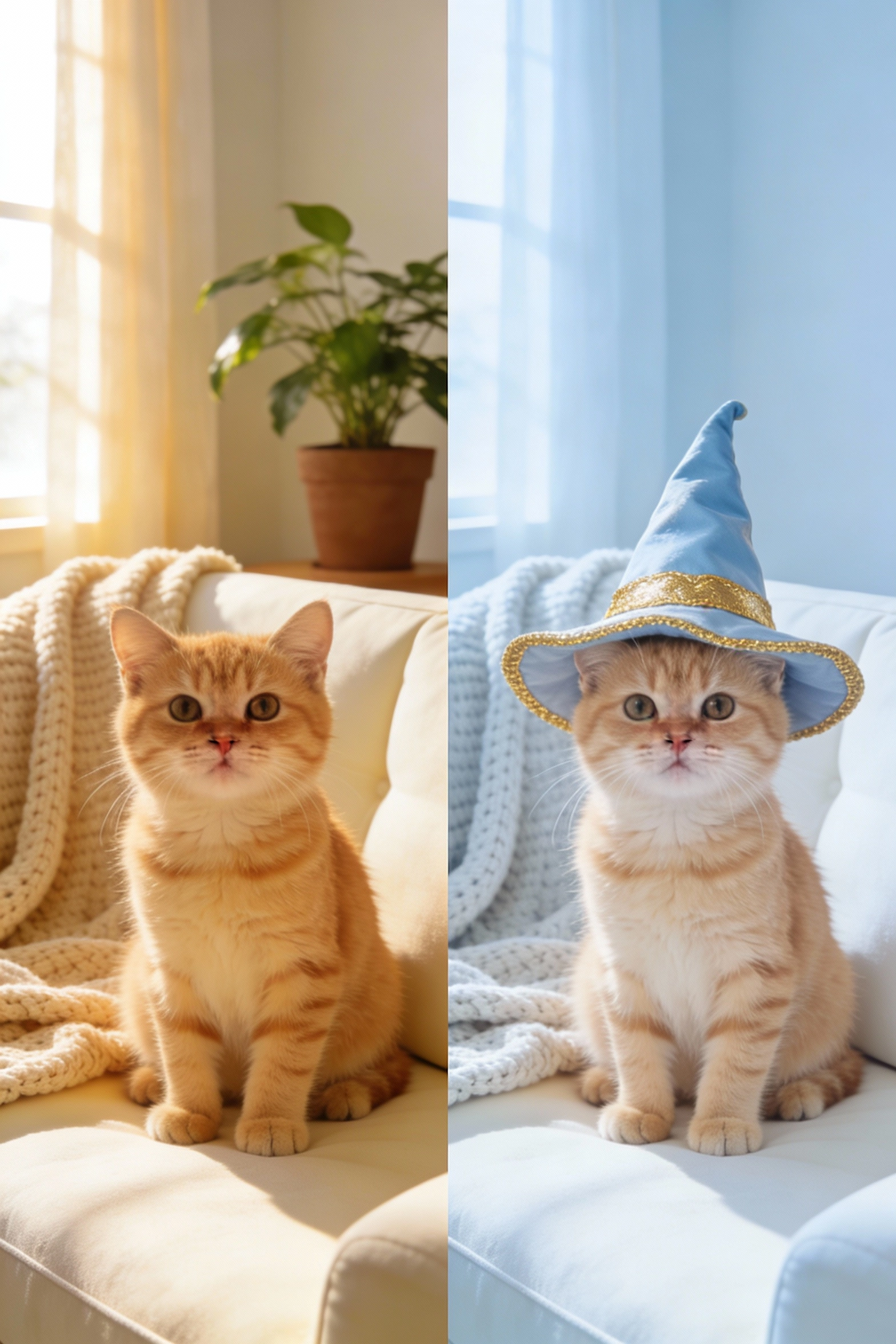
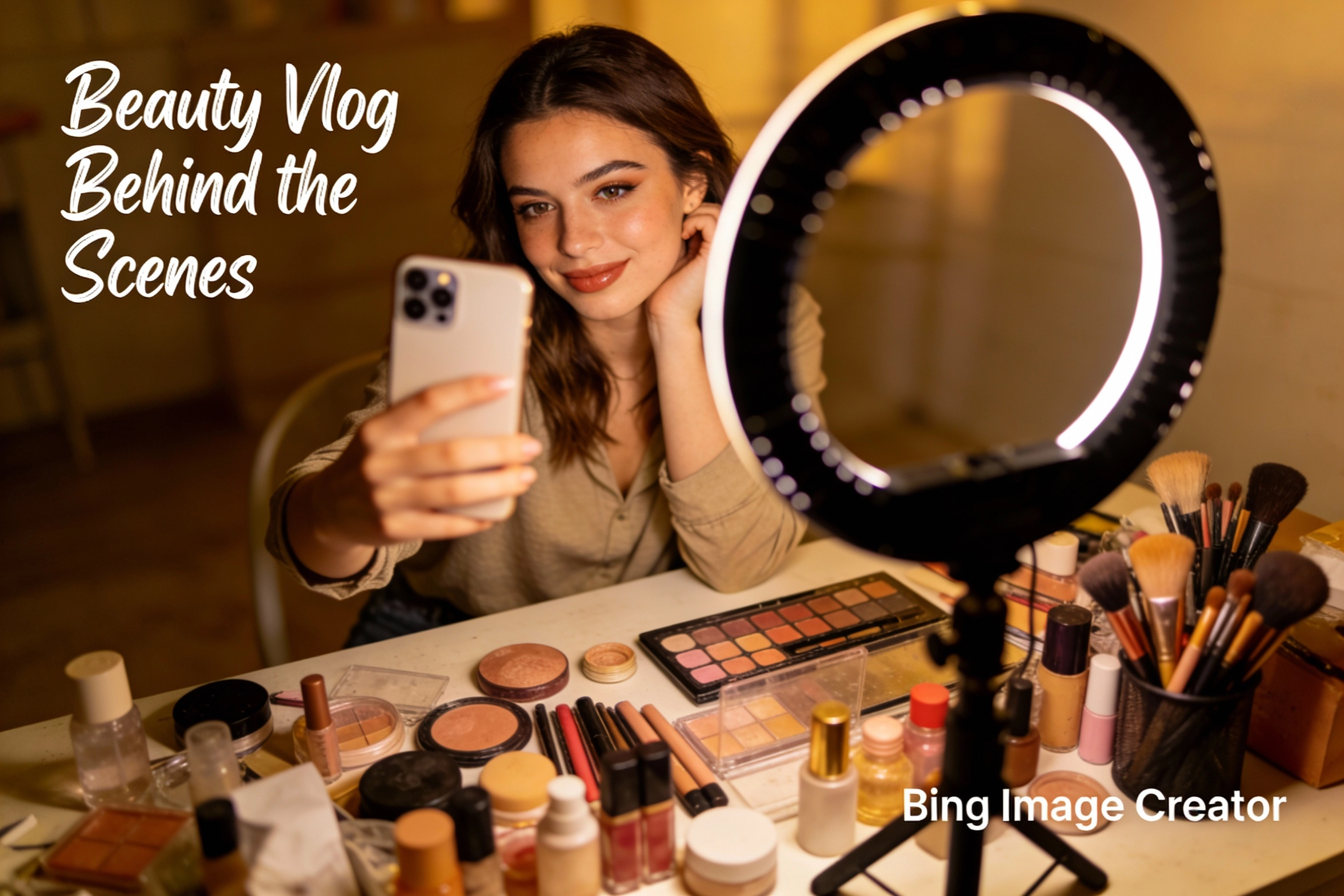
Bing Image Creator is a free AI image generator from Microsoft that converts your words into images you can instantly use on social media, blogs, and online stores. It is built on advanced models like DALL·E and GPT‑4 family, so you can create everything from realistic photos to playful cartoons without opening complex design software. For busy creators, this means you can draft a prompt in a few seconds, generate several options, and pick the one that best matches your brand style.
Designed for everyday content creators
While Bing Image Creator is powerful enough for designers, it is actually designed for everyday users who simply want better visuals without a long learning curve. Whether you run a small shop on Instagram, manage a niche TikTok account, or post tutorials on YouTube, you can type in what you need, add a style like “cinematic”, “flat illustration” or “watercolor”, and quickly get images that feel on-brand and ready to share. This removes the usual delays of waiting for a designer or searching endless stock photos.

Where you can use Bing Image Creator, including on ImagenX
You can use Bing Image Creator directly in your browser at the Bing images create page, inside Copilot, through the Edge sidebar, and in the Bing mobile app. On ImagenX, you can also access Bing Image Creator through our curated prompt templates and generator interface, so you do not have to remember every setting yourself. This lets you keep a consistent visual style for your brand while enjoying both the official Bing experience and a faster, more guided workflow inside ImagenX.
How to use Bing Image Creator step by step
Use these three quick steps to turn simple prompts into share‑ready images with Bing Image Creator on ImagenX or the official site.
Write a clear social media prompt
Open Bing Image Creator on ImagenX and think about the exact post you need, such as a launch, meme or thumbnail. Describe the subject, style, mood and platform in one short sentence, for example “bright flat illustration of a coffee shop morning routine for an Instagram reel cover, pastel colors, clean layout”. A clear prompt helps Bing Image Creator generate images that already feel close to your final post.
Generate, review and refine
Click the create button to get several image options in a few seconds. Pick the one that best matches your idea, then slightly tweak your prompt if you want a different color, angle or energy. On ImagenX you can save and reuse your best prompts, so once you find a style your audience likes, you can repeat it quickly across future posts.
Download and publish
Download your chosen image and crop it to the right size for Instagram, TikTok, X or YouTube. You can keep it clean or add short text overlays in any simple editor before posting. Many creators keep a small folder of Bing Image Creator images, so they can grab a ready visual whenever they need a fast story cover, thumbnail or promo graphic.
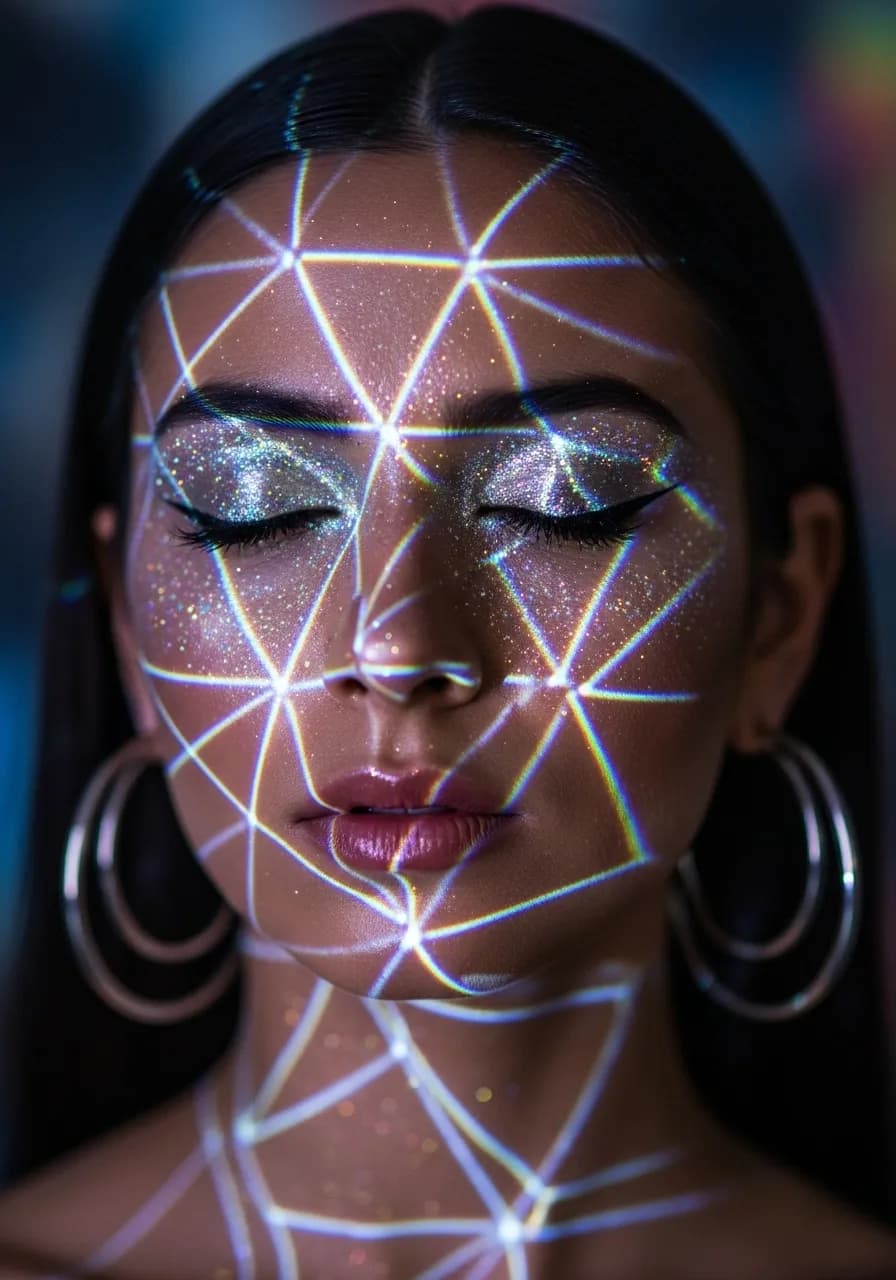
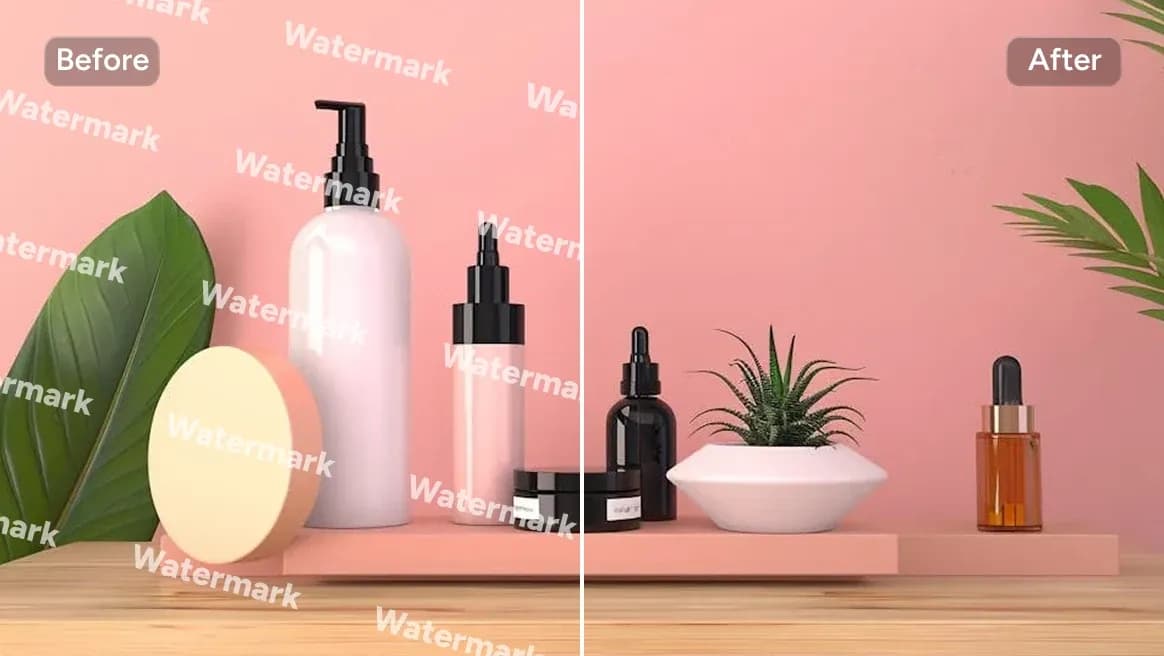
AI Tools & Effects
Transform your images with powerful AI tools and creative effects

Key benefits of Bing Image Creator for creators
Free AI image generator
Bing Image Creator is free to start, so you can test ideas and keep your content calendar full without adding another design tool to your budget. For solo creators and small teams, this makes it easy to try new styles, campaign angles and formats before you commit to paid assets.
High-quality images for every platform
The AI produces crisp, high‑resolution images that look good on mobile and desktop feeds. By mentioning the platform in your prompt, you can quickly create visuals that feel native to Instagram, TikTok, X, Pinterest or YouTube and reuse the same concept across posts, stories and thumbnails.
Fast results for busy schedules
Images generate in seconds, so you can plan several posts in one short session instead of waiting on design rounds. This speed is especially helpful during launches, seasonal events or trending topics, when getting a good visual out quickly matters more than perfect art direction.
Easy prompts for non‑designers
You do not need design jargon to use Bing Image Creator; simple everyday language is enough. Over time you can save a few winning prompt patterns, such as “minimal flat illustration” or “cinematic close‑up”, and reuse them whenever you want a consistent look with almost no extra effort.
Works for many content types
Creators use it for social posts, blog headers, email banners, podcast covers and quick product mockups. Having one tool that can cover all of these needs means fewer app switches and more time spent on ideas, captions and community instead of production.
Smooth flow with ImagenX
When you use Bing Image Creator through ImagenX, you can pair it with prompt templates, content planning and other AI tools in one place. This keeps your workflow simple: brainstorm, write, generate images and prepare posts without jumping between different tabs and dashboards.
Bing Image Creator FAQs for content creators
Find clear answers about how to use Bing Image Creator, what it can do for your content, and how it fits into your daily workflow.