
GPT Image 1.5 by OpenAI
GPT Image 1.5 is an image generation model from OpenAI. This page focuses entirely on GPT Image 1.5-its strengths, workflows, and the best ways to get reliable, on-brand visuals from a single prompt or a reference image.
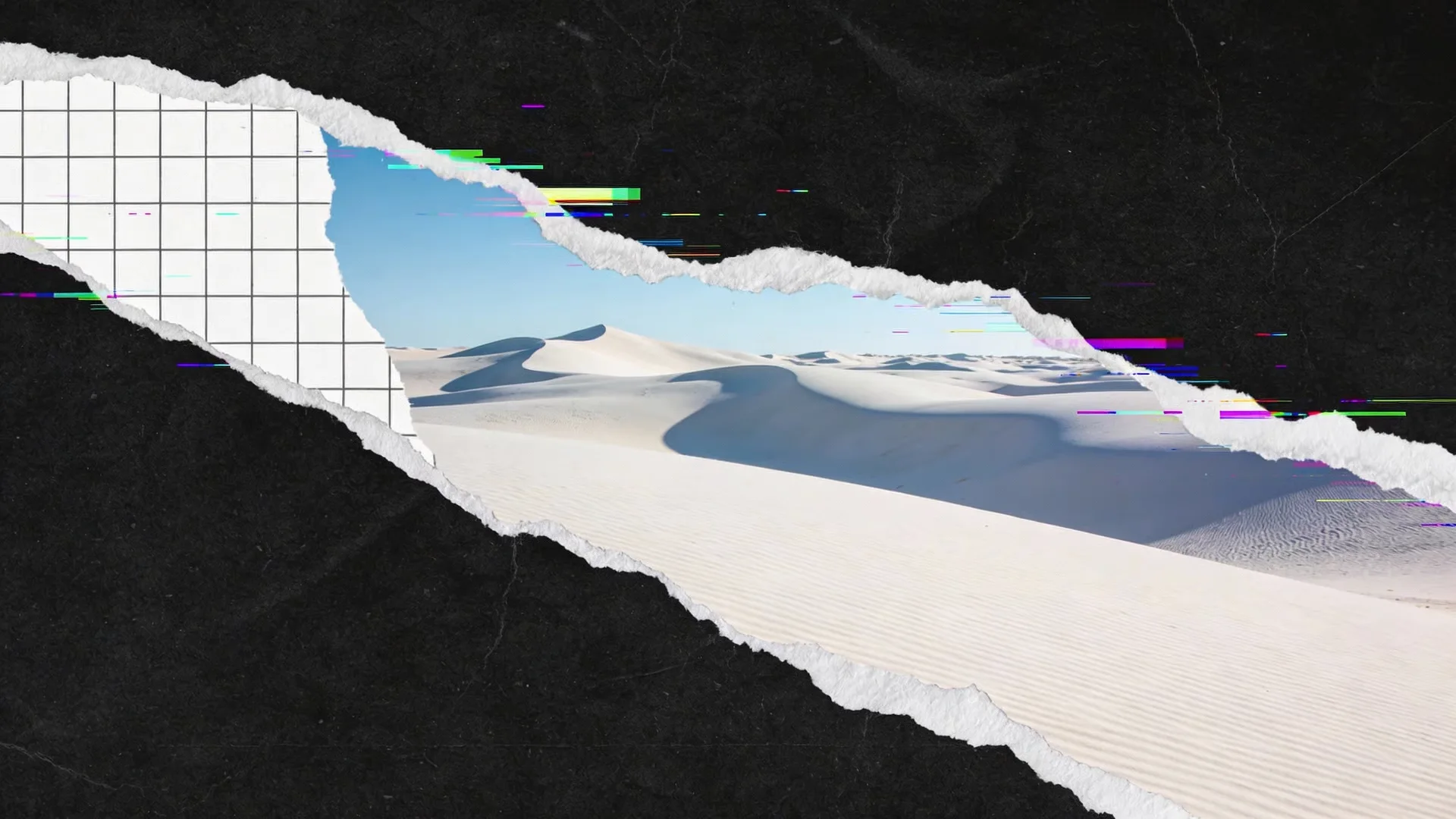
Real-world results created with GPT Image 1.5
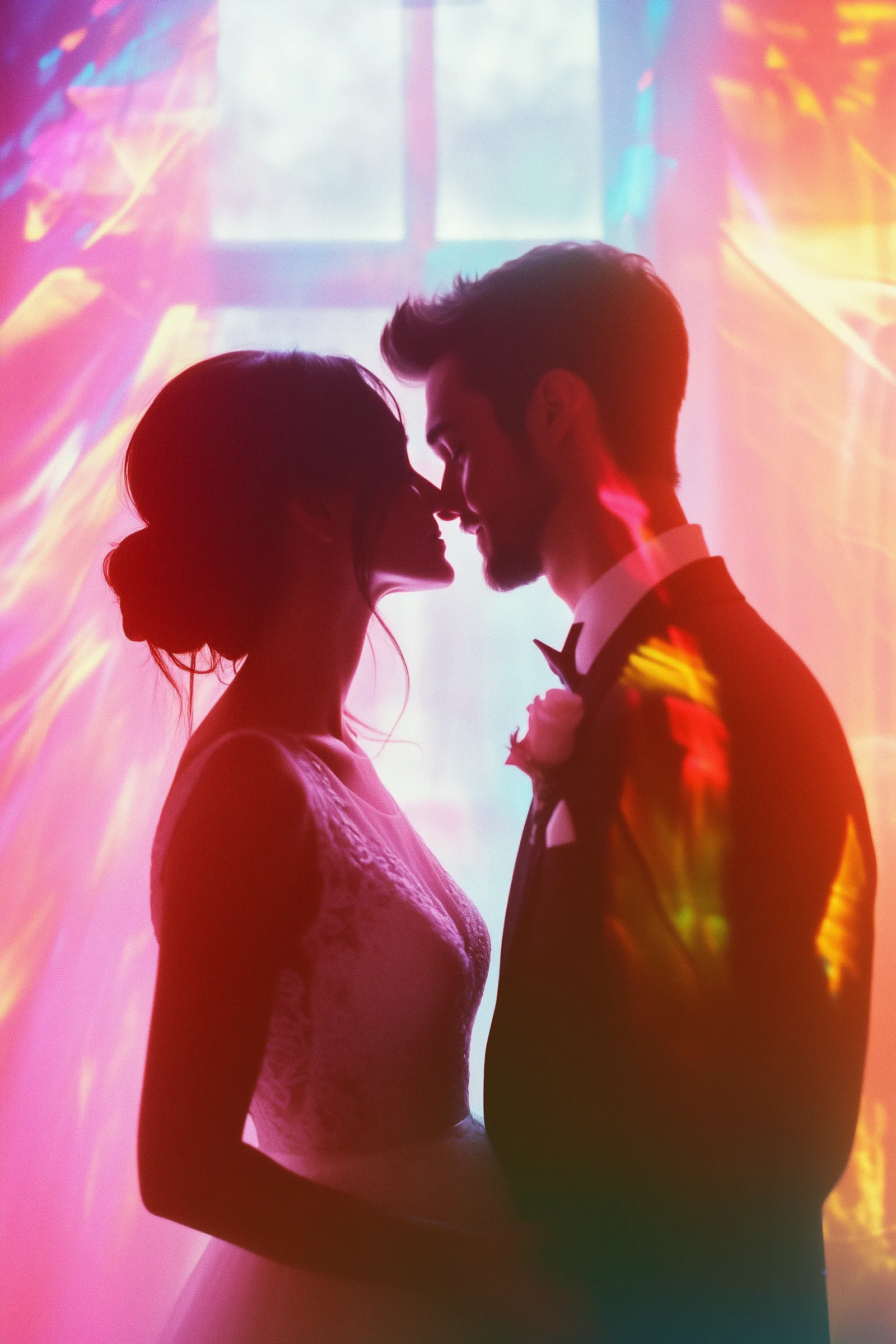
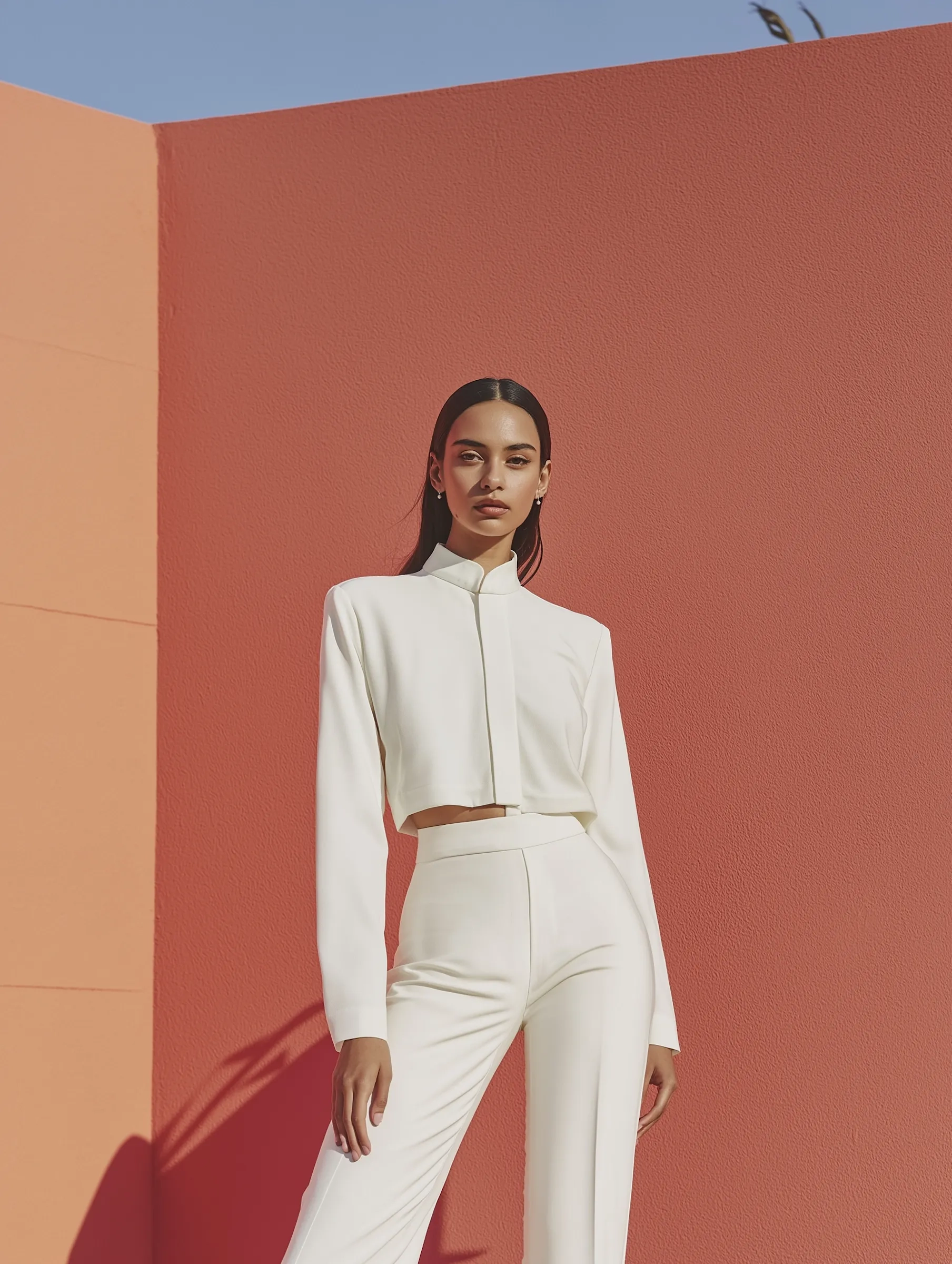
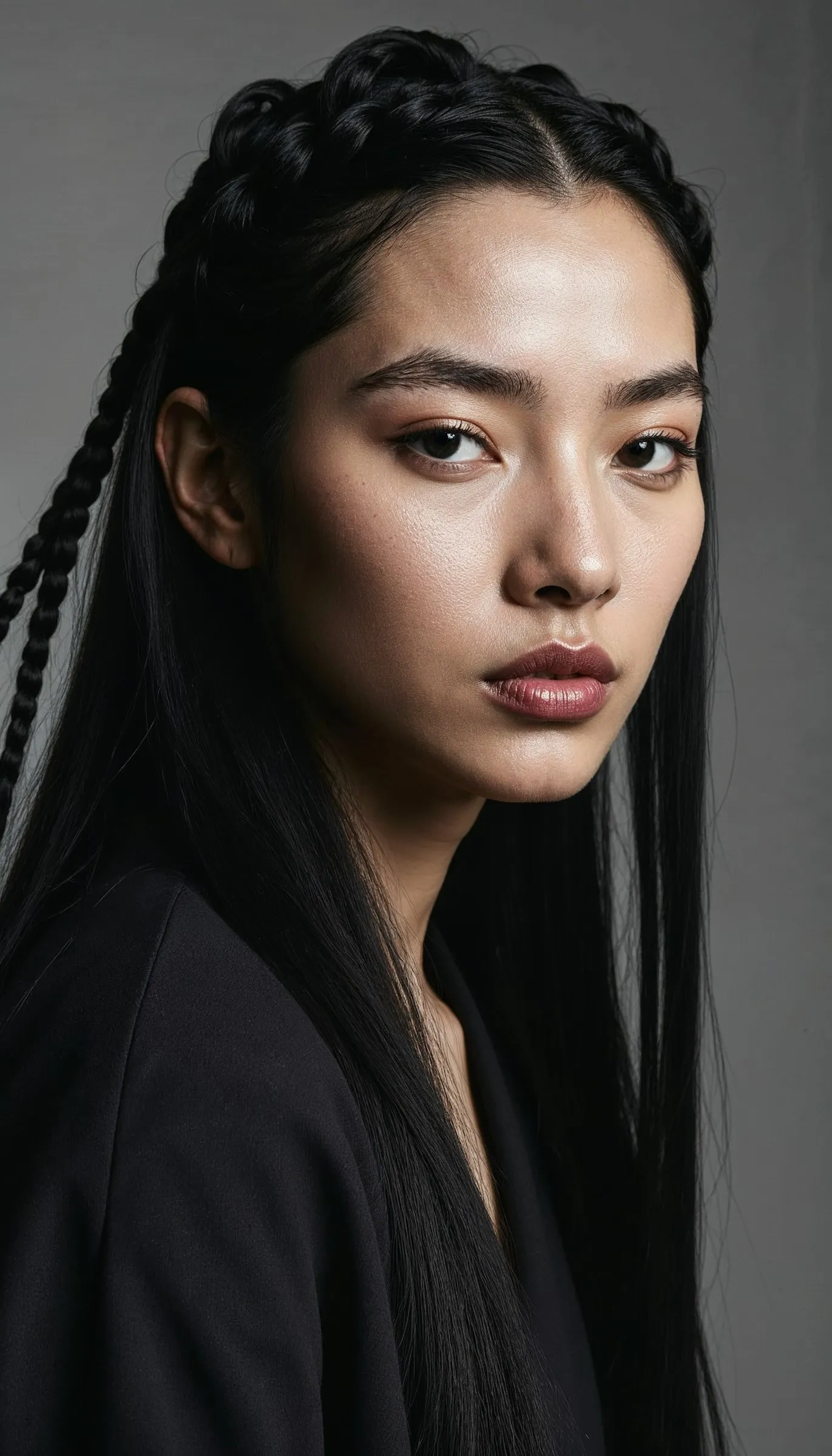
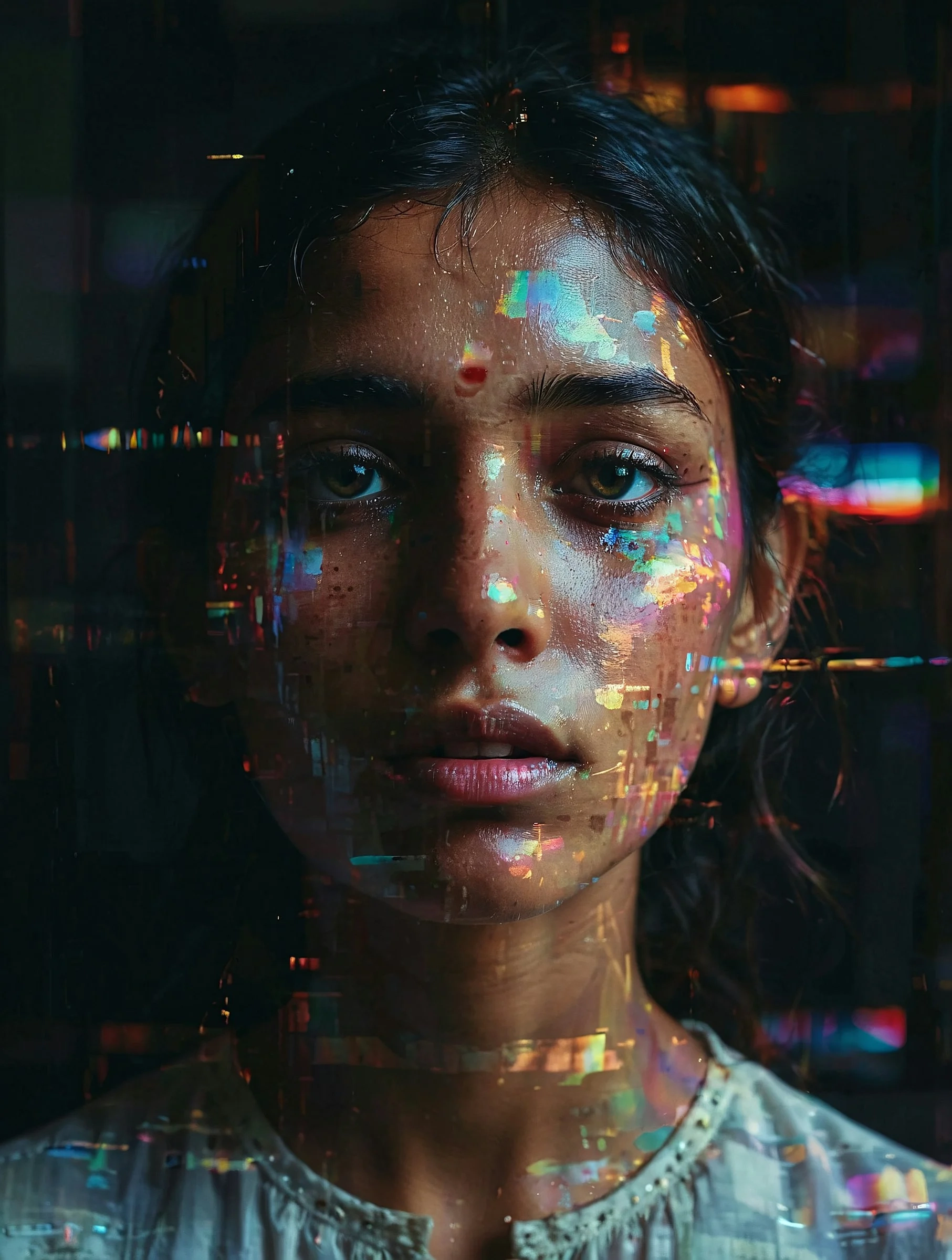
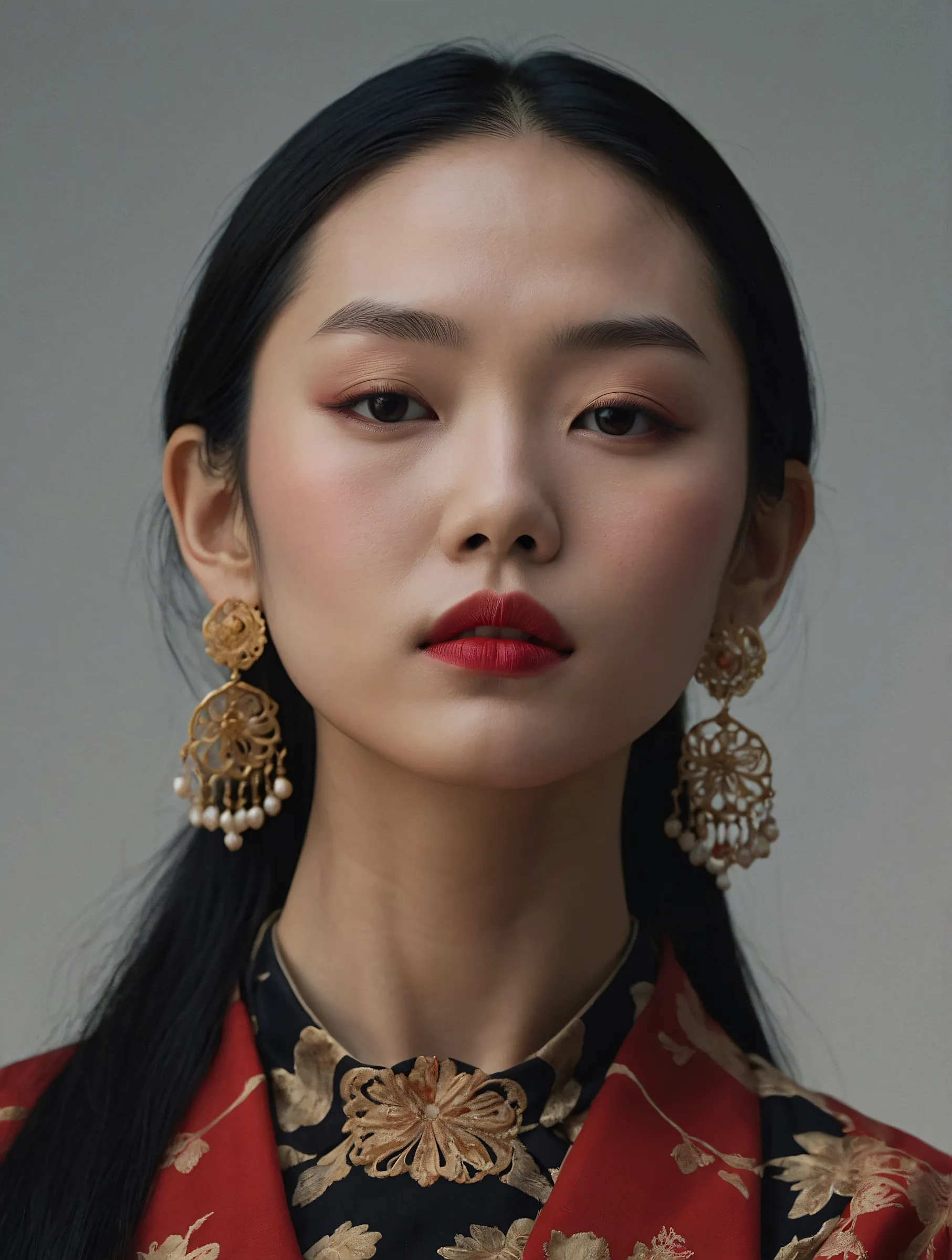
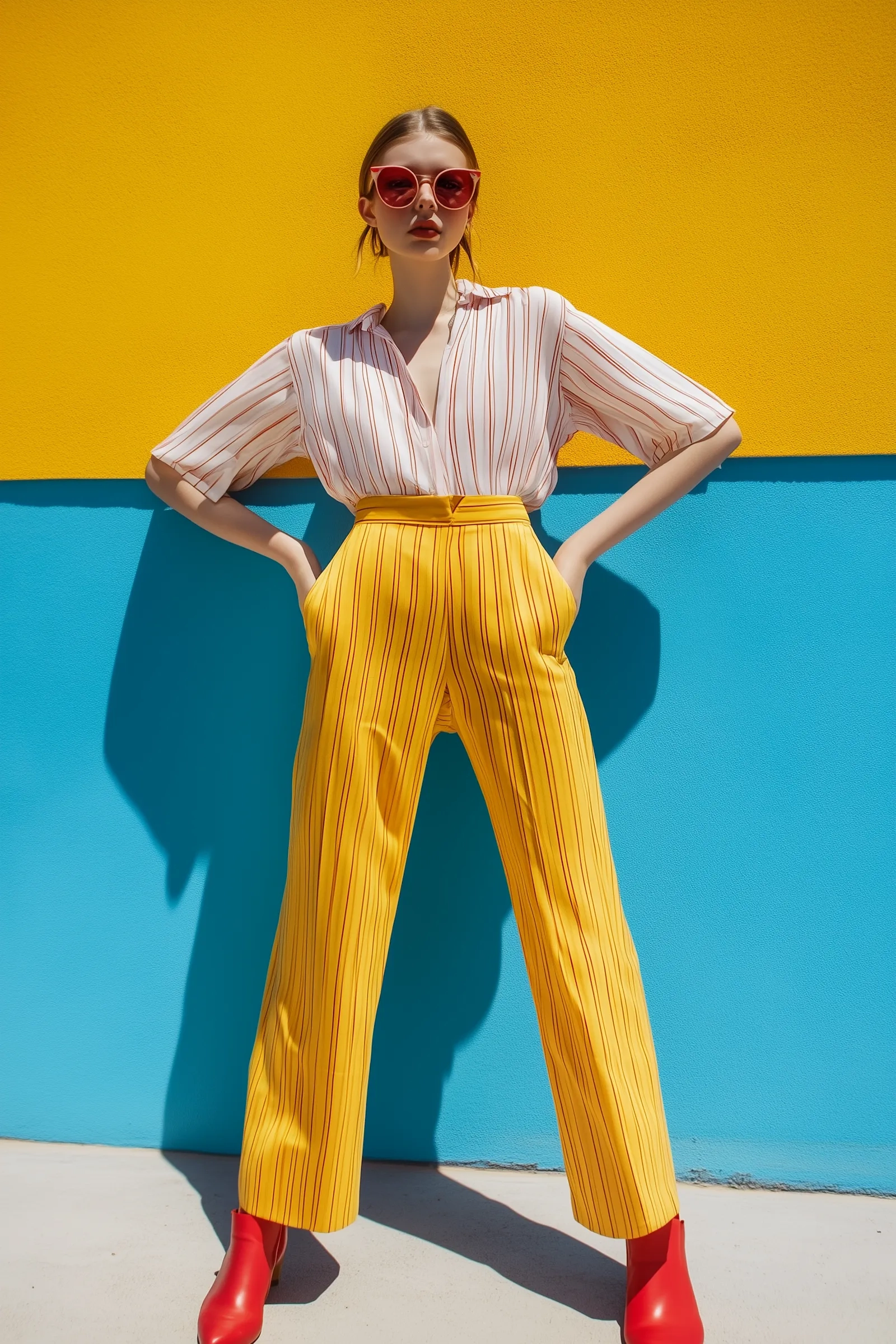




What is GPT Image 1.5?
GPT Image 1.5 is part of OpenAI's GPT image model family. The relationship is simple: OpenAI designs and trains the GPT Image models, and GPT Image 1.5 is one of those models focused on clear, usable image generation.
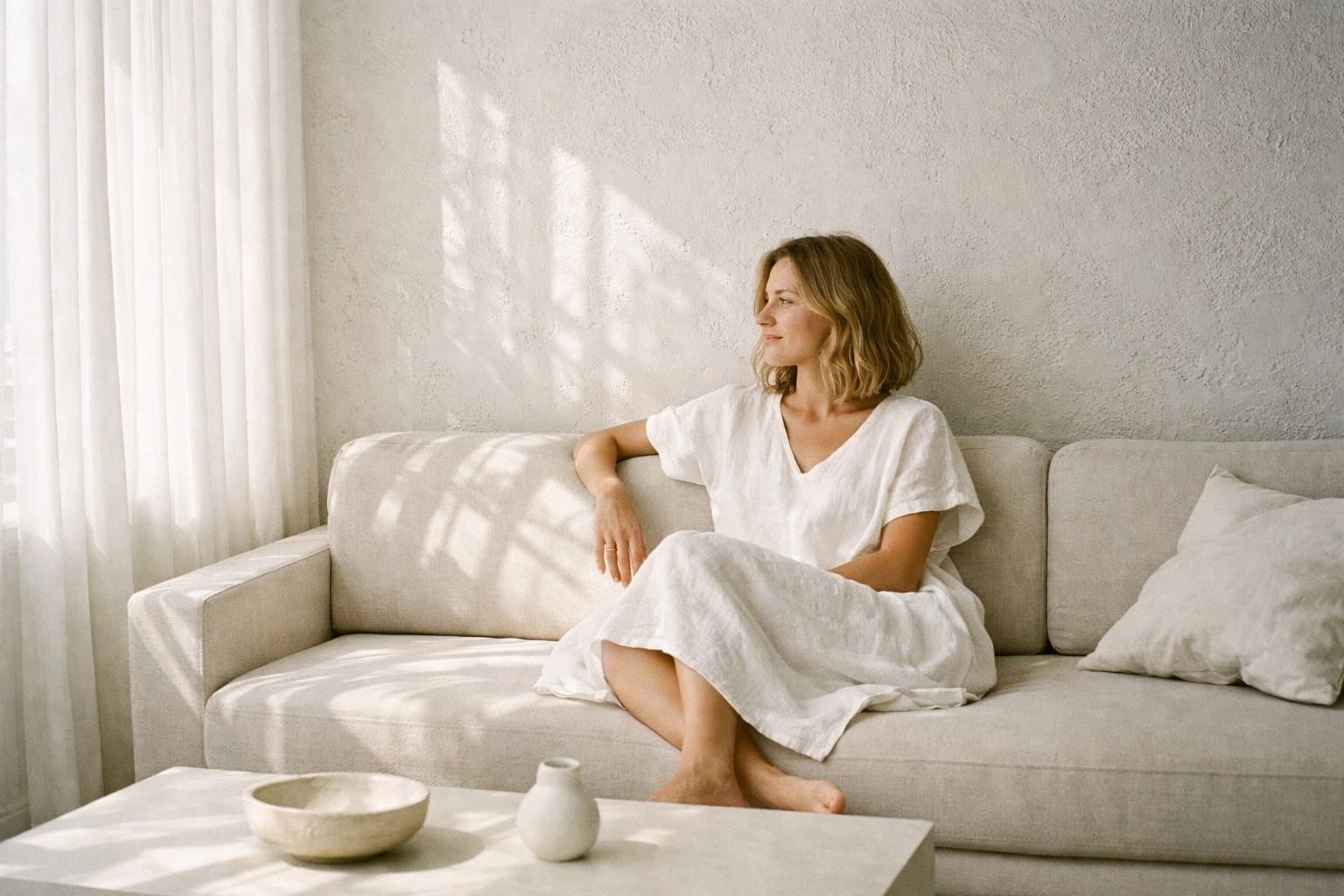
OpenAI-built model with practical output
GPT Image 1.5 is an OpenAI model designed for reliable composition and usable results. It emphasizes clear subjects, balanced layouts, and outputs that are ready for marketing, product, and content workflows.
Practical visuals for product, marketing, and content
GPT Image 1.5 is optimized for clear, usable compositions. That makes GPT Image 1.5 a strong choice for product shots, brand visuals, and ad layouts where you need space for text and consistent framing. Instead of experimental chaos, GPT Image 1.5 delivers clean subjects and predictable layout structure you can publish quickly.
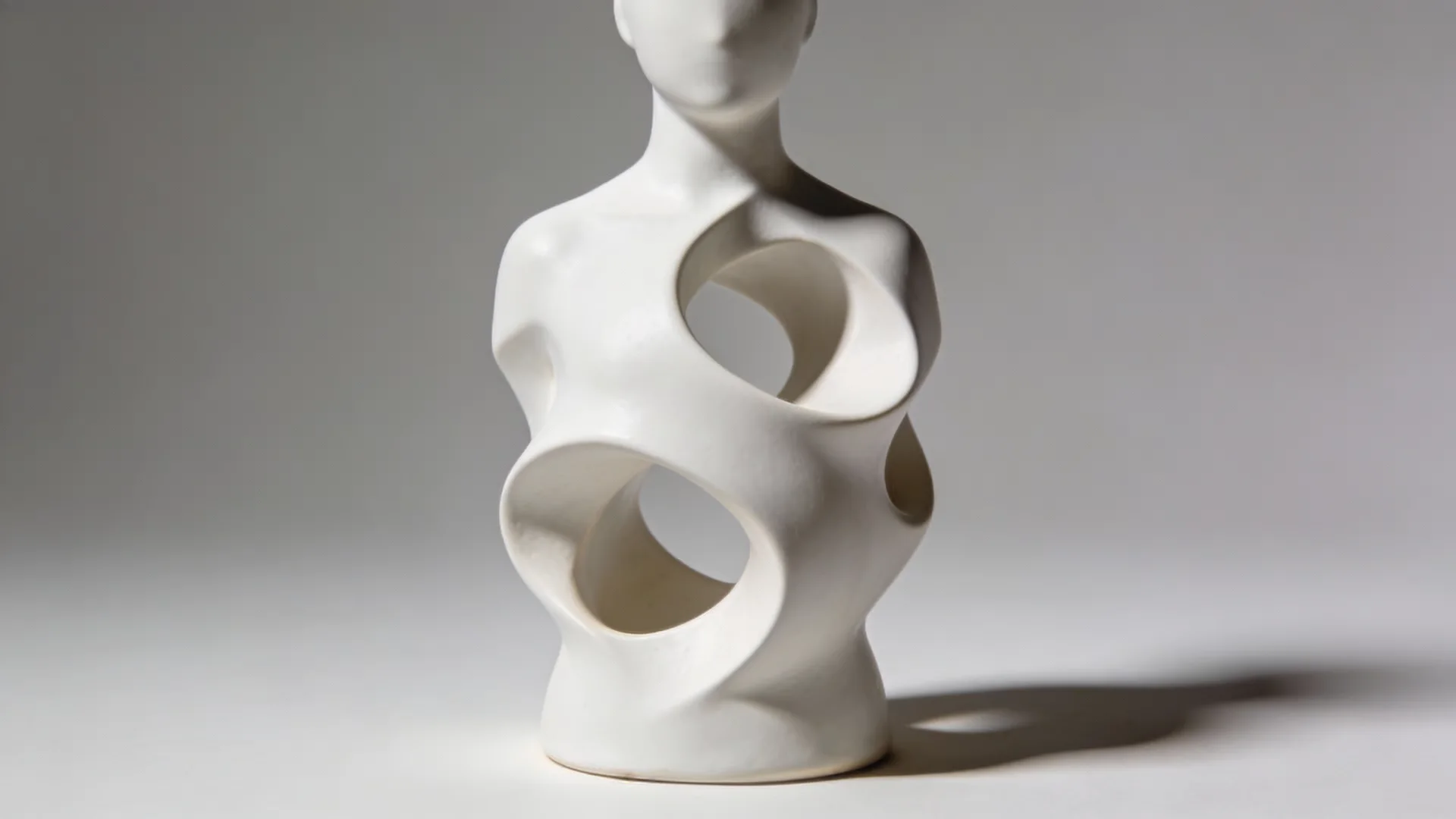
Fast iteration with consistent style control
A reliable GPT Image 1.5 workflow is to keep a core prompt stable, then adjust one variable at a time-background, lighting, palette, or camera angle. This builds a cohesive series without losing style consistency. GPT Image 1.5 is especially effective when you need multiple versions of the same visual concept for A/B testing or seasonal variations.
How to use GPT Image 1.5
The most reliable GPT Image 1.5 results come from a short, specific prompt and controlled iteration. Treat GPT Image 1.5 like a production tool: describe the subject clearly, choose the right ratio, and refine with small edits.
Write a compact creative brief
State the subject, setting, and lighting in one to two sentences. GPT Image 1.5 responds well to short, direct prompts with a clear visual goal.
Choose an aspect ratio for your channel
Square works for social grids and product cards, portrait for mobile ads, and landscape for hero headers. GPT Image 1.5 will look more intentional when the ratio matches your final placement.
Iterate by changing one variable
Keep the base prompt fixed and tweak one element per run. This GPT Image 1.5 approach yields consistent series and faster approvals.
AI Tools & Effects
Transform your images with powerful AI tools and creative effects
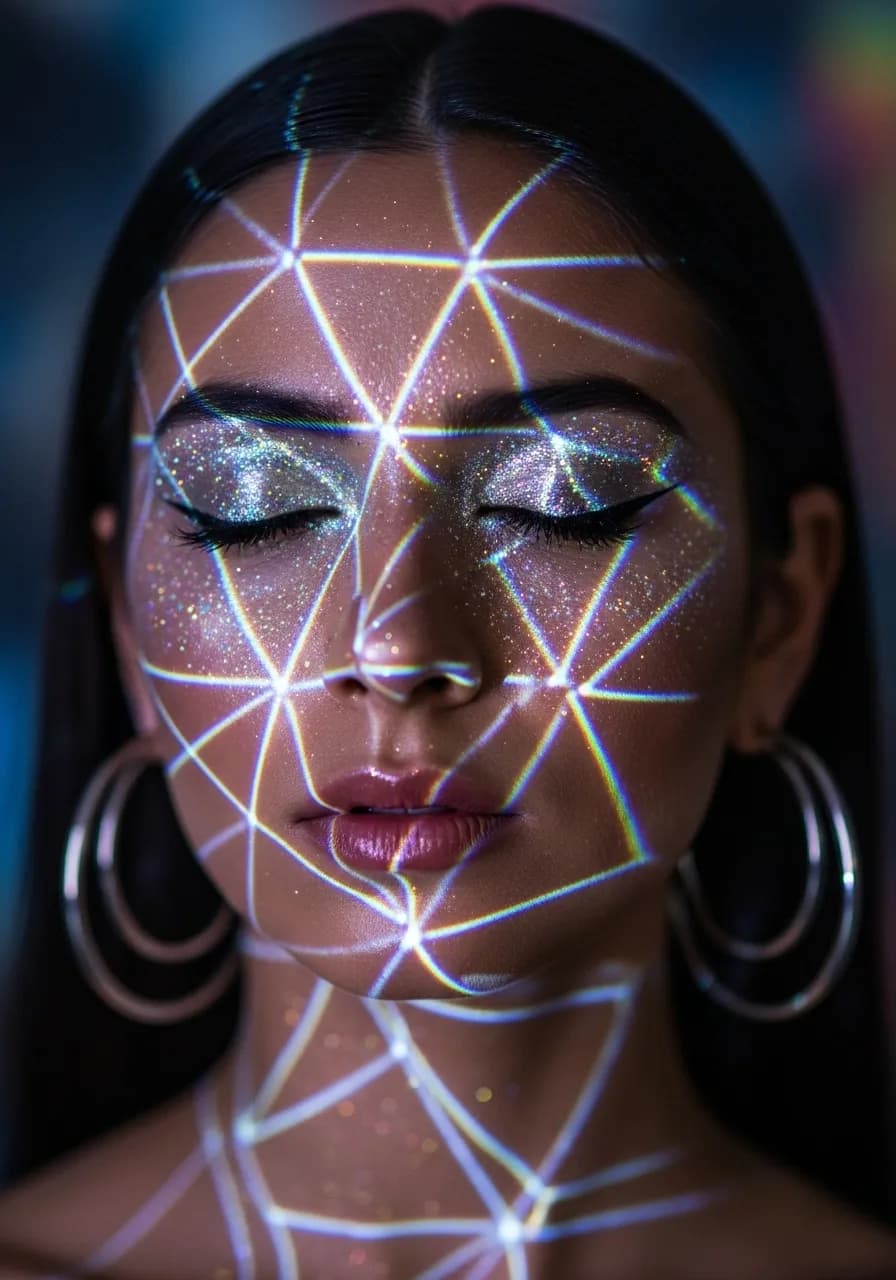
Y2K Style Filter
Apply nostalgic Y2K aesthetics to your photos.
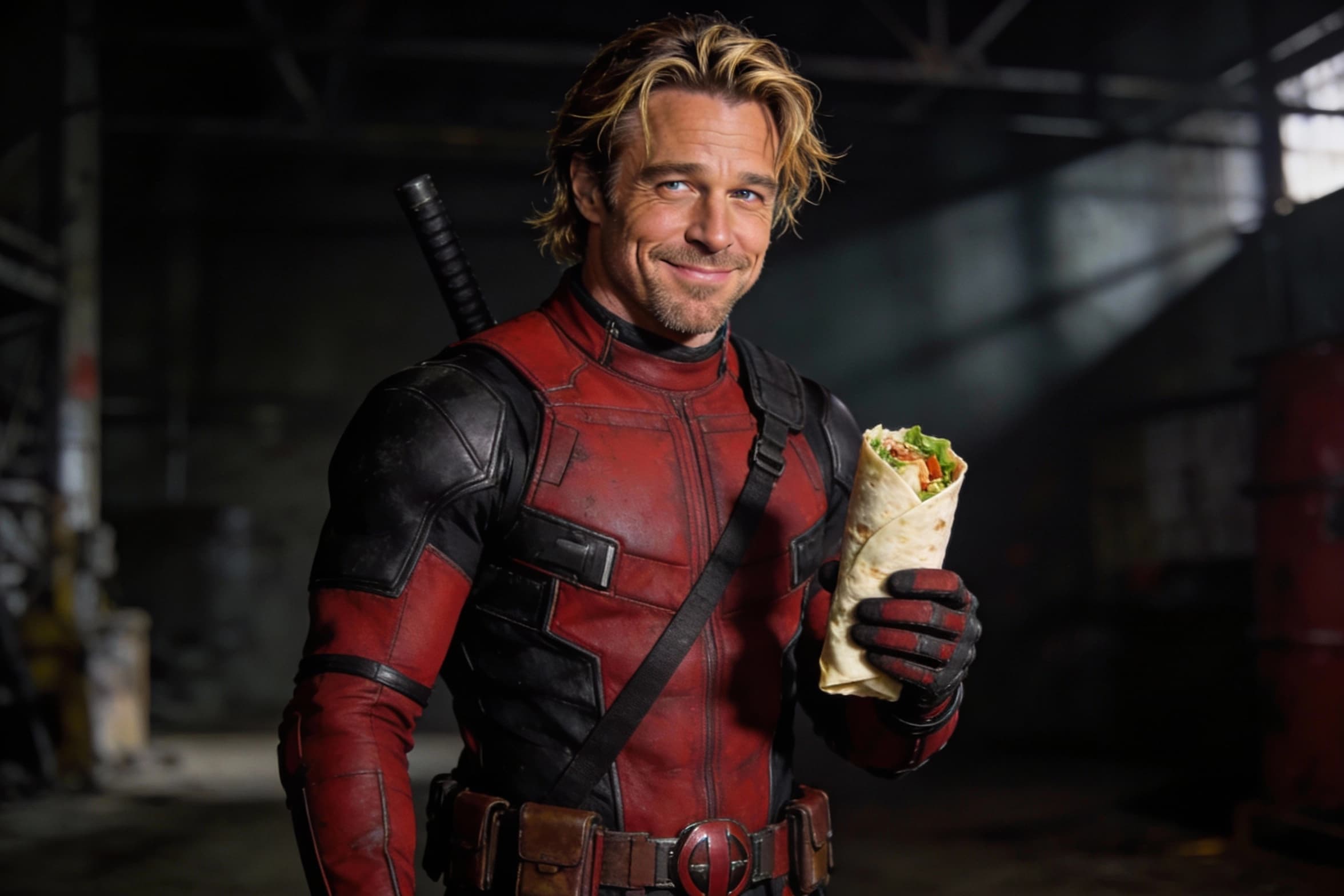
AI Face Morph
Merge two faces smoothly while keeping lighting and skin tone natural.
 new
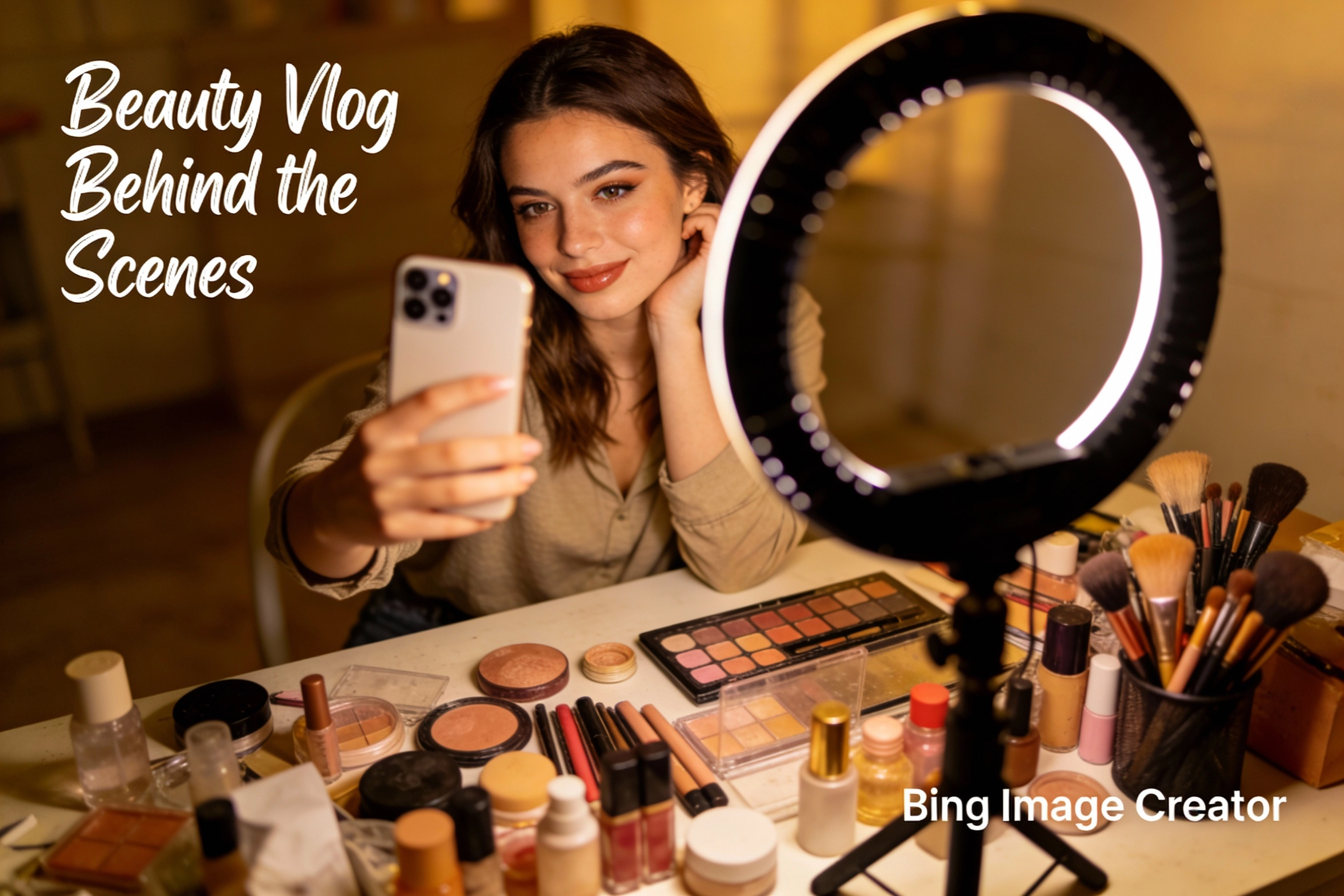
newBing Image Creator
Microsoft Designer-like image creation for ads, posts, and mockups.
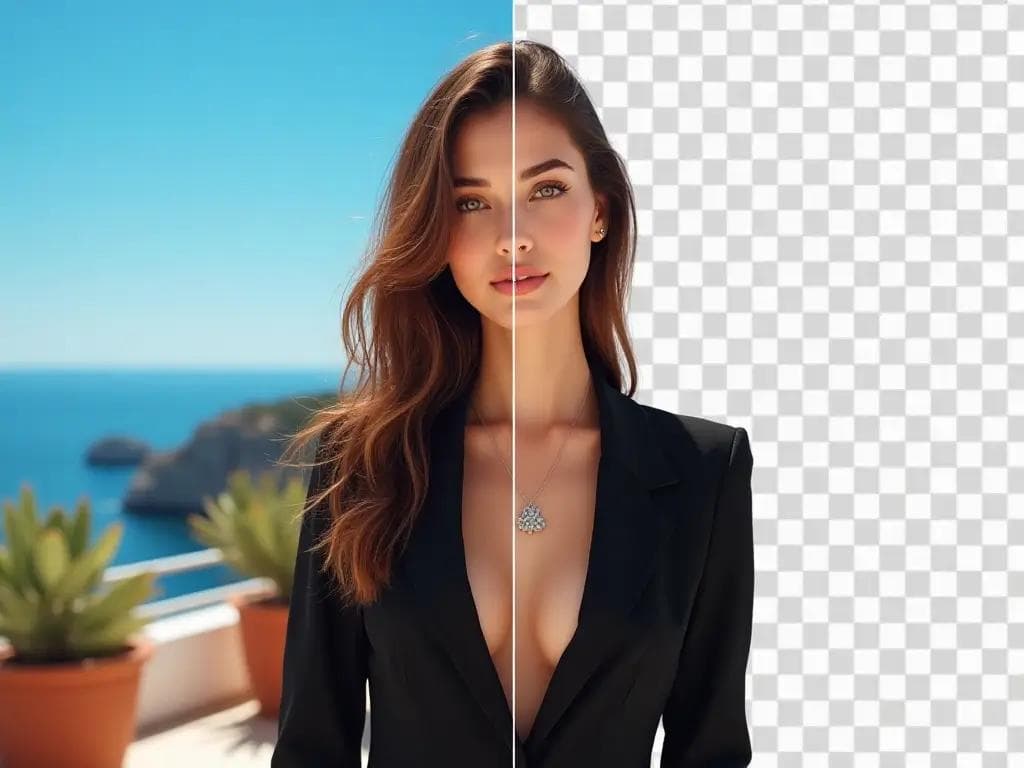
AI Background Remover
Remove backgrounds in one click for product photos and portraits.
Why creators choose GPT Image 1.5
Clean compositions for real layouts
GPT Image 1.5 tends to produce balanced framing and usable negative space, which is critical for ads, posters, and product cards.
Quick iteration loops
GPT Image 1.5 is optimized for fast drafts so you can compare multiple directions and lock a final look in fewer rounds.
Prompt clarity over prompt length
GPT Image 1.5 rewards simple, focused prompts, reducing the need for dense keyword lists and making results more predictable.
Consistent brand variations
Use GPT Image 1.5 to generate a set of assets that share a visual style, helping your campaign feel cohesive across channels.
Practical output for marketing teams
GPT Image 1.5 is suited for e-commerce, ads, and creator content where speed and usability matter more than experimental art.
Straightforward workflow, stable results
The GPT Image 1.5 flow is simple: prompt, generate, download. That simplicity makes it easy to repeat and scale.
GPT Image 1.5 FAQ
Answers focused on GPT Image 1.5 and the OpenAI model behind it.