
Image to video: Bring a still image to life
Use the image to video tool on ImagenX to animate a photo into a short clip for socials, ads, and product stories.
Single Photo
Real User Examples





What is image to video?
Image to video turns a single picture into motion, helping you create short clips without recording new footage.
Animate a single photo
Image to video helps a creator take one strong photo and add gentle motion like zoom, pan, or parallax. It is ideal for announcements, hero visuals, or product launches when you only have a still image. This keeps production light while adding movement that grabs attention on feeds.
Reuse content across channels
With photo to video, brands can turn catalog photos, portraits, or mockups into short clips for reels, ads, and landing pages. This means you can extend the life of existing assets and maintain a consistent visual look while adding a fresh motion layer that makes content feel new.
Test multiple motions quickly
Image to video makes it easy to create several motion styles from one picture. Try a slow zoom, a side pan, or a subtle depth effect, then compare engagement. It is a fast way to discover which motion pattern best fits your audience without reshooting content.
How to use photo to video
Turn any clear photo into a short clip in a few steps.
Upload a clean image
Choose one photo with a clear subject so motion stays stable and natural.
Describe the motion
Add a brief motion prompt like zoom in, slow pan, or gentle parallax.
Download and share
Review the clip, download it, and post or reuse it in ads and stories.
AI Tools & Effects
Transform your images with powerful AI tools and creative effects
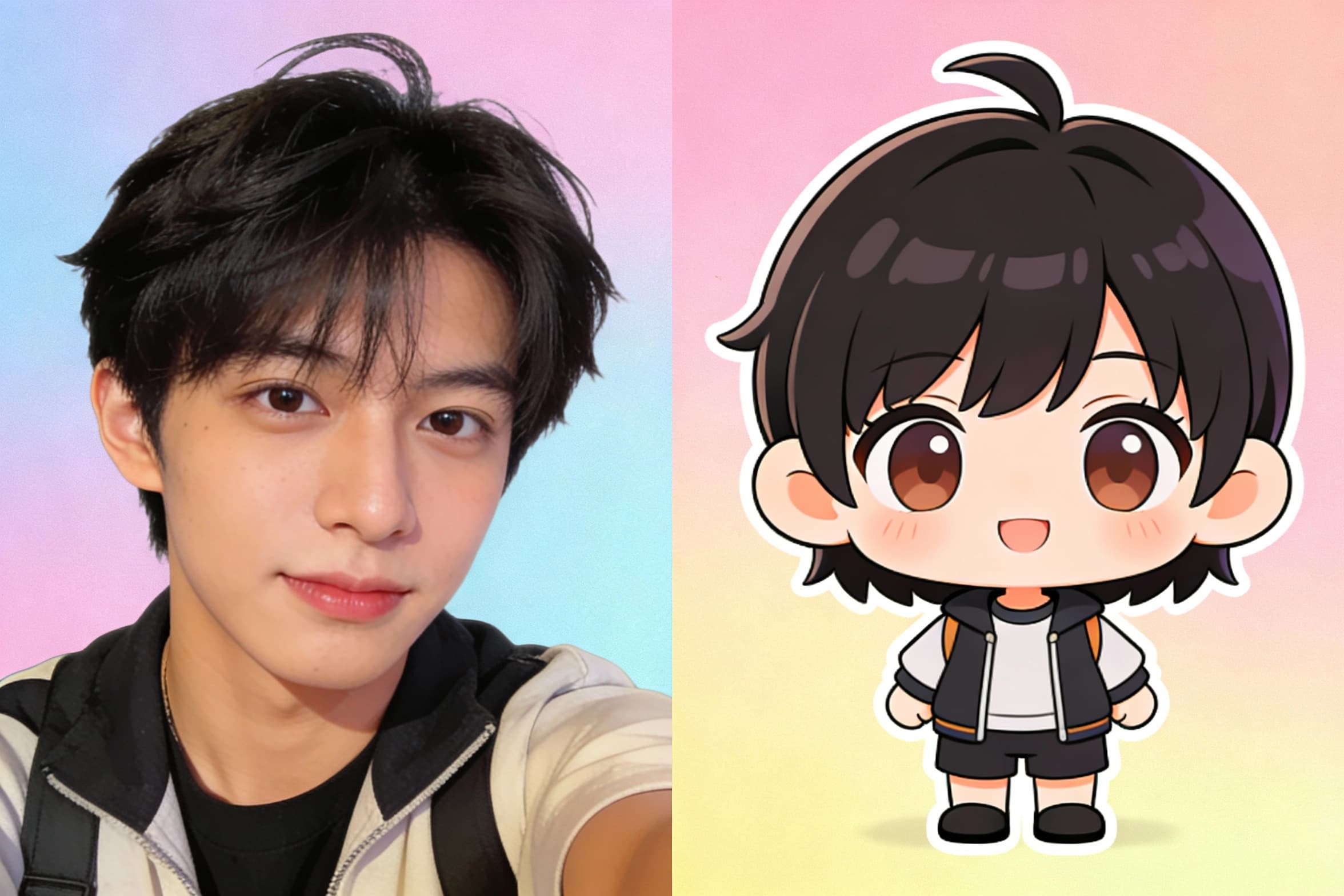
Chibi Art Maker
Turn portraits into cute chibi stickers and avatars.
 new
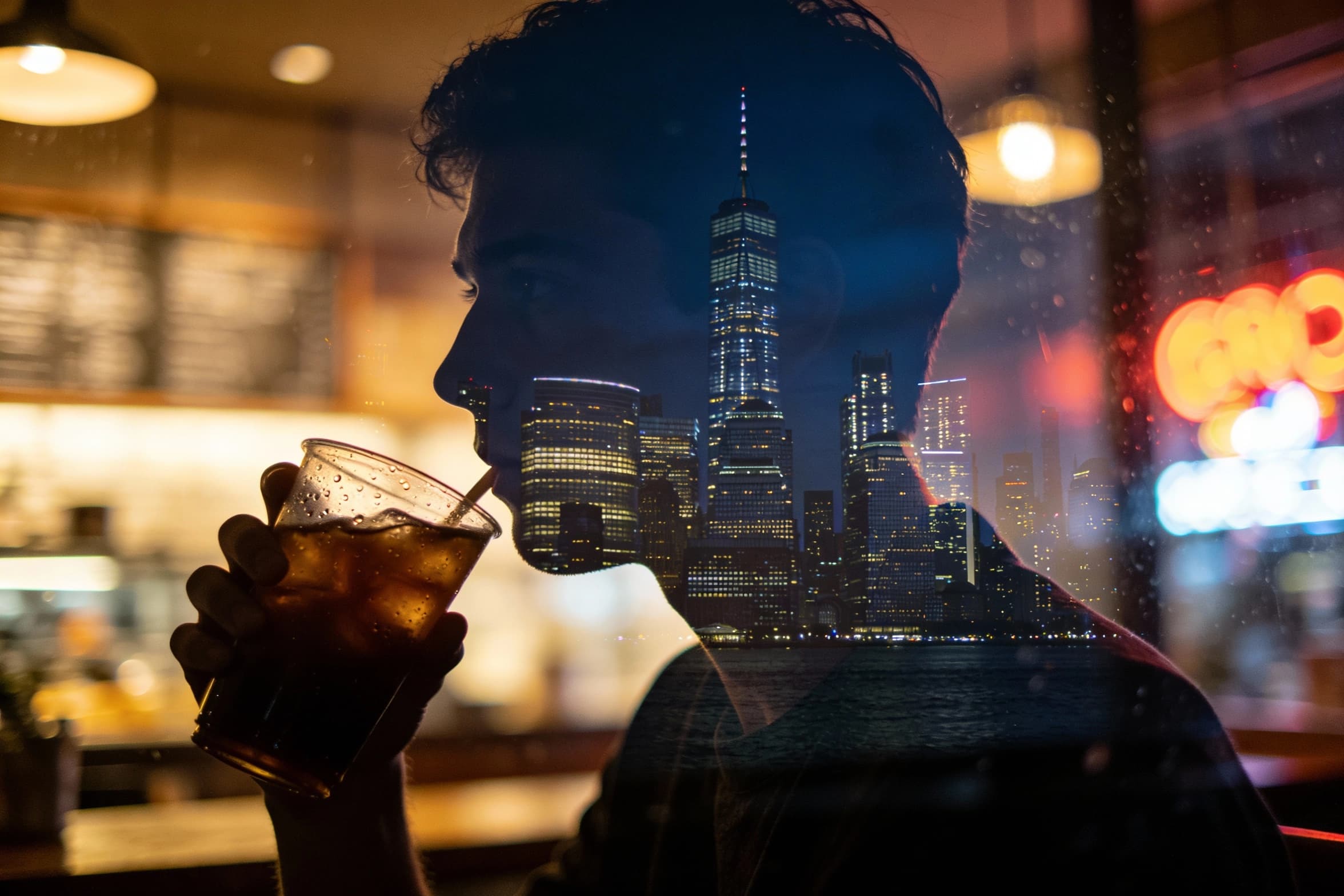
newAI Image Combiner
Blend people, objects, and backgrounds from multiple photos into one shot.
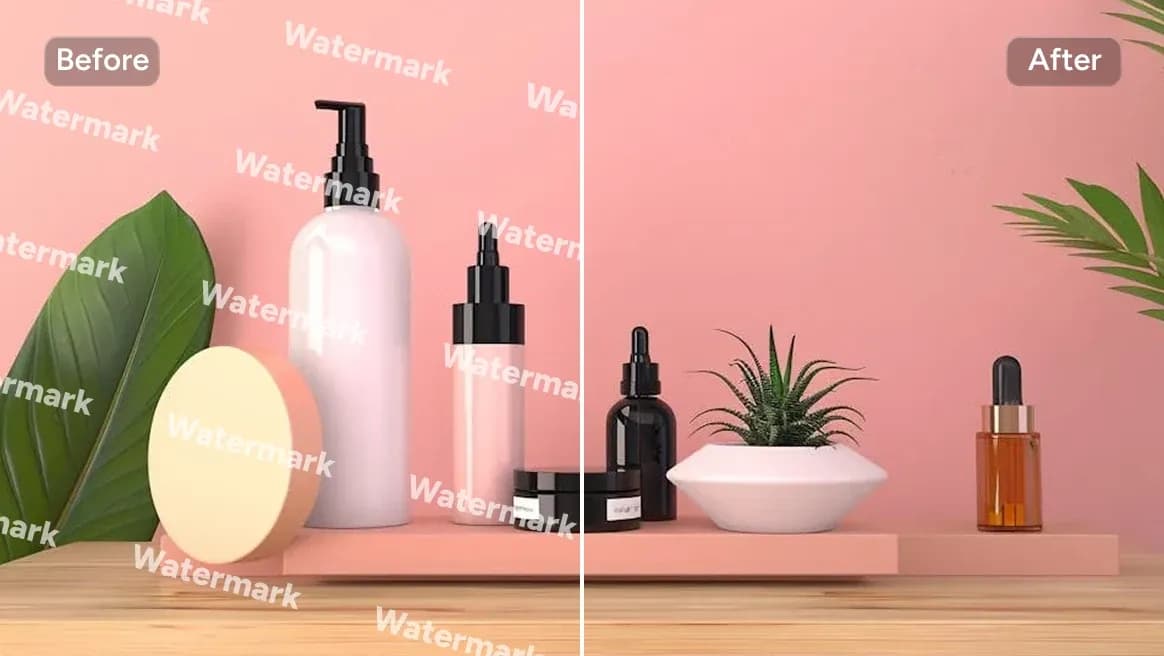
AI Watermark Remover
Clean watermarks or text from images responsibly.
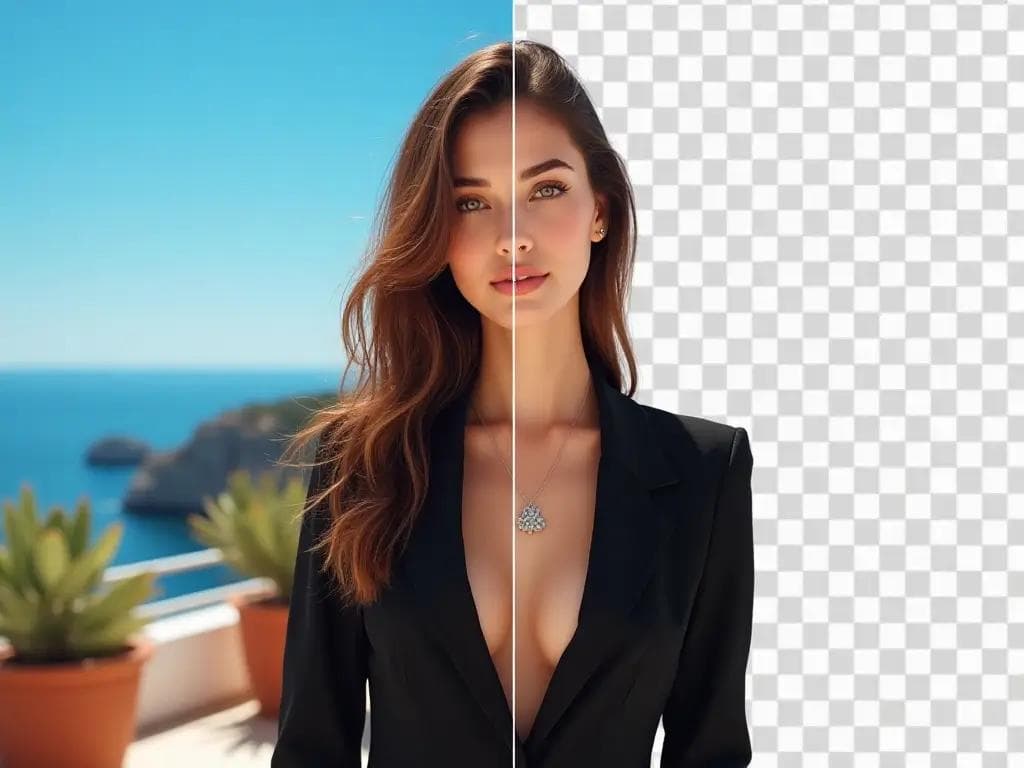
AI Background Remover
Remove backgrounds in one click for product photos and portraits.
Key features of photo to video
Photo to motion in minutes
Image to video takes a still frame and adds natural movement quickly, so you can publish motion content without filming or editing timelines.
Simple motion prompts
Use short prompts to guide zoom, pan, and depth. Image to video keeps the process approachable for beginners and fast for marketers.
Multiple aspect ratios
Generate vertical, square, or widescreen clips from the same image. Image to video helps you match every channel with the right format.
Consistent brand visuals
Start from approved brand imagery and animate it. Image to video preserves color and composition while adding a subtle motion layer.
Fast creative testing
Try different motion styles without reshooting. Image to video gives you rapid variants for ads, landing pages, and social posts.
Easy downloads
Export and drop clips into your scheduler or editor. Image to video keeps the workflow light for small teams.
Image to video FAQ
Answers to common questions about photo to video workflows.