
Seedance 1.5 Pro: AI video generator by Bytedance
Seedance 1.5 Pro creates short clips with sound and motion aligned, ideal for dialogue, beats, and voiceover drafts.
Real User Examples





What is a Seedance 1.5 video generator?
Seedance 1.5 Pro is a ByteDance Seed audio-video model that generates synchronized sound and motion in short clips.
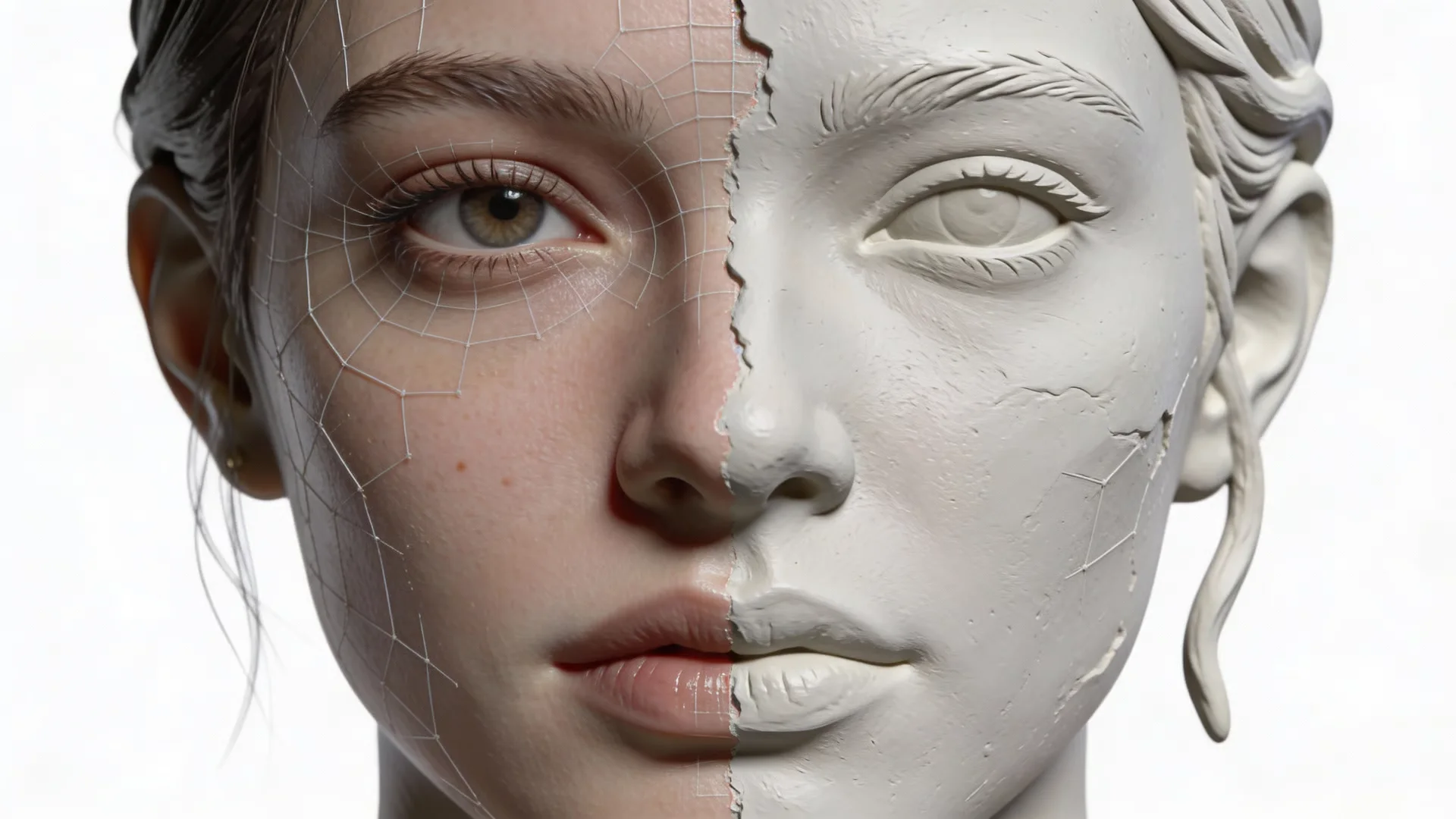
Joint audio-video generation
Seedance 1.5 creates video and audio together, which makes timing feel natural. This is ideal for dialogue scenes, voiceovers, or music-driven moments where the beat matters. You can describe sound cues in the prompt and get a draft where motion and audio are aligned without extra editing.
Lip-sync and speaking shots
This model supports lip-sync, making it useful for talking head introductions, founder messages, or character scenes. Instead of recording and aligning audio in post, you can prompt the line and let the model handle the sync for a fast prototype.
Cinematic camera control
This model emphasizes cinematic control such as pans, slow pushes, and framing instructions. This helps you shape a short scene with intentional motion, which is valuable for ad concepts, trailer beats, and creative storyboards.
How to use the Seedance 1.5 video generator
Write a prompt with sound cues, set format, and generate a clip quickly.
Add audio timing
Include dialogue or rhythm cues so the model can synchronize motion and sound.
Choose format and style
Select aspect ratio, duration, and visual style for ads, reels, or product pages.
Generate and iterate
Preview the clip, refine timing, and export the version you need.
AI Tools & Effects
Transform your images with powerful AI tools and creative effects
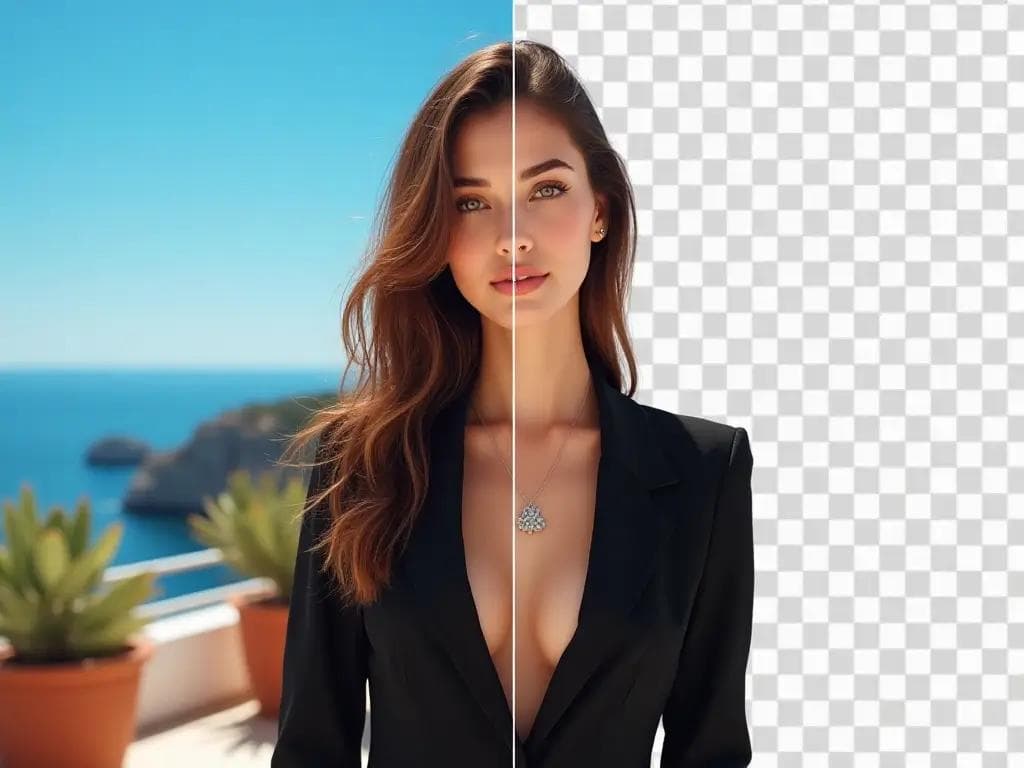
AI Background Remover
Remove backgrounds in one click for product photos and portraits.
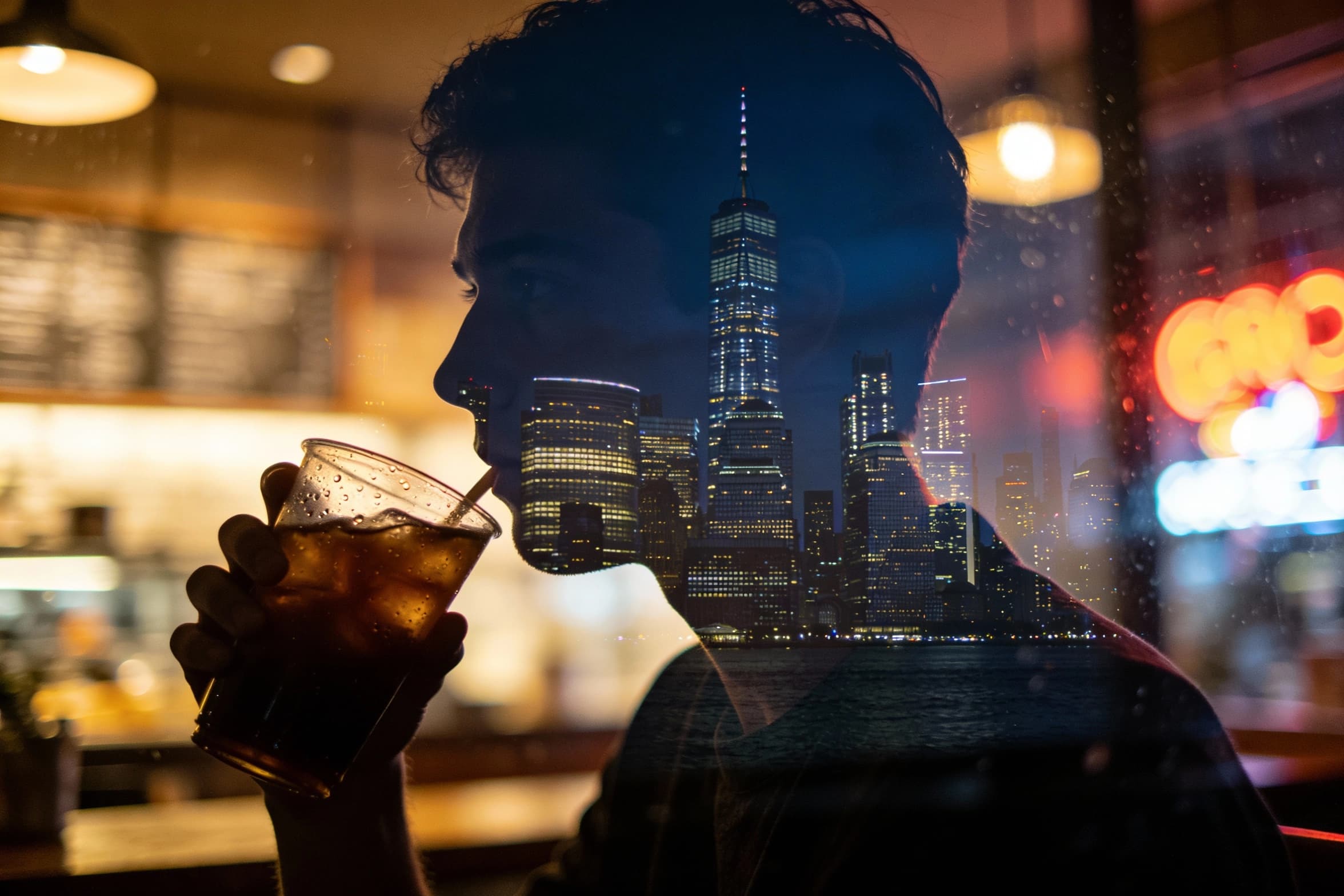 new
newAI Image Combiner
Blend people, objects, and backgrounds from multiple photos into one shot.
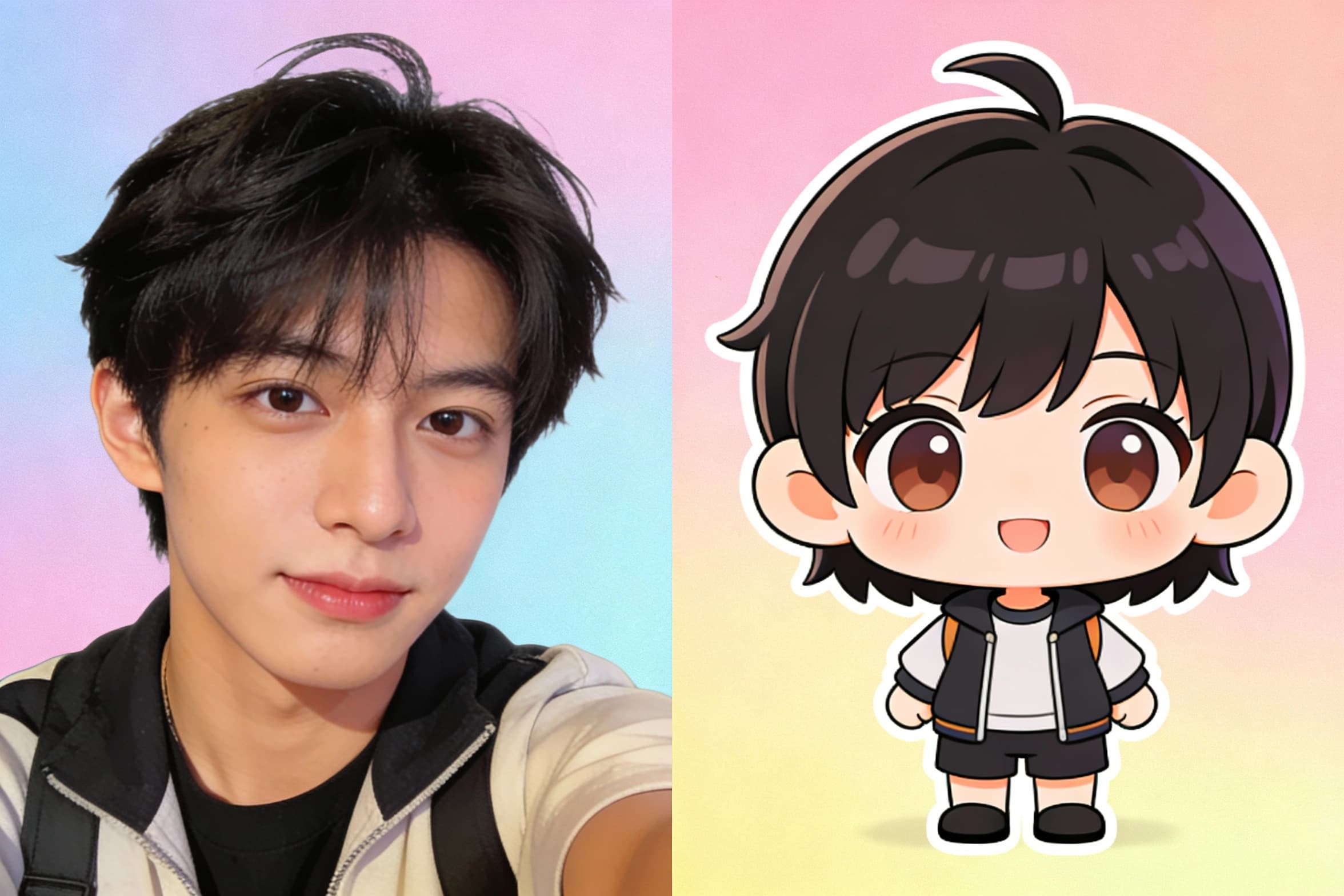
Chibi Art Maker
Turn portraits into cute chibi stickers and avatars.

AI Clothes Remover
Remove mannequins or garments to clean apparel photos quickly.
Key features of the Seedance 1.5 video generator
Audio-synced generation
Seedance 1.5 generates sound and motion together, so dialogue and rhythm align with the visuals.
Lip-sync support
Seedance 1.5 handles mouth movement timing, making speaking clips feel more natural.
Prompted camera control
Add camera moves and framing cues to craft cinematic motion without a full edit timeline.
Multilingual alignment
This model supports audio-visual alignment across languages, useful for localized drafts.
Text and image inputs
Start from a prompt or a reference image, then add sound cues for a guided result.
Fast creative testing
Generate several audio-driven variations to compare pacing and choose the best cut.
Seedance 1.5 video generator FAQ
Common questions about Seedance 1.5 Pro and audio-synced video creation.