
Seedream 5: AI Image Generator by ByteDance
Seedream 5 is the latest official release from ByteDance Seed (SEED) built for consistent, publish-ready image generation and editing. It focuses on stable subjects, clean composition, and clear space for copy so teams can ship marketing visuals faster.
Upload a reference image
max 14
Max 10 MB

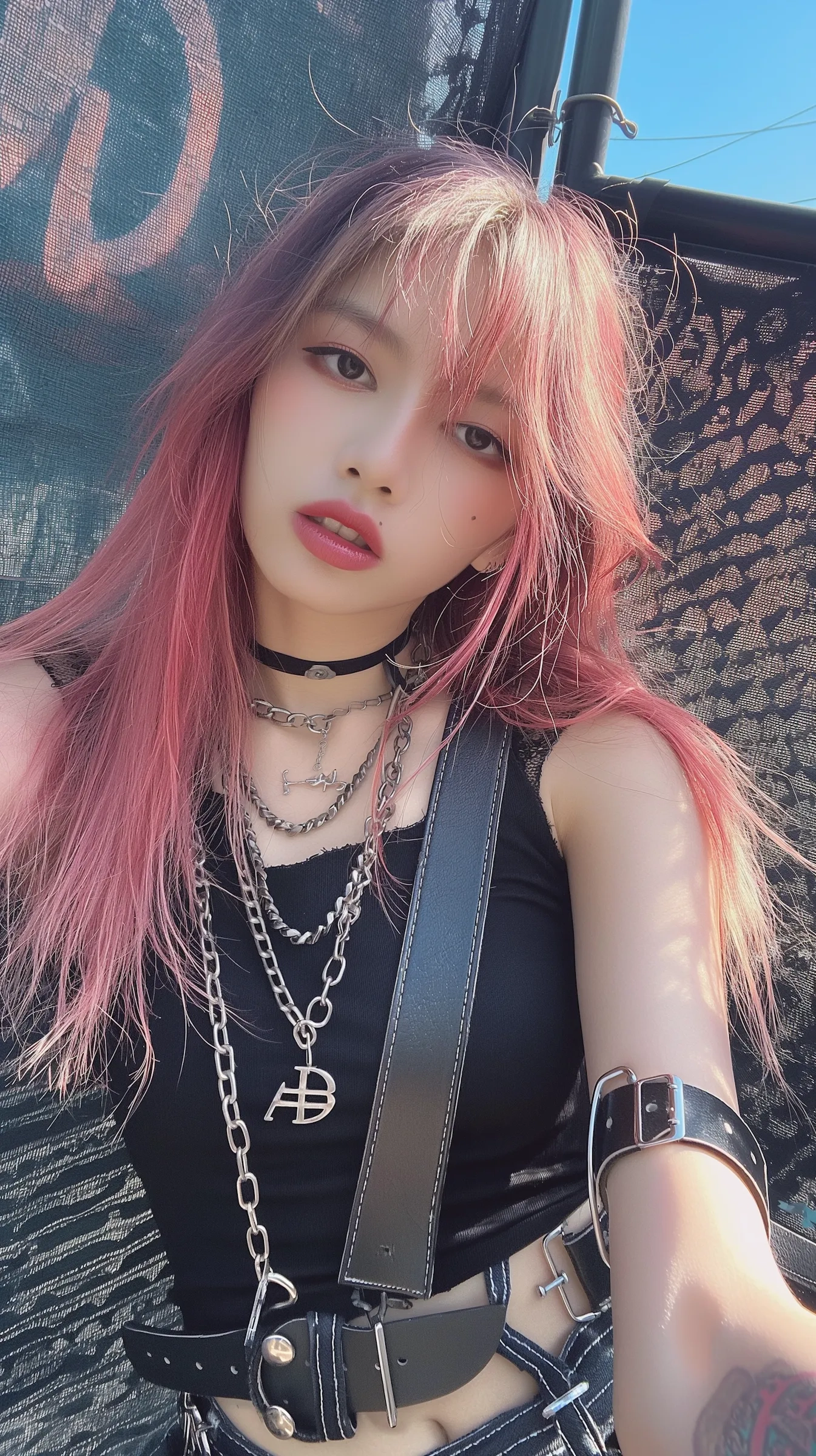
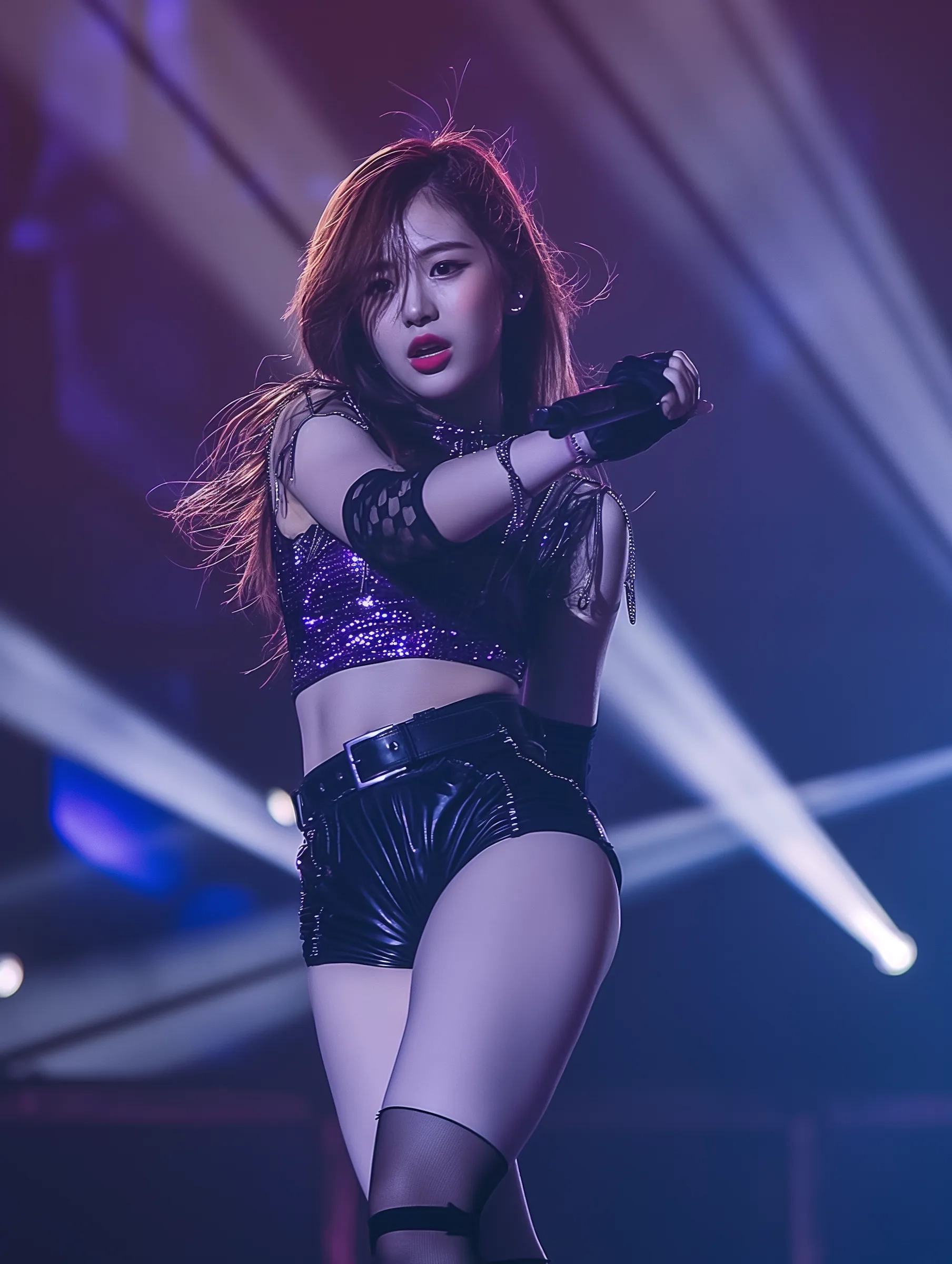
Real-world results people create with Seedream 5








What is Seedream 5?
Seedream 5 is an official ByteDance SEED image model designed for consistent marketing and product visuals with stronger prompt adherence and cleaner typography.
Official release for production workflows
Seedream 5 is positioned as the next step after Seedream 4.5 for teams that publish on a schedule. It is built for practical outputs: ad creatives, landing visuals, product scenes, and posters that are ready to refine and ship. The goal is fewer off-brand generations and more drafts that are already usable.

Higher subject fidelity and reference control
Seedream 5 improves identity stability so key details stay consistent across variations. This is critical for products, characters, and brand assets where small drifts create rework. Use a reference image when you need even stronger consistency across a series.
Cleaner composition and text handling
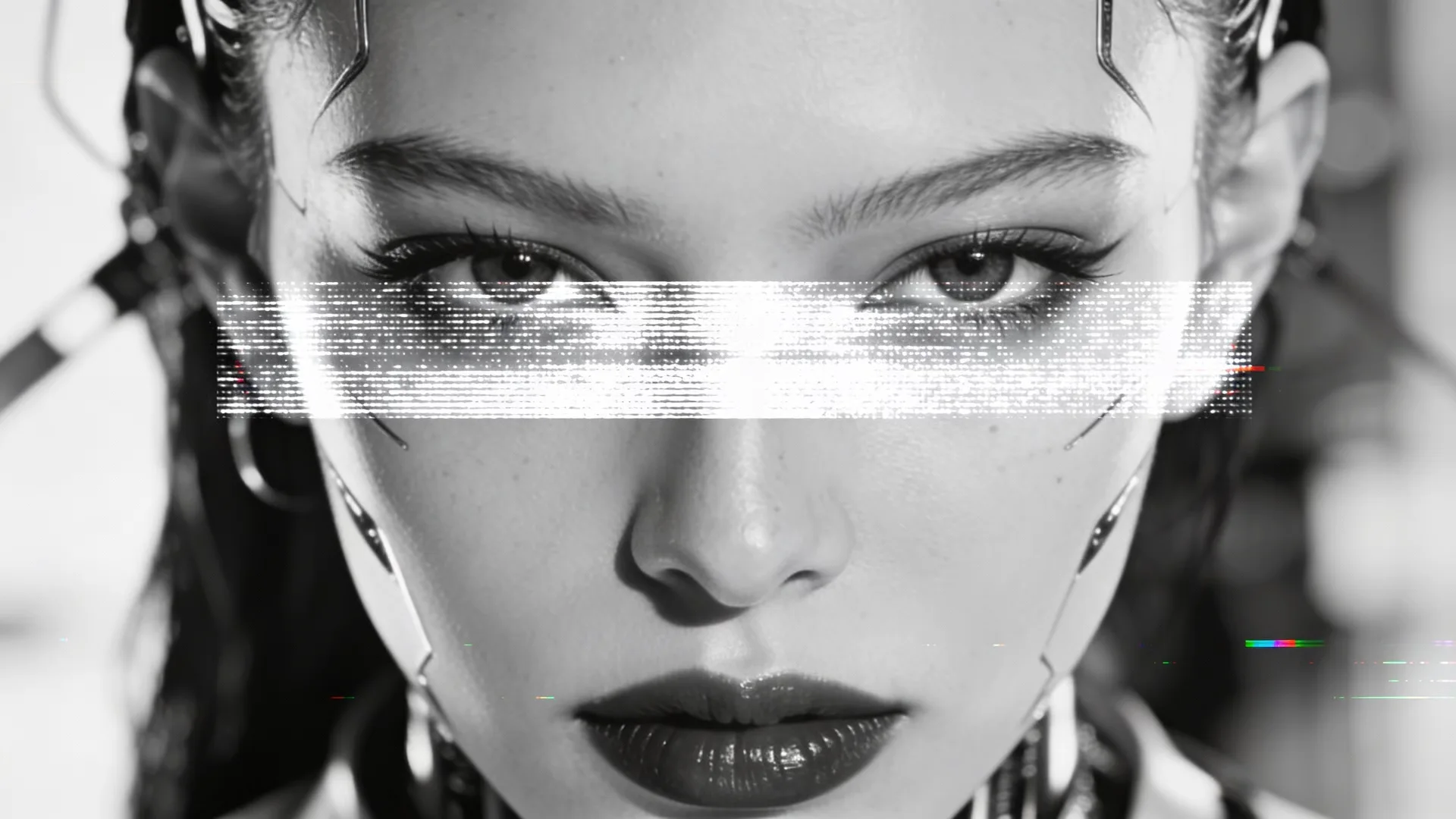
Seedream 5 emphasizes layout clarity and readable space for copy. It helps you place subject, negative space, and headline areas more reliably so designs stay clean and easier to finish in a design tool.
How to use Seedream 5
A practical Seedream 5 workflow is: prompt, generate, and refine. Keep the core subject stable and focus each iteration on one change.
Write a compact creative brief
State the subject, setting, and lighting in one or two sentences so the model has a clear target.
Pick the ratio for your channel
Choose square for marketplaces, portrait for mobile feeds, and landscape for headers so the model composes for the final canvas.
Refine with one change
Update one element per run - background, color tone, or camera angle - to keep outputs consistent.
AI Tools & Effects
Transform your images with powerful AI tools and creative effects
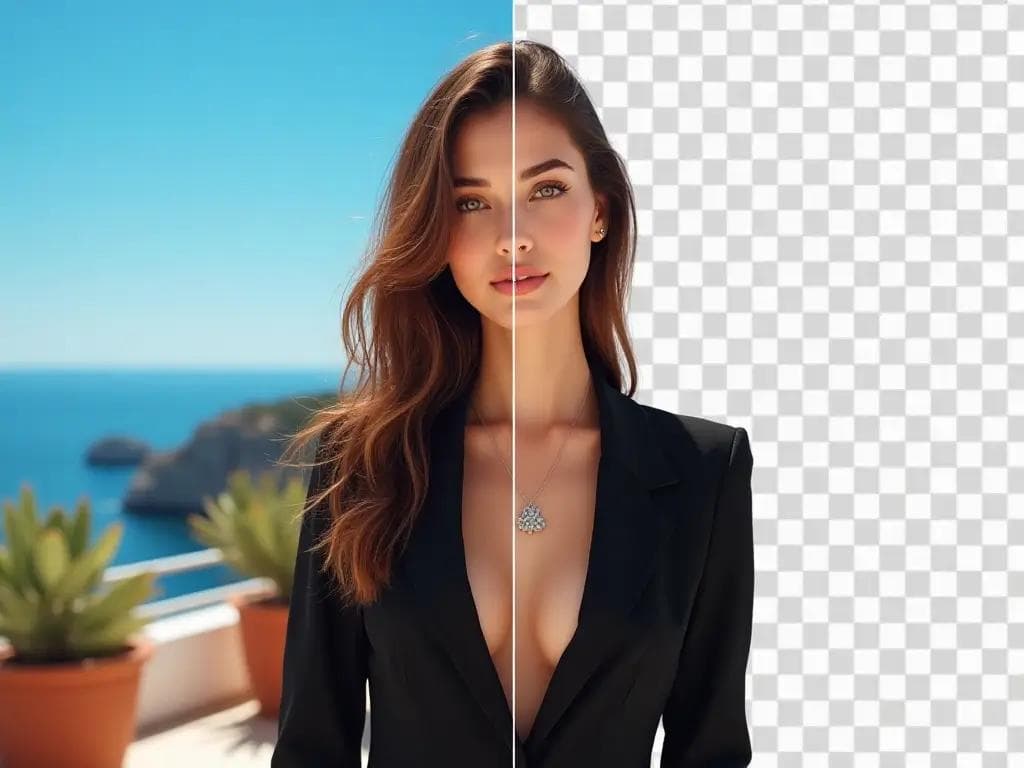
AI Background Remover
Remove backgrounds in one click for product photos and portraits.

AI Font Generator
Generate stylish lettering and logo text with AI typography.
 new
newBing Image Generator
Copilot-style text-to-image with quick prompts and trendy looks.
 new
newAI Image Combiner
Blend people, objects, and backgrounds from multiple photos into one shot.
Why teams choose Seedream 5
Consistent subjects across variants
Keep identity, materials, and key visual details stable while you test multiple layouts or backgrounds.
Cleaner layouts for copy and logos
Balanced framing helps you leave space for headlines, pricing, or UI overlays without clutter.
Stronger prompt adherence
Short, focused prompts lead to predictable results that are easier to evaluate and refine.
Reliable reference-image control
Use a reference to anchor product identity, faces, or brand assets while changing scene or mood.
Poster-ready typography drafts
Improved text handling and layout clarity make poster and brand drafts more usable on the first pass.
Fast iteration without drift
Generate a set, pick the strongest direction, then refine one detail at a time to stay on brand.
Seedream 5 FAQ
Answers to common questions about Seedream 5 workflows and best practices.