
Sora 2 Realistic Video Creator with Synchronized Audio
Sora 2 produces short, cinematic clips with sound and motion aligned for immersive drafts.
Real User Examples





What is a Sora 2 video generator?
Sora 2 is an OpenAI model that generates short video clips with synchronized audio and improved physical realism.
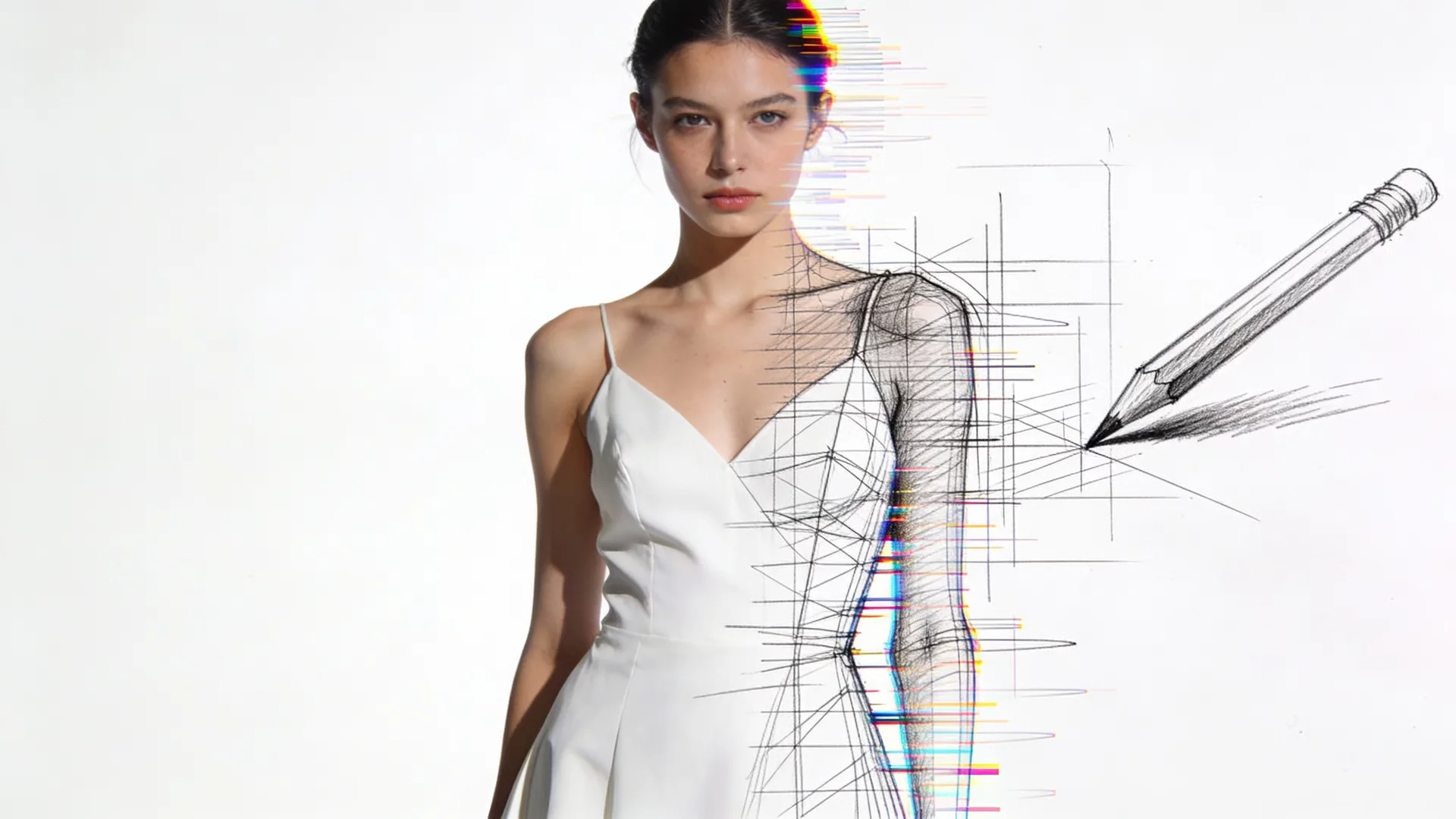
Audio-synchronized video
Sora 2 creates video and audio together, which helps clips feel complete without extra sound editing. You can describe ambience, dialogue timing, or music cues, and the model aligns the audio with the motion. This is valuable for storyboards and concept reviews where timing affects the narrative.

Improved realism and physics
This model focuses on realistic motion, lighting, and physical interactions. This makes it useful for cinematic shots, product movement, and lifestyle scenes where subtle detail matters. The result feels closer to live footage, which helps teams validate creative direction early.
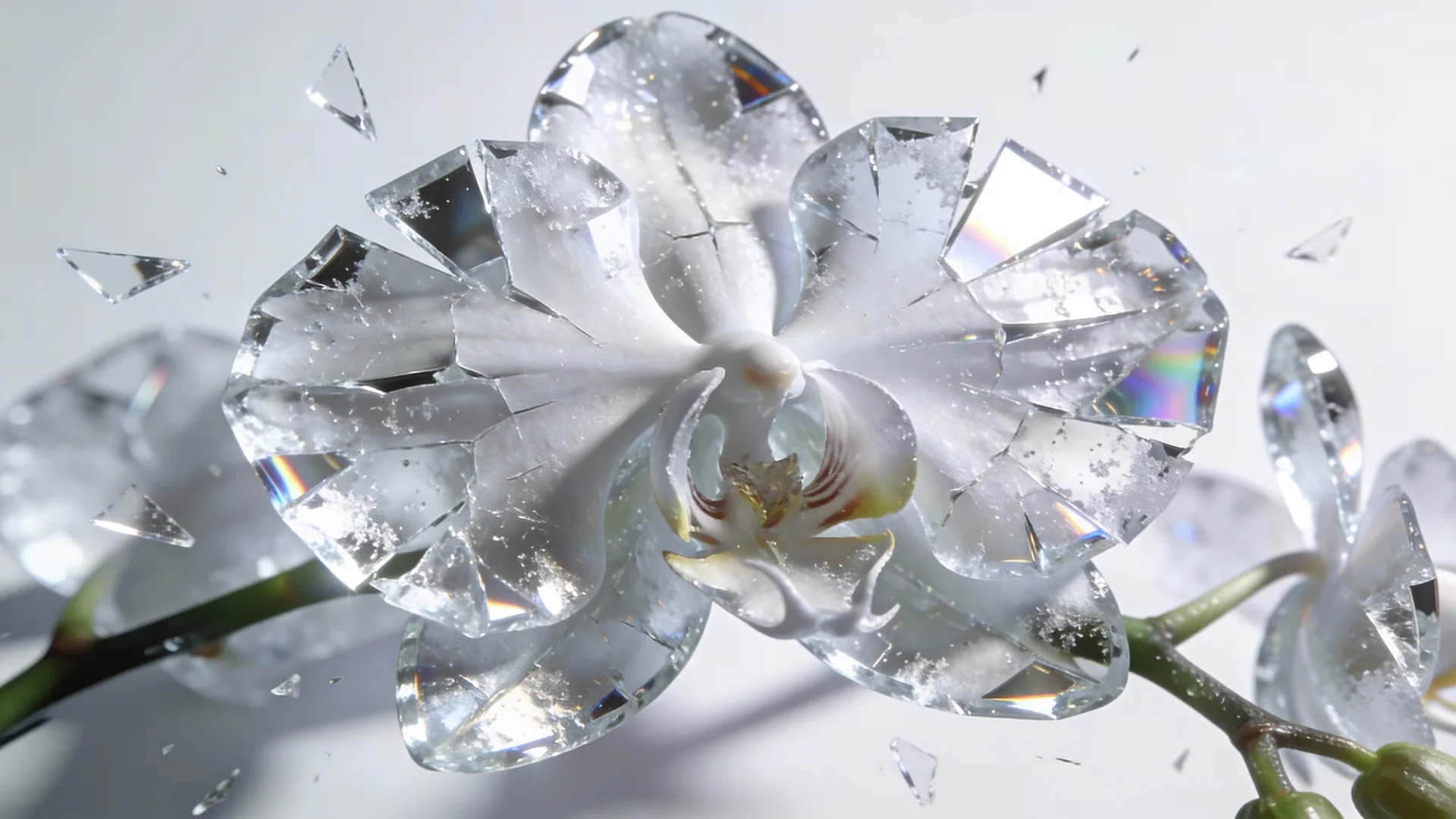
Control and steerability
This model is designed for strong control. Clear prompts with camera direction, pacing, and mood translate into more predictable outputs. This gives creators a faster path from concept to review without heavy post production.
How to use the Sora 2 video generator
Describe the scene and sound, set the format, and generate a short draft quickly.
Write a detailed prompt
Include subject, action, environment, camera motion, and sound cues.
Choose format and style
Pick aspect ratio, duration, and visual style based on your target channel.
Generate and refine
Review the clip, adjust timing or framing, and export your best version.
AI Tools & Effects
Transform your images with powerful AI tools and creative effects
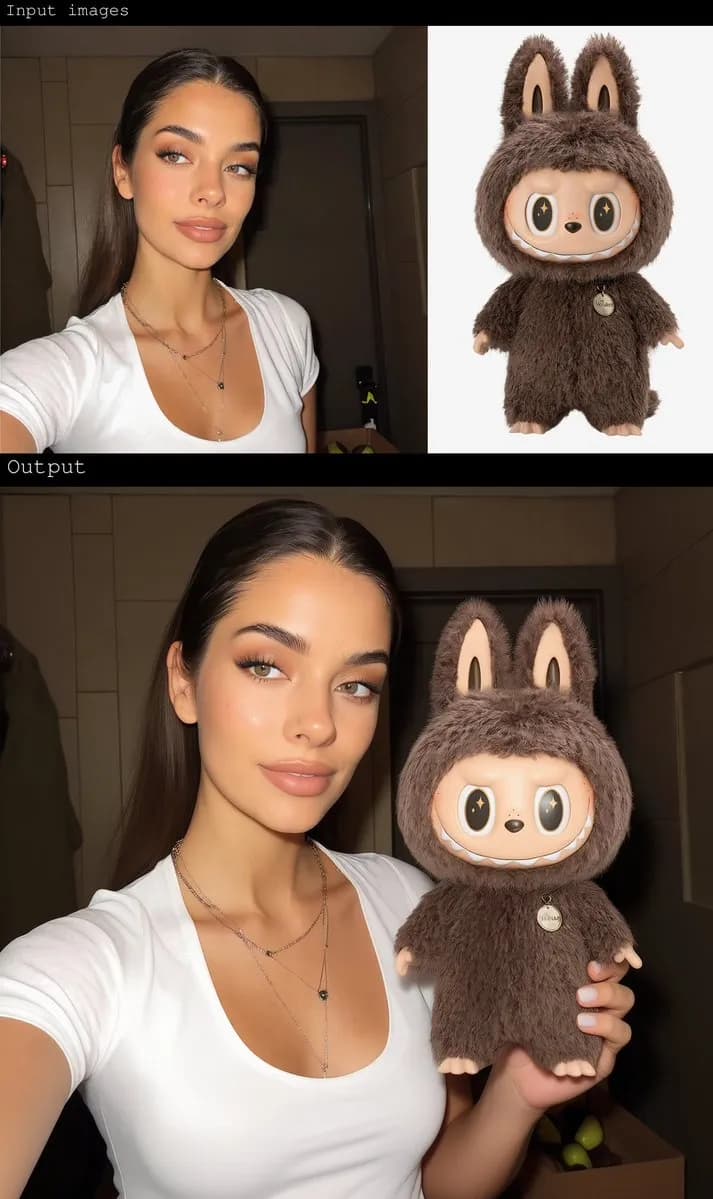
Gender Swap
Swap gender presentation while preserving identity and details.
 new
newAI Background Changer
Replace backgrounds with creative scenes in seconds.
 new
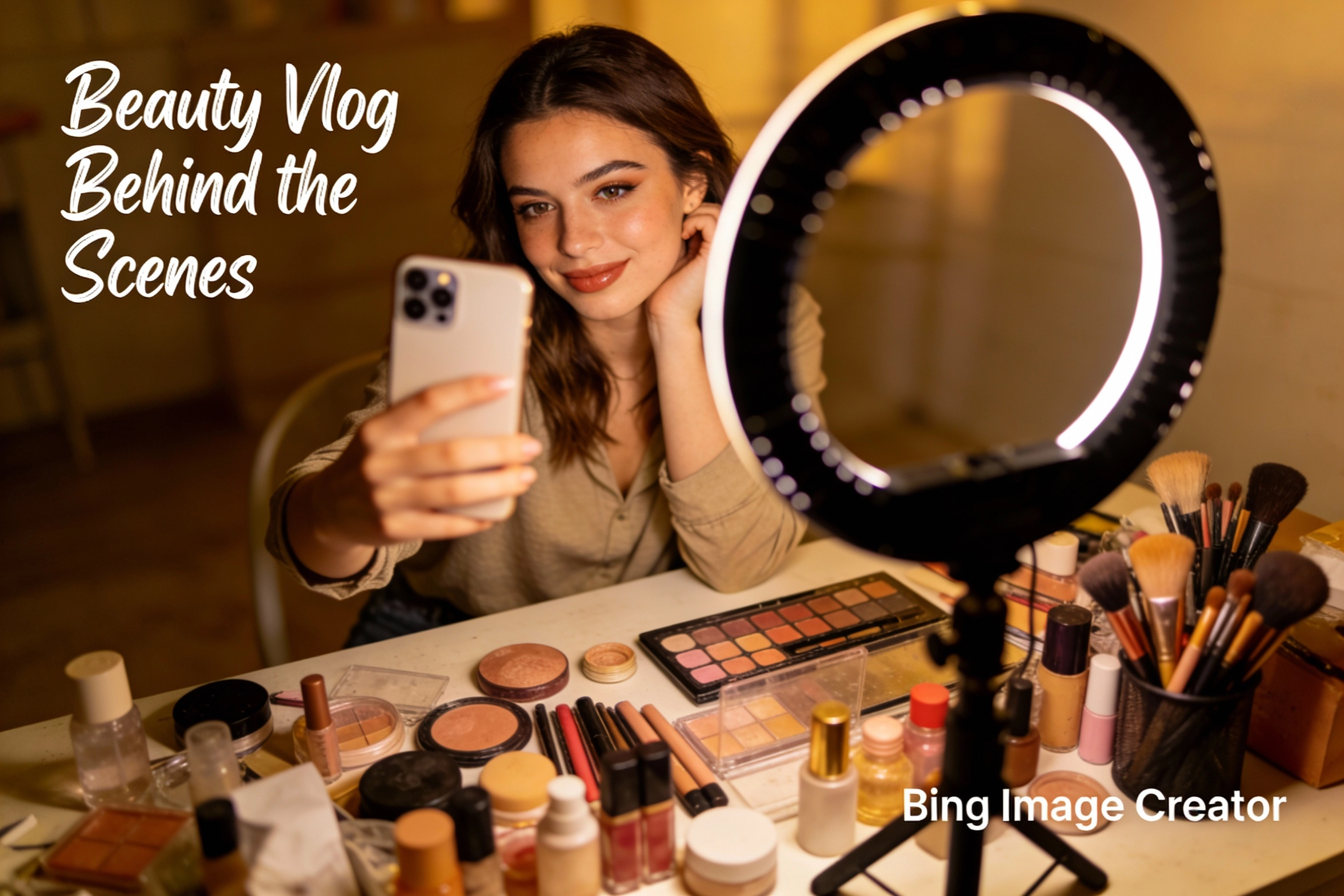
newBing Image Creator
Microsoft Designer-like image creation for ads, posts, and mockups.
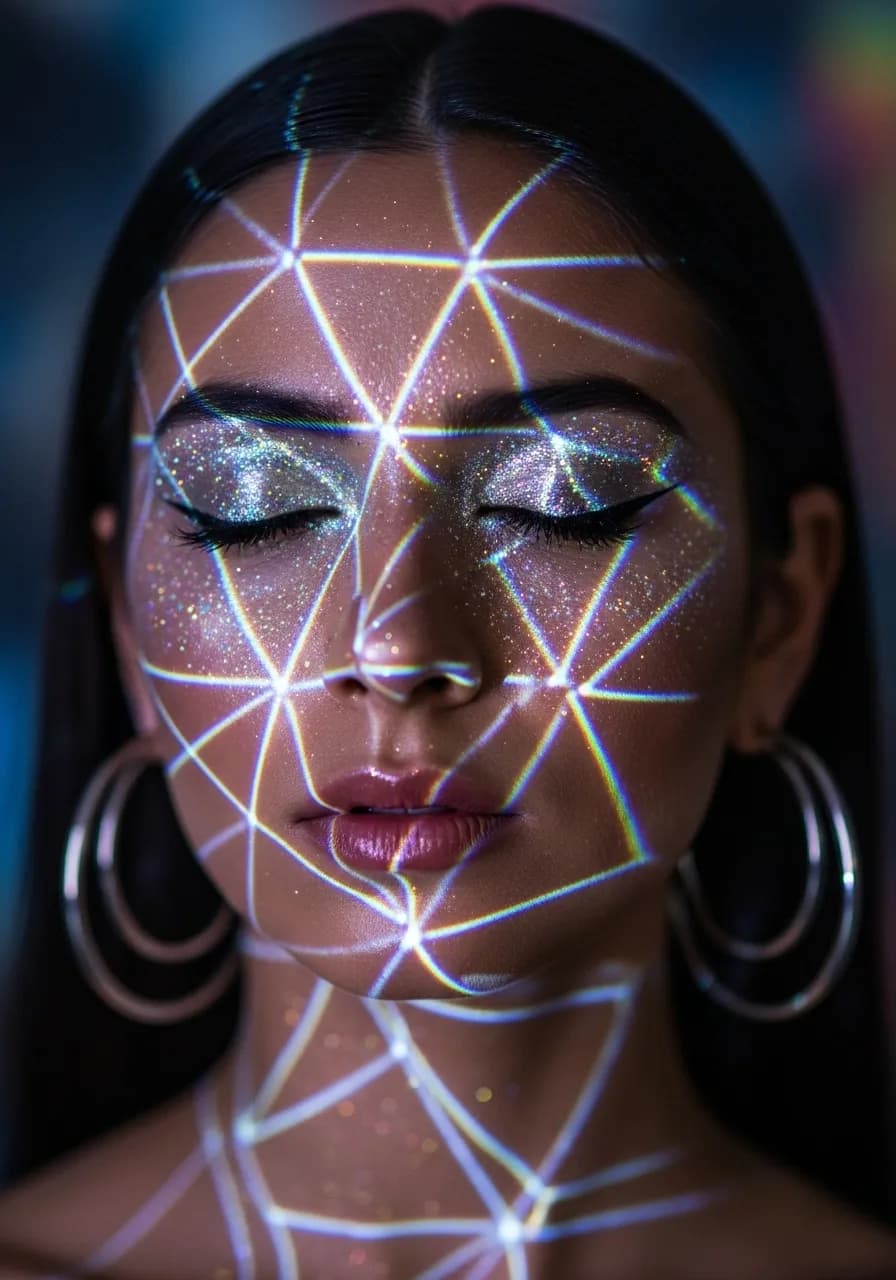
Y2K Style Filter
Apply nostalgic Y2K aesthetics to your photos.
Key features of the Sora 2 video generator
Native audio-video generation
Sora 2 produces sound and motion together, helping clips feel immersive and complete.
Enhanced realism
Improved physics and lighting make the footage feel closer to real-world video.
Prompt steerability
Clear camera and motion cues translate into more predictable outputs.
Cinematic motion
Smooth camera movement supports film-like storytelling and premium drafts.
Short-form iteration
Generate multiple variations quickly to test pacing and visual direction.
Download-ready outputs
Export clips and add branding or captions in post when needed.
Sora 2 video generator FAQ
Common questions about Sora 2 and audio-synchronized video creation.