
Uncensored AI Image Generator Online
This uncensored AI image generator turns a written scene or a reference photo into a still. It defaults to Z-Image, with Wan Image on the same picker, which follow clothing, pose, and light more closely than GPT Image or ImageFX on this site.
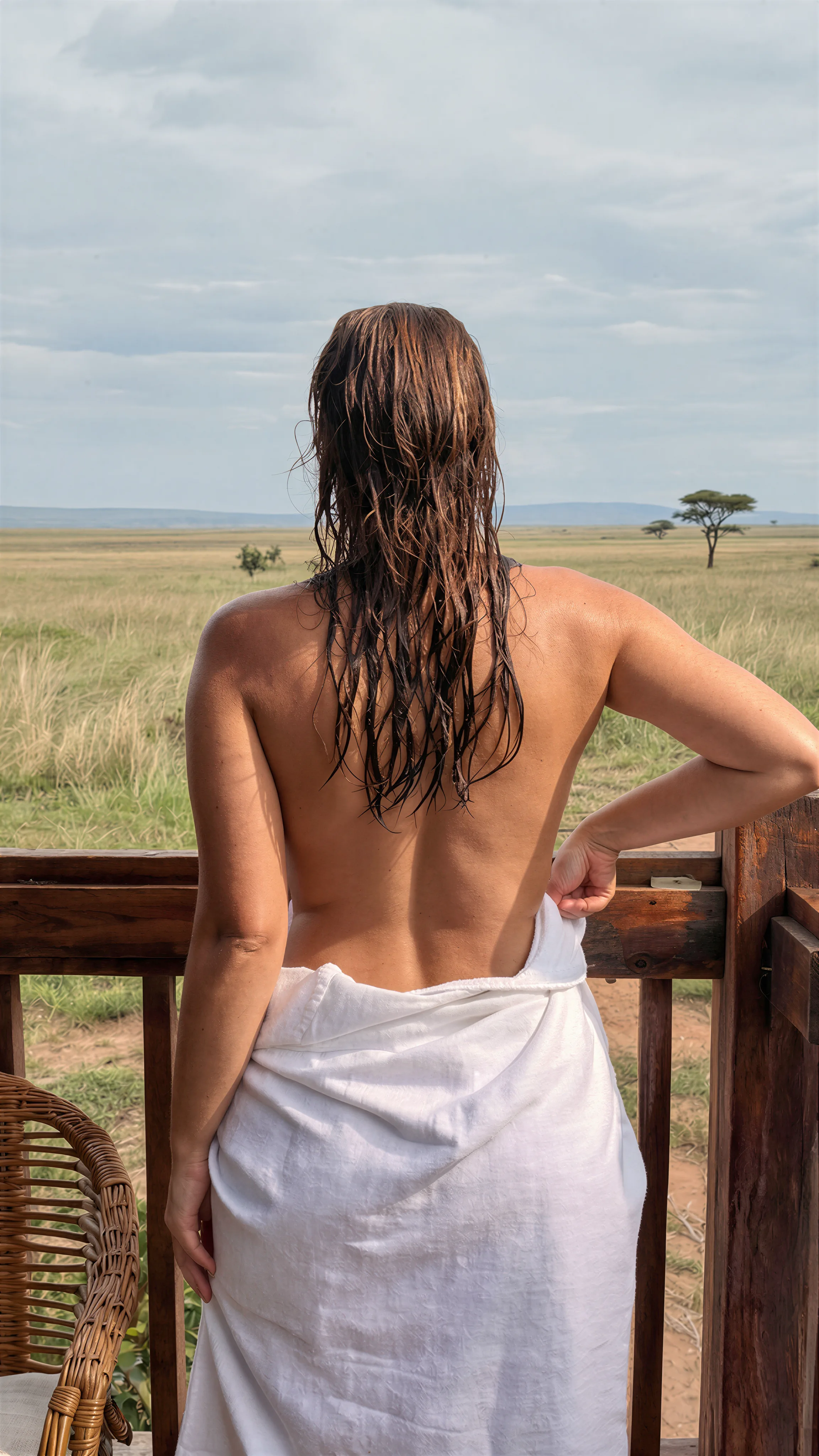
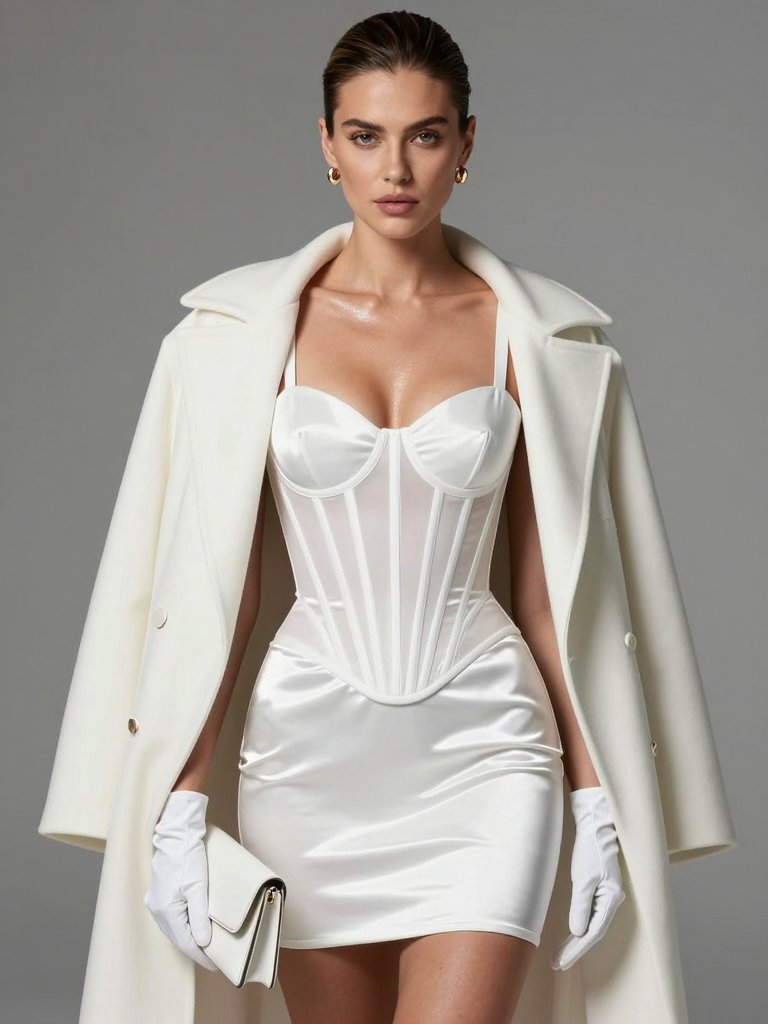
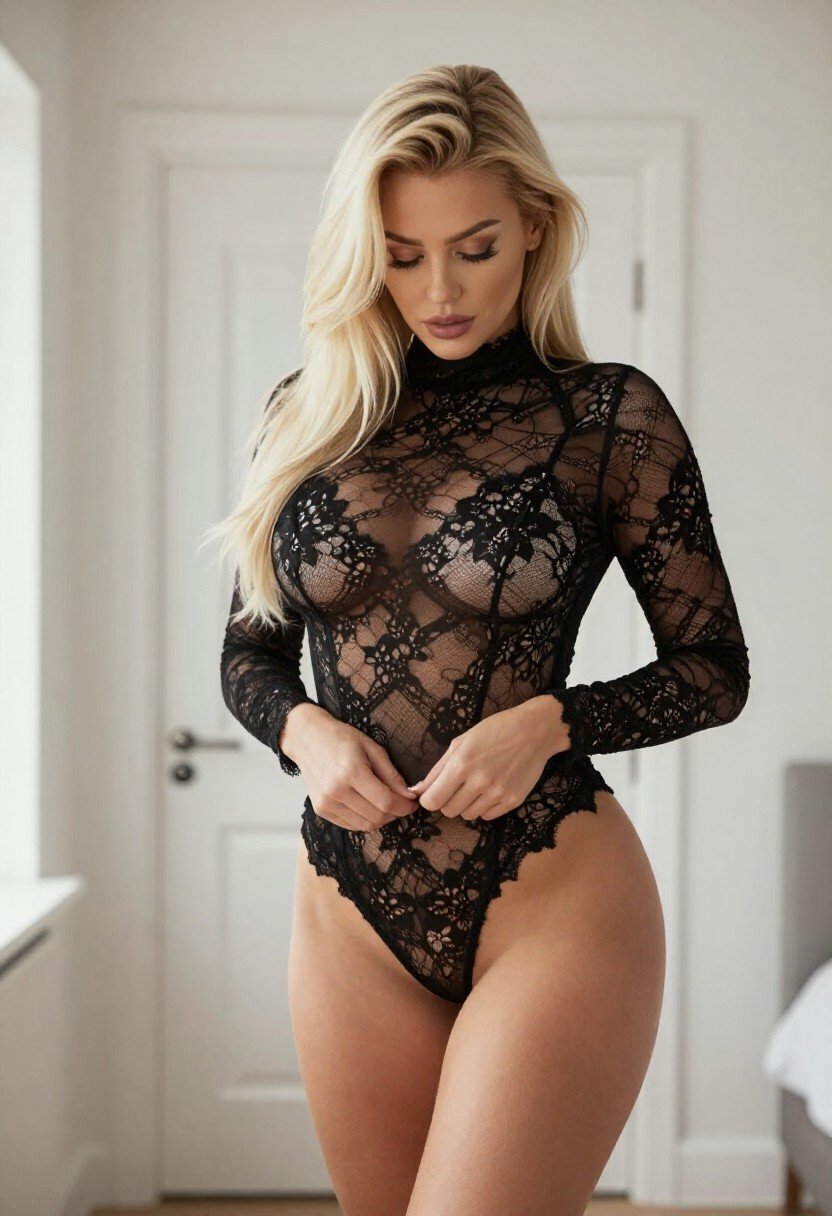
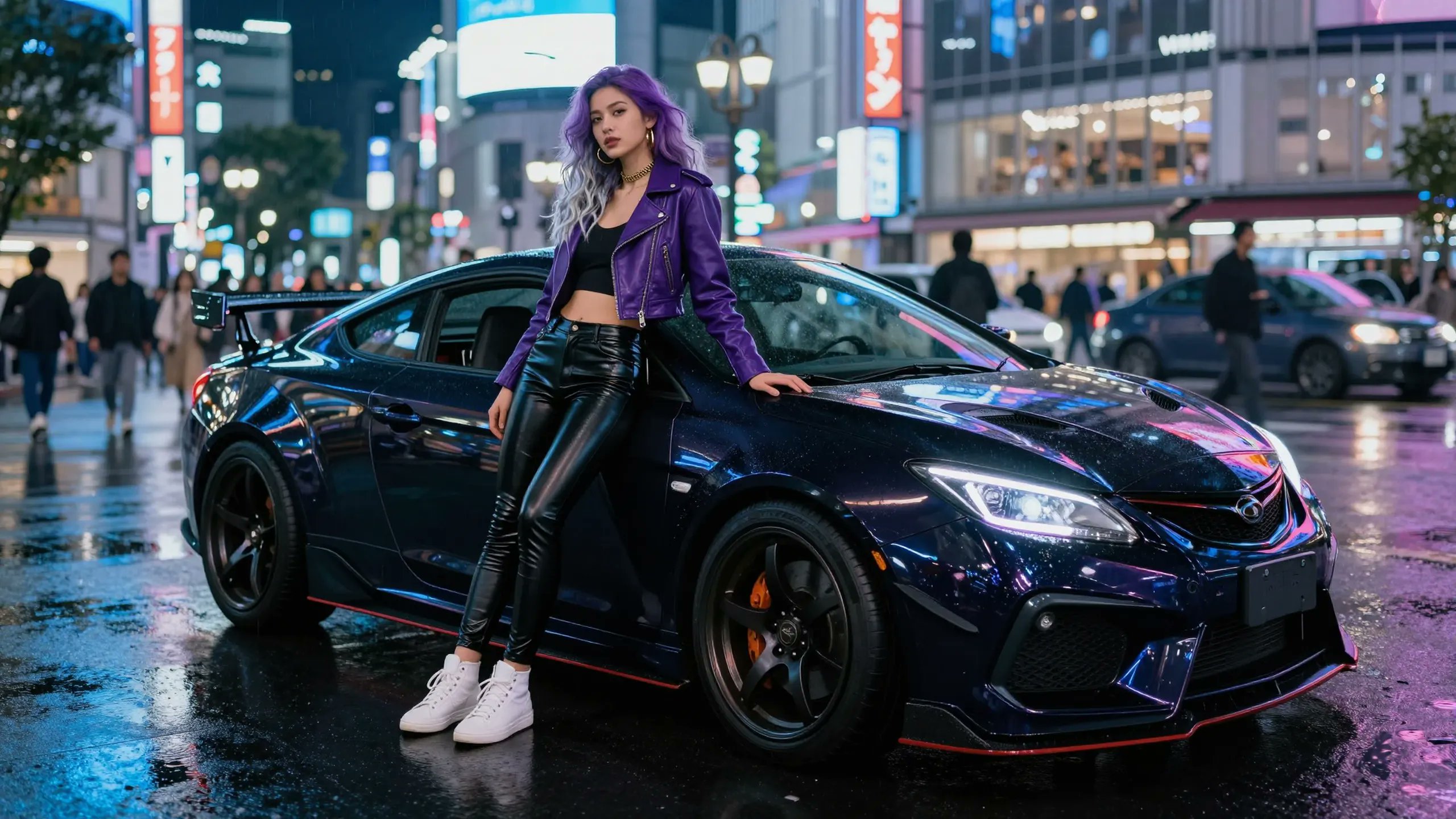
Fashion image references
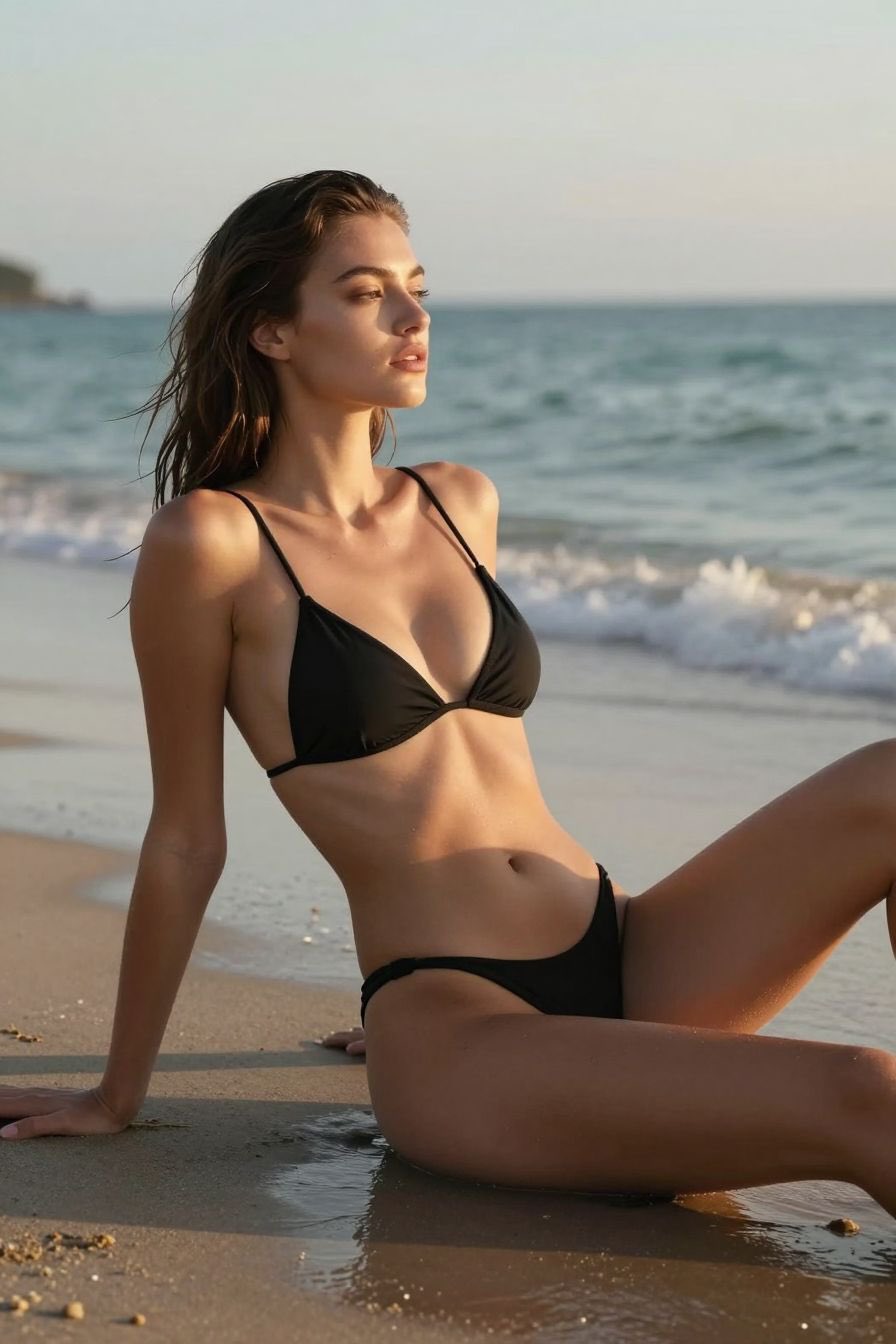
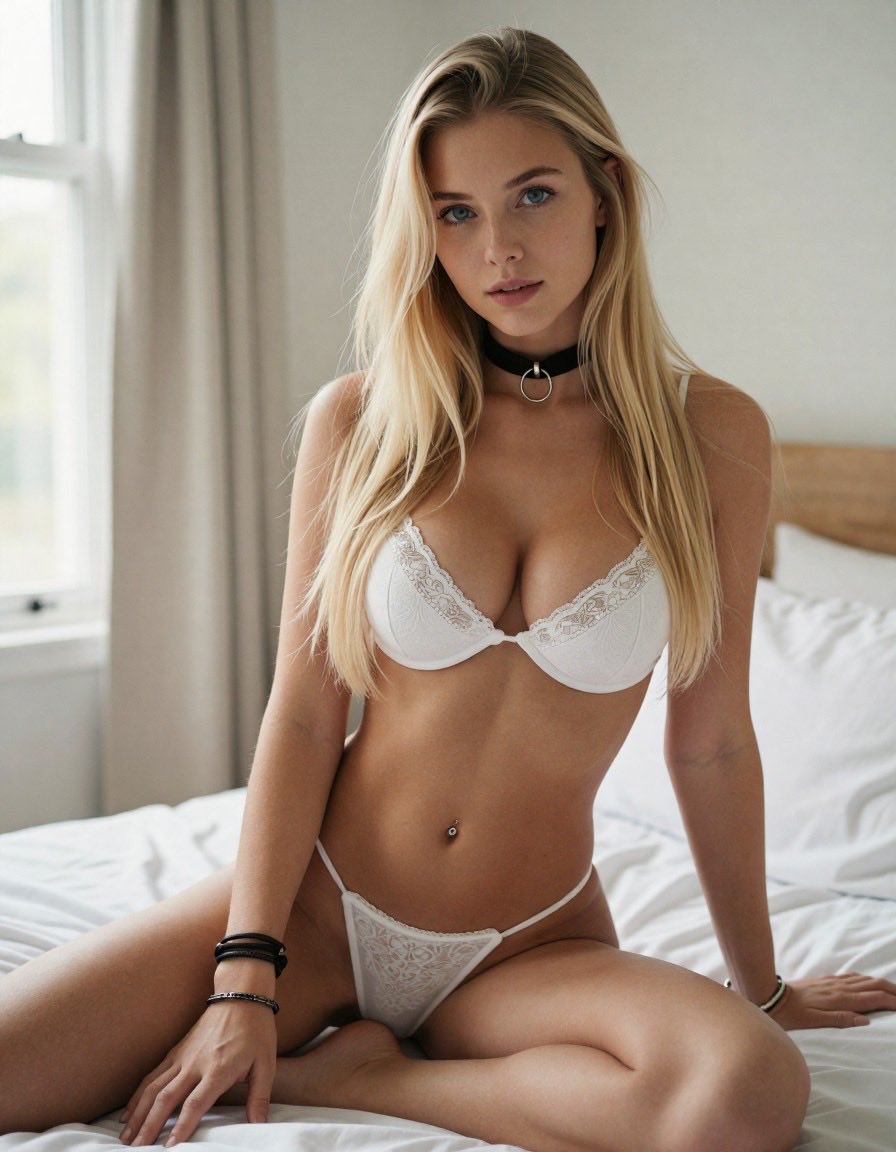





What is an uncensored AI image generator?
This tool turns text or a reference photo into a still and follows the brief more closely than filtered chat-image tools.
Render the still as described
Write subject, clothing, pose, and light. The uncensored AI image generator keeps those facts in the frame instead of replacing a garment, cropping a figure, or washing out skin and fabric. Use it for fashion editorials, character sheets, and concept stills that stricter engines refuse to finish.
Guide the frame from a reference photo
Upload a still when identity, wardrobe, or composition must stay put. Switch to image-to-image, then write only the change: new light, new backdrop, or a wardrobe note. The generator uses the photo as the lock and the prompt as the edit, so you are not redrawing the person from scratch.
Switch engines when one model refuses
Z-Image and Wan Image sit on this route. If one engine blocks the still, keep the same brief and pick the other. GPT Image and ImageFX on other ImagenX pages refuse more often; this page defaults to Z-Image for prompts that need the clothing and pose left intact.
How to generate an uncensored still
Three steps: lock the facts, pick an engine, download the image.
Write the still or upload a reference
Name the subject, clothing, pose, and light. If you have a photo that must stay recognizable, upload it and write only the change you want.
Pick engine and size
Start with Z-Image, or switch to Wan Image if the first engine refuses. Set aspect ratio to match a portrait, poster, or product frame.
Generate and download
Review the still. If a detail drifted, keep the same facts and change one line in the prompt. Download the image when the frame matches the brief.
AI Tools & Effects
Transform your images with powerful AI tools and creative effects
 new
newAI Background Changer
Replace backgrounds with creative scenes in seconds.
AI Face Morph
Merge two faces smoothly while keeping lighting and skin tone natural.
 new
newBing Image Generator
Copilot-style text-to-image with quick prompts and trendy looks.

AI Font Generator
Generate stylish lettering and logo text with AI typography.
What this uncensored AI image generator actually does
The brief stays in the still
Write clothing, pose, and light as facts. This route defaults to Z-Image, with Wan Image on the picker. Those engines follow the brief more closely than GPT Image or ImageFX on other ImagenX pages. The selected engine can still refuse a request.
Text-to-image and image-to-image
Start from words, or lock identity with a reference photo. Image-to-image is for wardrobe, backdrop, and lighting changes on a still you already have, not for a second text box pretending to be an editor.
Engine switch on the same brief
Z-Image and Wan Image share this studio. One refusal does not mean you rewrite the idea. Keep the prompt, change the engine, and compare the still.
Fabric, skin, and light stay sharp
Filtered tools often soften skin, hide seams, or blur jewelry. This generator is for stills that need visible grain, stitching, and directional light so the frame can be used as a concept or a product reference.
Aspect ratio and resolution controls
Set portrait, landscape, or square before you generate. The still should match the slot you are filling: a character sheet, a lookbook frame, or a vertical social crop.
Download with paid commercial use
Download the still from the studio. Paid plans own the output for commercial use under the Terms. Free-plan outputs are limited to non-commercial use.
Uncensored AI image generator FAQ
What this stills tool keeps, what it still blocks, and how to pick an engine.