
Uncensored AI Video Creator Online
Turn a written shot into a short clip with open-source AI video models. Direct camera movement and timing from the browser; sound is generated with the video. No local GPU or ComfyUI.
Fashion video references





What is an uncensored AI video creator?
This tool turns a written shot into a short clip with open-source video models, camera direction, and generated sound, without a local video setup.
Direct motion and camera from text
Write the subject, the move, and the timing: push-in, pan, hold, cut. The creator turns that shot list into a clip with an open-source video model. Use it for teasers, lookbook motion, and narrative shorts when other models on this site refuse the action.
Build the scene from a shot description
Describe the subject, setting, and action in one prompt. Add a camera move and timing so the model has a clear sequence to render. This page takes text only; use a separate image-to-video tool when you need to animate an existing photo.
Sound generated with the clip
Describe footsteps, traffic, ambience, or speech in the prompt. This video workflow generates sound with the clip. There is no sound on/off control here, and precise lip sync is not guaranteed on every take.
How to create an uncensored clip
Three steps: describe the shot, set duration and aspect, then download the clip.
Write the shot description
Name the subject, action, camera move, and timing. Keep one clear subject in frame and describe any sound you want the model to generate.
Set duration and aspect
Pick a supported length, then choose a vertical, square, or landscape format. Audio is generated with the clip; this page has no audio switch.
Generate and download the clip
Wait for the job to finish, play the take, then download. If motion drifted, keep the same subject and change one camera or timing line.
AI Tools & Effects
Transform your images with powerful AI tools and creative effects
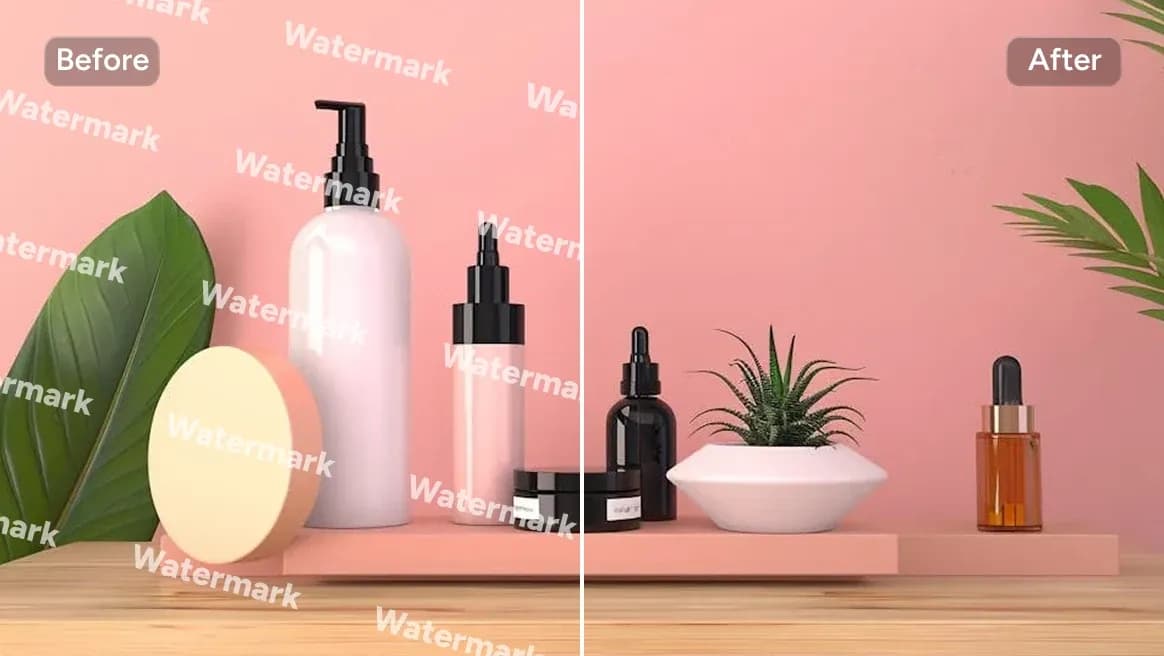
AI Watermark Remover
Clean watermarks or text from images responsibly.
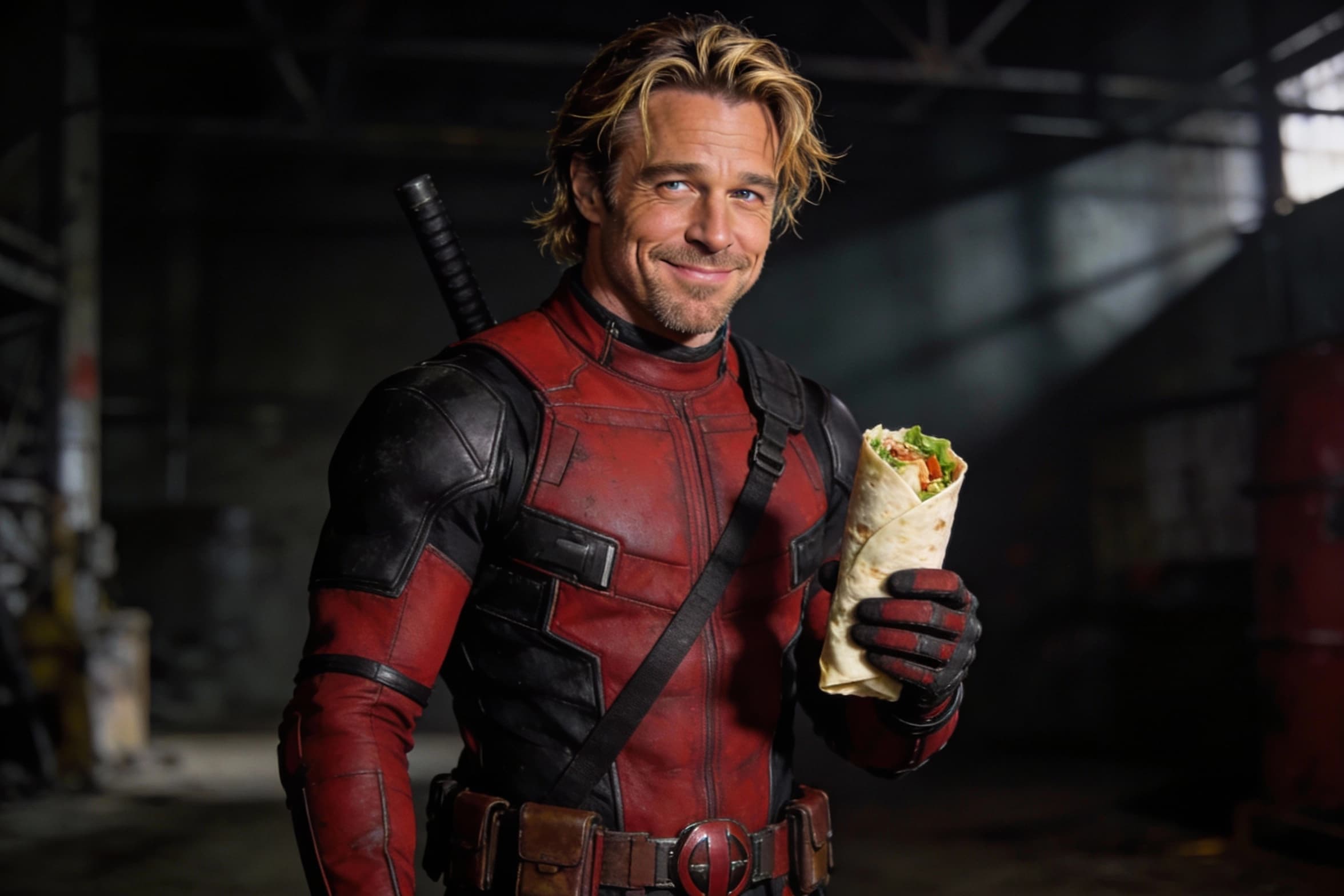
AI Face Morph
Merge two faces smoothly while keeping lighting and skin tone natural.
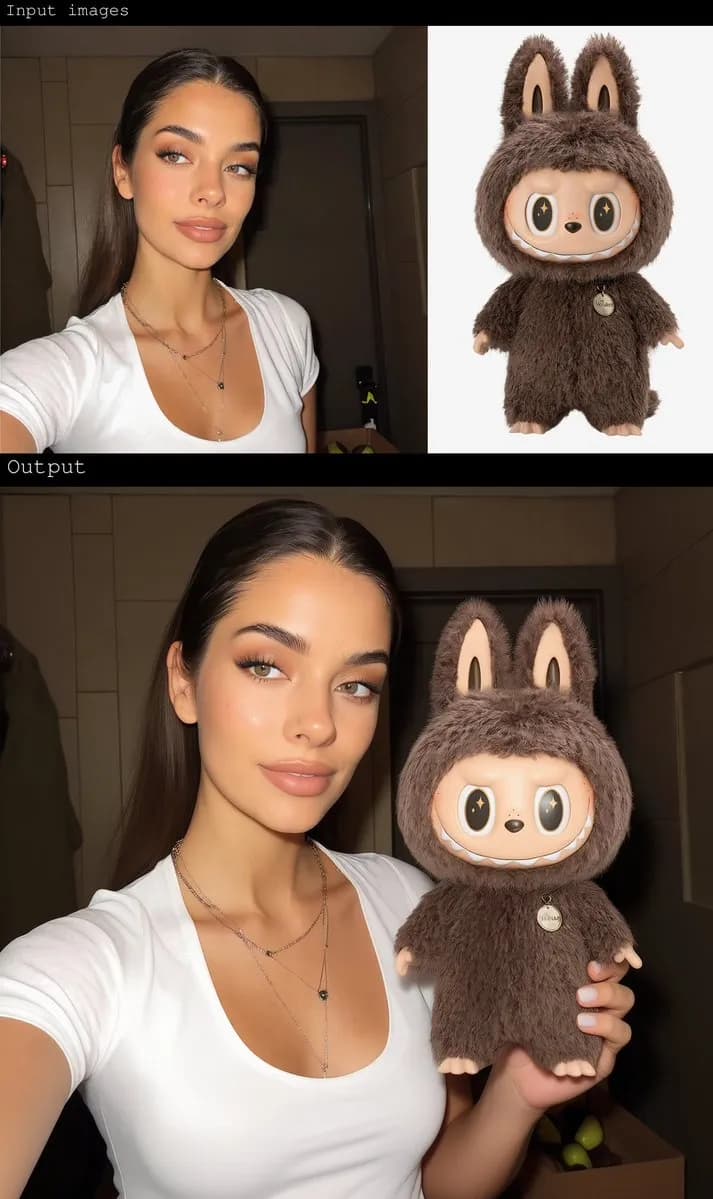
Gender Swap
Swap gender presentation while preserving identity and details.

AI Clothes Remover
Remove mannequins or garments to clean apparel photos quickly.
What this uncensored AI video creator actually does
Shot list, not a still prompt
Write camera, action, and timing. This creator is for motion: push-ins, pans, holds, and multi-shot beats. A clothing or pose note without a move produces a weak clip. Direct the camera the way you would brief an operator.
Audio generated with video
Describe footsteps, rain, ambience, or spoken lines in the shot prompt. This video workflow generates sound alongside the clip. This page does not offer an audio switch or a silent export setting.
Text-to-video shot planning
Start from a written shot: subject, action, camera movement, and setting. This route does not accept an image upload. For a clip based on an existing photo, open the separate image-to-video tool.
Duration and aspect for the channel
Set a short duration the model supports, then 9:16, 1:1, or 16:9. The clip should match the slot: a reel, a story, or a landscape hero. Regenerating the same shot for a second aspect is faster than stretching a finished file.
Browser route, no local GPU
You do not need ComfyUI or model weights on a desktop GPU. The creator runs in the browser using ImagenX credits, with open-source video models available online.
Download the take
Export the clip after reviewing the motion and sound. Generation uses credits and usually takes a few minutes. Check the current Terms or ask support before using a video commercially.
Uncensored AI video creator FAQ
Motion, audio, duration, and what this clip tool still will not generate.