August 15, 2026
Best AI Video Generator List: 9 Tools Compared by Workflow
A practical best AI video generator list for text-to-video, image-to-video, product clips, social content, and creative production workflows.

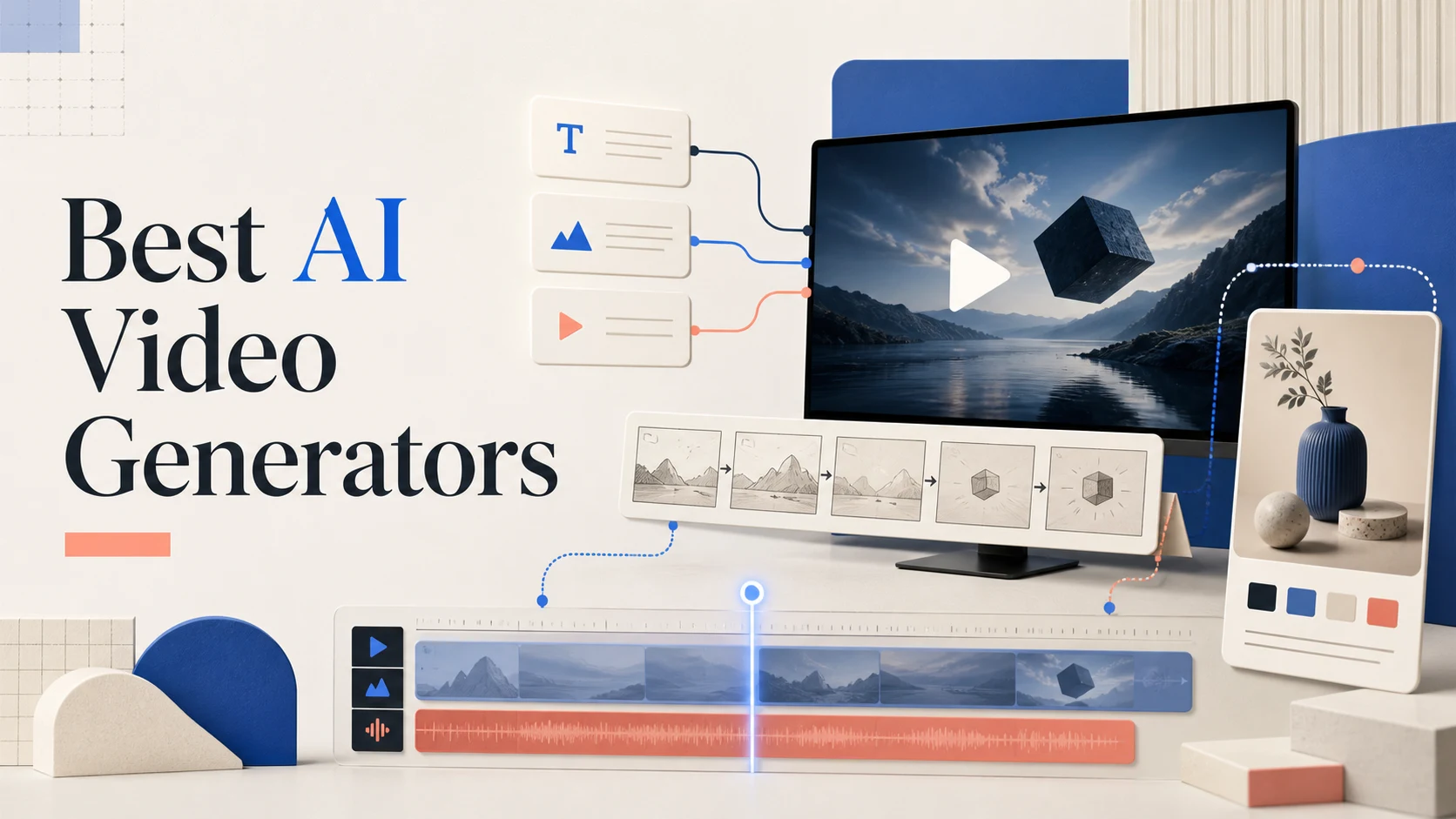
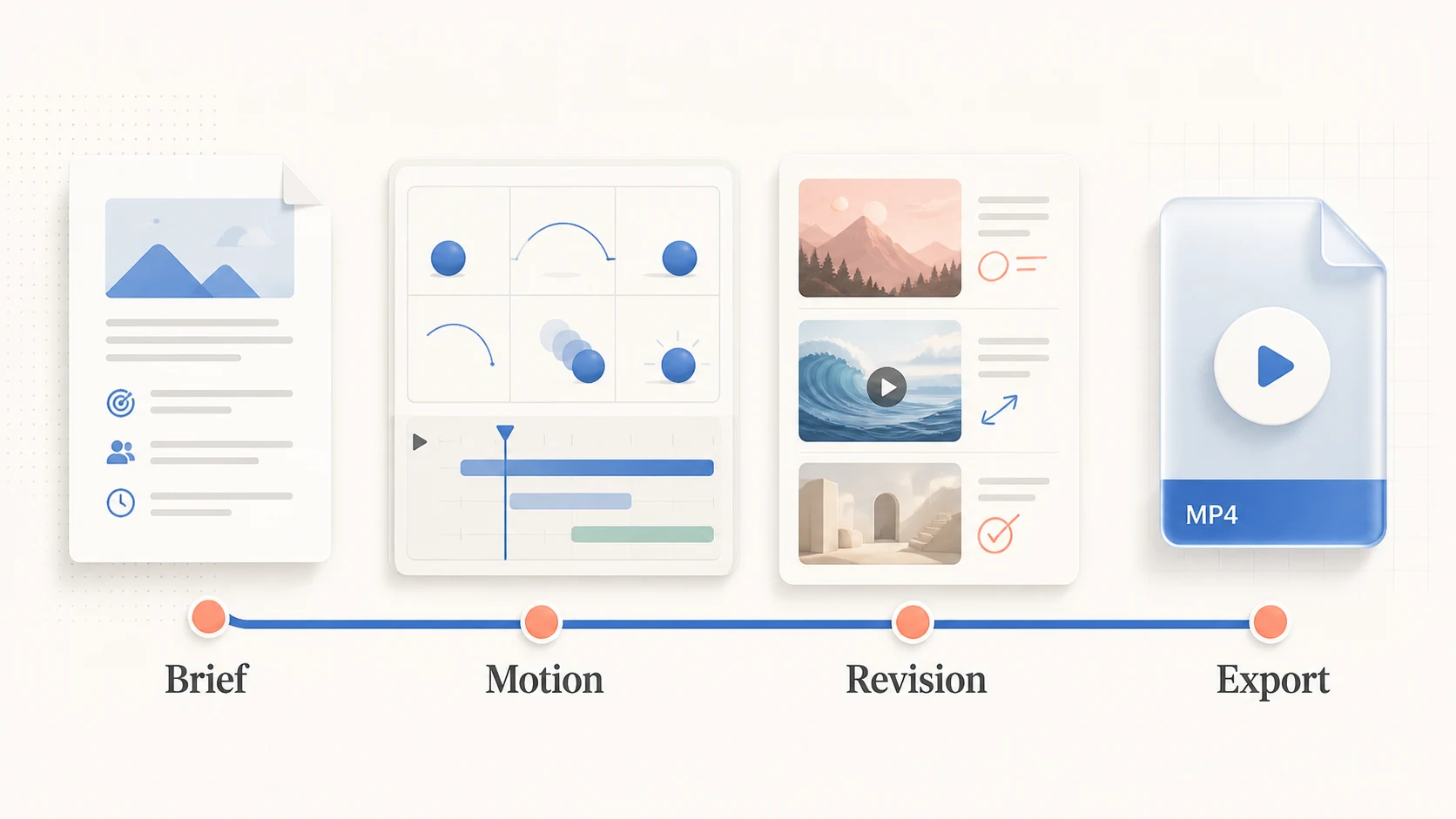
The best AI video generator gets your brief to a usable clip with few expensive revisions. A filmmaker may prioritize camera control. A marketer may need product variations in several aspect ratios. A creator may need a fast path from one image to a short social clip.
This best AI video generator list compares nine tools by workflow. It covers text-to-video, image-to-video, product content, cinematic ideation, short-form experiments, and multi-model workspaces.
How to Choose an AI Video Generator
Before comparing tools, define the asset and revision loop. 'Make a cinematic video' is not a useful test because every tool can be judged against a different interpretation of the brief. Start with the output you need.
Use these criteria:
- Prompt and story control: Can you describe the subject, action, setting, camera movement, lighting, and pacing clearly?
- Source-image control: Can you animate a product photo, character design, storyboard frame, or other reference without losing the important details?
- Motion quality: Do objects move with believable timing, contact, weight, and camera behavior?
- Continuity: Can the subject, wardrobe, product shape, and scene identity survive more than one shot?
- Iteration speed: Can you compare variations, extend a promising clip, or revise one element without restarting everything?
- Production fit: Does the tool support your aspect ratio, download, editing, review, and team workflow?
- Rights and privacy: Do the current terms and data controls fit the content you plan to upload and publish?
The Best AI Video Generators at a Glance
This is a workflow shortlist, not a universal ranking. Verify current access and limits before planning a production run.
| Tool | Best for | Main strength | Watch-out |
|---|---|---|---|
| ImagenX | Multi-model video workflows | Dedicated video-generation and model pages in one workspace | Compare the active model and settings for each task |
| Runway | Creative video production | Broad text-to-video and image-to-video tooling for visual development | A flexible tool still requires a clear shot plan and review process |
| Adobe Firefly | Adobe-based teams and product clips | Prompt- or image-based video generation for B-roll, scenes, and product content | The best fit depends on how much of your workflow already lives in Adobe |
| Kling AI | Motion and frame-control experiments | Emphasis on motion control, first/last frames, and high-resolution generation | Test subject continuity and the exact controls available to your account |
| Google Veo | Cinematic model exploration | A model family aimed at high-quality generative video experiences | Availability depends on the product and plan through which you access it |
| Pika | Fast idea-to-video experiments | A simple path from an idea to a short moving concept | Fast effects are not a substitute for a repeatable shot workflow |
| Grok Imagine | Product videos and paid social variations | Generate, compare, and refine campaign creative from one brief | Define the product facts and visual constraints before generating variations |
| Luma | Creative planning and iteration | A workflow-oriented environment for generating, refining, and developing ideas | Check which generation and editing capabilities are currently available |
| SeaVid AI | Accessible multi-model video experimentation | Text, image, and audio inputs with multiple named video and image models in one workspace | Confirm active model access and usage terms before scaling a project |
The Tools, Explained by Use Case
1. ImagenX: Best for Multi-Model Video Workflows
ImagenX is a flexible starting point when you want to compare dedicated video workflows in one product. Its AI video generator supports video creation across prompt- and image-led use cases, while image-to-video, Veo 3.1, Seedance 2, and Sora 2 provide separate paths for different model choices. Use Explore when you want to discover more visual workflows before committing to one route.
2. Runway: Best for Broad Creative Production
Runway is a strong starting point for broad creative video work. Its official positioning covers text-to-video and image-to-video generation. Treat each generation as a shot rather than a finished film.
3. Adobe Firefly: Best for Adobe-Centered Teams
Adobe Firefly is a natural option for an established Adobe workflow. Its official video generator page describes prompt- or image-based clips for B-roll, cinematic scenes, and product videos. Test brand consistency, product accuracy, and the manual editing required.
4. Kling AI: Best for Motion and Frame-Control Tests
Kling AI is worth evaluating when motion behavior and frame control matter. Its official homepage highlights native 4K video generation, motion control, first and last frames, and image generation. Provide a clear start state, specify the motion, and inspect continuity, logos, and object geometry.
5. Google Veo: Best for Cinematic Model Exploration
Google DeepMind maintains a dedicated Veo model page. Access and controls vary by product and plan, so verify them at the point of use. Use Veo for cinematic prompt tests and image-to-video experiments, then judge the export path into your editor.
6. Pika: Best for Fast Short-Form Concepts
Pika describes itself as an idea-to-video platform. It fits social posts, quick concept tests, and motion treatments for still images. Test repeatability and export quality before scaling.
7. ImagineVid: Best for Product Videos and Paid Social Variations
Grok Imagine targets product videos, paid social creative, and campaign variations. Its official homepage describes generating, comparing, and refining campaign creative from one brief.
It fits ecommerce teams that need versions for different audiences or placements. Start with a product photo and constraints for color, material, logo placement, framing, and campaign goal.
8. Luma: Best for Creative Planning and Iteration
Luma is worth considering when the work involves more than a single prompt. Its current positioning emphasizes planning, generation, iteration, and refinement with context. Test whether it preserves the brief as the concept changes.
9. SeaVid AI: Best for Multi-Model Video Experimentation
SeaVid AI offers a multi-model workspace for experimenting with AI video. Its official homepage presents a Seedance 2.0 video maker for text, images, and audio, and names Veo 3.1, Seedream 5.0, and Nano Banana Pro in the workspace.
It fits creators comparing model paths against the same idea or key frame. Verify active access, terms, export behavior, and rights before a client or paid campaign.
Which Tool Fits Your Workflow?
| Your priority | Start with | Why |
|---|---|---|
| Compare dedicated video workflows and model pages | ImagenX | Move between prompt, image-led, and model-specific video paths in one workspace |
| Product videos and paid social variations | ImagineVid | The workflow is organized around a brief, comparison, and campaign refinement |
| Compare several named models with text, image, or audio inputs | SeaVid AI | One workspace supports model experimentation across different input types |
| Broad creative development | Runway | Text-to-video and image-to-video cover common starting points |
| Adobe-centered production | Adobe Firefly | It fits teams that already review and edit assets in Adobe workflows |
| Motion and frame-control tests | Kling AI | First/last frame and motion-oriented controls deserve direct testing |
| Cinematic model exploration | Google Veo | Use it for shot tests where action, camera, and atmosphere matter |
| Fast idea-to-video experiments | Pika | It reduces the distance between a concept and a short moving draft |
| Context-aware creative iteration | Luma | Planning and refinement can help when the project changes over time |
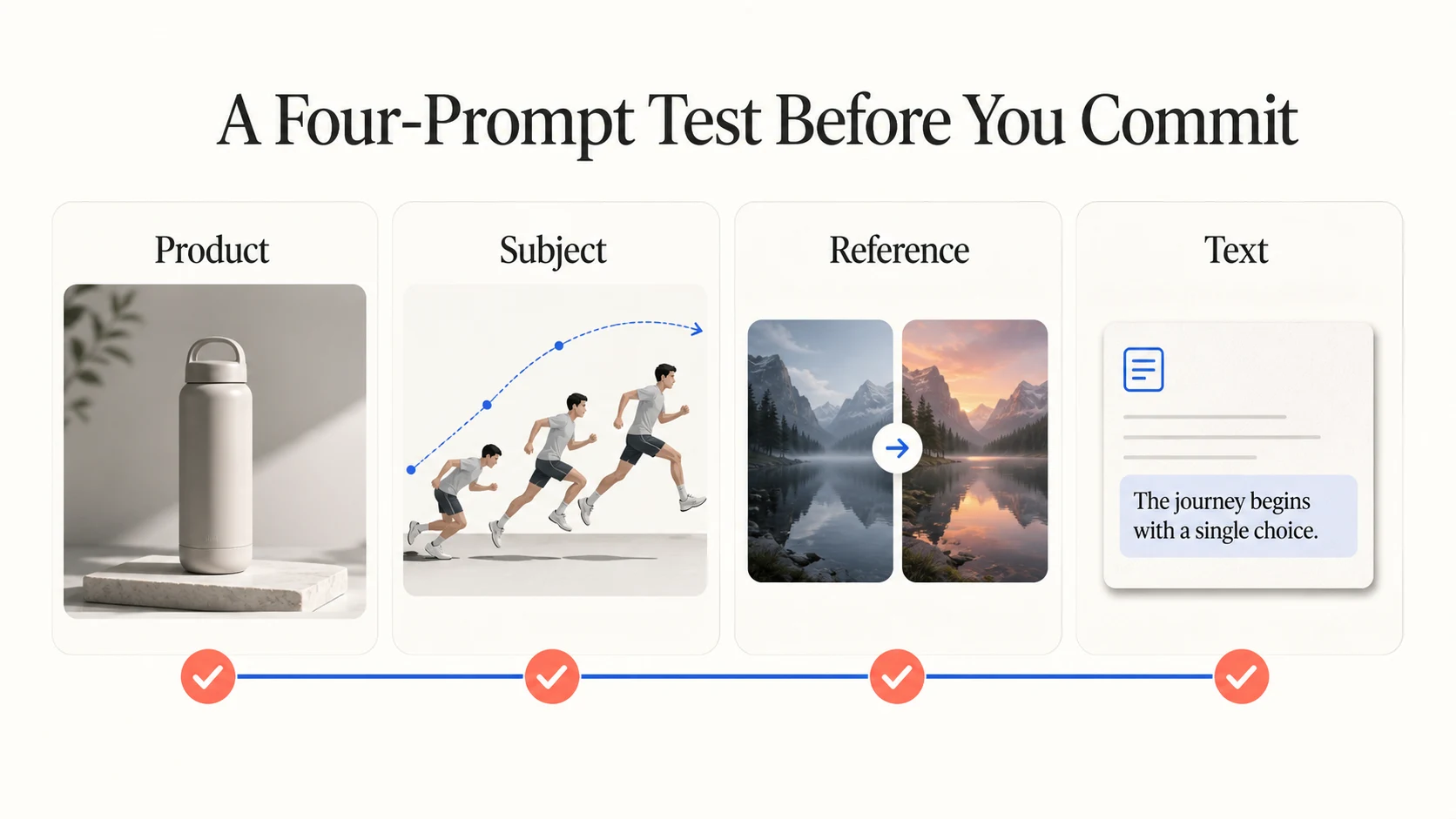
A Four-Prompt Test Before You Commit
Run the same test set through your finalists. Keep the source image, aspect ratio, duration, and acceptance criteria consistent.
- Product shot: Generate a short clip of a product on a controlled set. Check shape, label, material, lighting, and camera stability.
- Subject motion: Animate a person or character performing one clear action. Check hands, face, clothing, contact, and timing.
- Reference transition: Start from a key frame and request a defined camera move or scene transition. Check whether the first and last moments follow the brief.
- Text and story beat: Create a short scene with one visible sign, title, or narrative beat. Check readability, pacing, and whether the visual action supports the message.
Record how many generations produce a usable direction, what version two needs corrected, and whether the output fits your editing process. Version two often reveals more than version one.
Common Mistakes to Avoid
Choosing by demo quality alone
Public demos show a tool at its best. Test the asset type, source image quality, aspect ratio, and revision loop that your work requires.
Treating image-to-video as a simple animation filter
An image provides a starting state, not a complete shot plan. Describe the action, camera movement, timing, and elements that must stay fixed. Test continuity before planning a full sequence.
Skipping the rights review
Review current terms, privacy controls, and commercial-use conditions. Upload only media you have permission to use, especially when a reference contains a person, customer, or branded product.
FAQ
What is the best AI video generator overall?
There is no reliable single winner for every workflow. Runway, Kling AI, and Google Veo suit cinematic and motion tests. ImagineVid fits product and paid social variations, while SeaVid AI helps when comparing several model paths matters more than committing to one.
Which AI video generator is best for product videos?
Start with product facts, reference images, aspect ratios, and campaign variations. ImagineVid fits that process. Adobe Firefly suits teams already working inside Adobe, while other tools may be better for a single cinematic product shot.
Is image-to-video better than text-to-video?
Neither is always better. Text-to-video starts a new scene; image-to-video gives you more control over the initial subject and composition. Test both with the same goal and choose the path that needs fewer corrections.
Final Recommendation
Choose the tool that shortens the distance between your brief and the next usable clip. Start with ImagenX when you want dedicated video workflows and model-specific paths in one workspace. Use Runway, Kling AI, or Google Veo for broad cinematic exploration. Choose Adobe Firefly when the surrounding Adobe workflow matters. Try Pika for fast short-form ideas. Use ImagineVid when product videos, paid social creative, and campaign variations are the real job. Use SeaVid AI when comparing multiple model workflows from text, images, or audio is the priority.
Run the four-prompt test with your own assets. Choose the tool that accepts a precise revision and delivers a clip your team can use.